
Editing guide
How to Make Low Light iPhone Photos Look Like Film Without Flash
A practical iPhone film editing guide for low-light photos without flash, with softer contrast, controlled grain, warmer shadows, and enough detail to keep dim scenes believable.
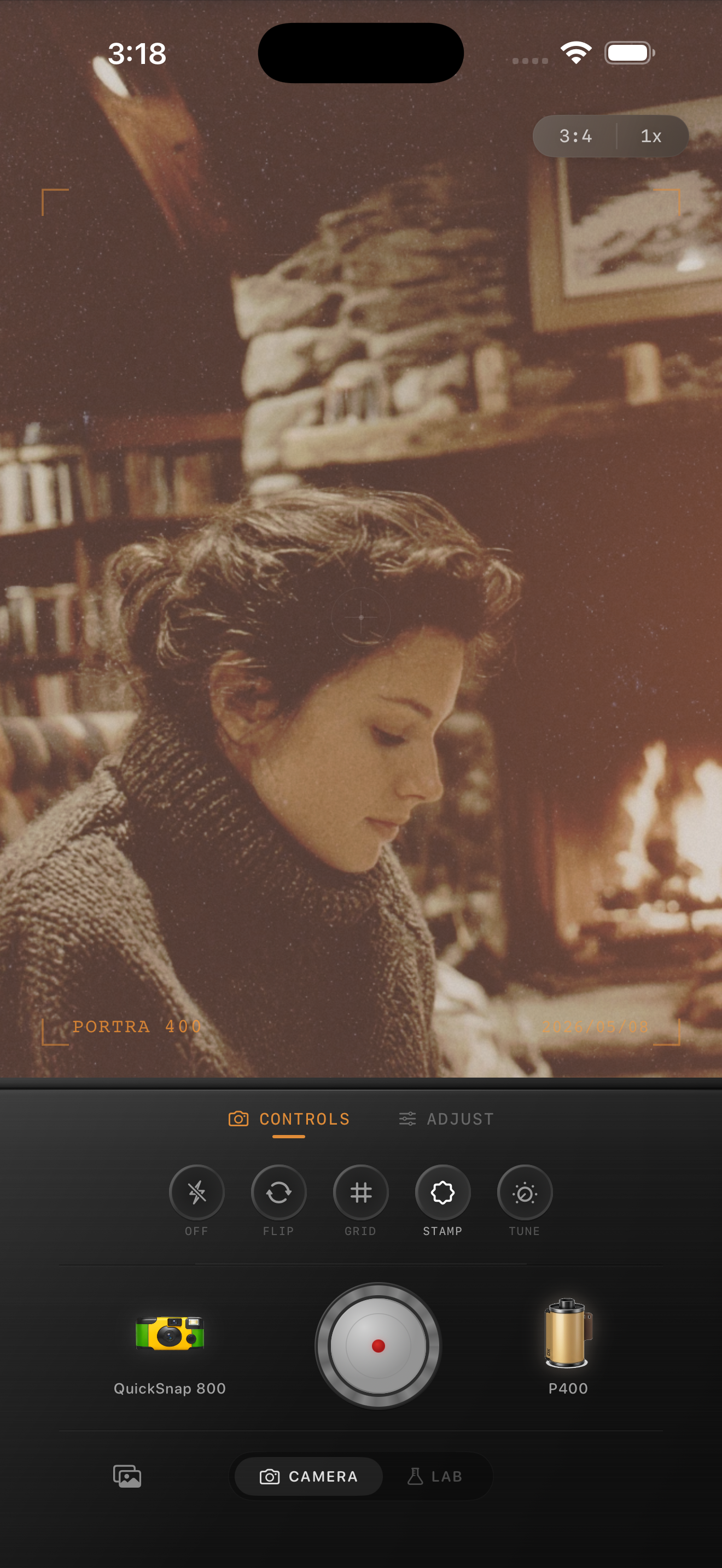
Low light film edits fail when shadows get dirty
Dim iPhone photos already have a mood, so the job is not to force drama into the frame. The real challenge is keeping the image soft and atmospheric without making the shadows look smeared, green, or muddy.
A believable low-light film edit keeps the scene quiet. Let lamps, candles, window light, or bar light carry the warmth, then use grain and gentle fade to take away the hard digital finish.
Start with a restrained settings baseline
A reliable starting point is film intensity around 74-88%, grain around 28-40%, warmth around +6 to +14, fade around 4-9%, and vignette around 6-12%. In dim scenes, too much grain is usually a bigger problem than too little because it makes every shadow look dirty.
If the room already has strong orange light, keep the warmth move modest and focus more on softness. If the scene is cool and blue, a slightly warmer film stock can help the photo feel human again without flattening it.
- Keep highlights soft so lamps and candles do not clip flat.
- Use medium grain, not maximum grain, in dark scenes.
- Let some corners stay dark to preserve depth.
- Use fade lightly so faces and fabrics keep shape.
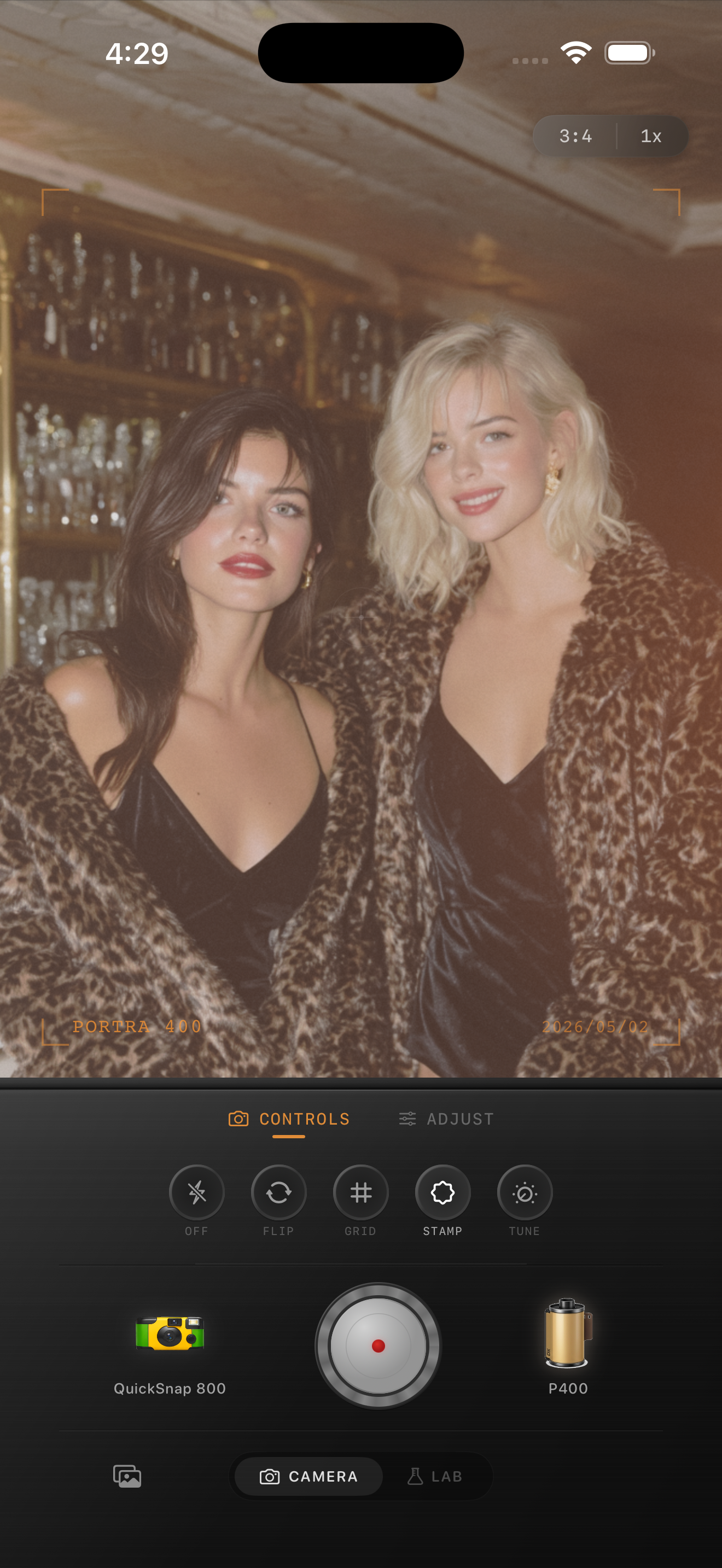
Treat faces differently from backgrounds
In no-flash low-light photos, skin is usually the first thing that breaks when the edit goes too far. Judge the image from the face, then from the darkest part of the room. If skin turns muddy or the background turns gritty, back off grain before you add anything else.
Backgrounds can usually handle more character than faces. Wood tables, curtains, menus, walls, and lampshades often look good with a touch more fade and texture, while people need cleaner tonal transitions to stay flattering.
Pick the camera mood before the film stock
A clean 35mm-inspired camera body works best for quiet dinners, reading corners, hotel rooms, and low-light portraits. A rougher disposable-style body makes more sense for bars, concerts, packed restaurants, and quick movement where imperfection helps the story.
In Nostalgia Cam, choose the camera body first, then tune grain and warmth until the photo feels intimate rather than processed. If the room feels like somewhere you were, the edit is working.
Keep low-light iPhone photos soft, not muddy
Use Nostalgia Cam to shoot or import dim indoor photos, then pair the right camera body with grain, warmth, fade, and vignette so low-light scenes feel like film without needing flash.
FAQ
Can low-light iPhone photos look like film without flash?
Yes. The key is softer contrast, restrained grain, and warm but controlled shadows. The mood should come from the scene itself, not from an overly strong filter.
Why do no-flash film edits get muddy so fast?
Low-light photos already have noise and compressed shadows, so adding too much grain, fade, or warmth can collapse detail. Moderate settings usually look far more photographic.