
Editing guide
How to Make Photos Look Less Digital on iPhone
Reduce the overly sharp, HDR iPhone look with softer contrast, gentler highlights, realistic grain, warmer color, fade, and film-style camera character.
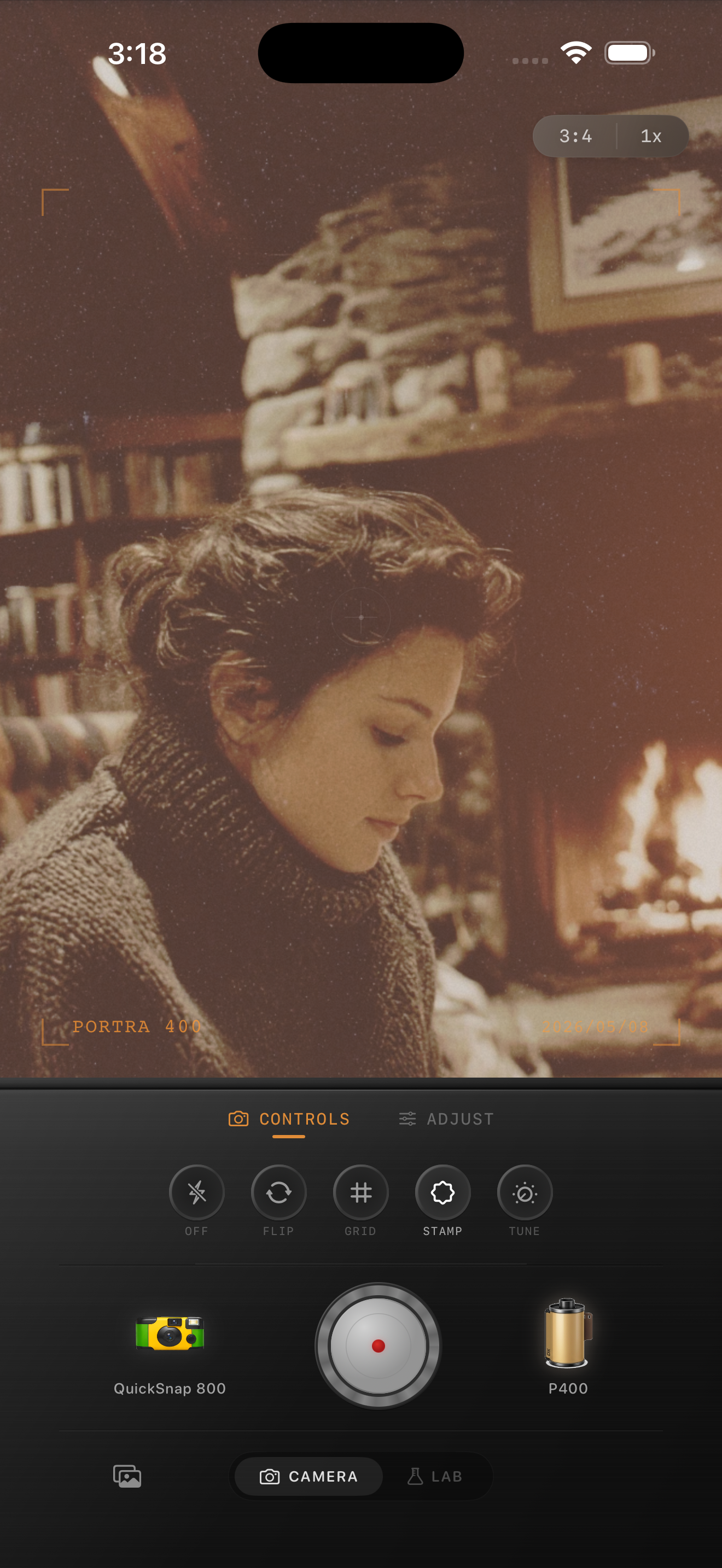
The iPhone look is clean by default
Modern iPhone photos are sharp, bright, and heavily processed. That can be useful, but it also creates the digital look people complain about: crispy edges, smooth skin, bright shadows, and highlights that feel too perfect.
To make a photo look less digital, do not just add a filter. Reduce the signals that make the image feel computational.
Start with softness, not saturation
The fastest fix is usually less contrast and less sharpness. Add film-style color after the image stops looking clinical. If you push color first, the photo may become more stylized but still feel digital underneath.
A good baseline is film intensity around 70%, grain around 30-45%, fade around 5-12%, and a small warmth boost. Use vignette only if the frame edges feel too clean.
- Soften contrast before adding heavy color.
- Protect highlights from looking flat white.
- Add uneven grain to break up smooth areas.
- Use fade gently; too much can look washed out.
- Avoid high clarity on faces and skies.

Use grain to add life back
Noise reduction can make iPhone shadows feel plastic. Grain gives those areas texture again. The key is that the grain should not be perfectly even across the whole photo.
If you are editing a portrait, keep grain lower on skin and let the film look come from warmth, highlight rolloff, and softer contrast. If you are editing a street or night photo, you can push grain more visibly.
Choose the right kind of camera body
A clean 35mm body should make the photo feel less digital without making it look damaged. A disposable-style body can add more roughness, edge softness, and snapshot energy.
That is why camera choice matters. The film look is color; the camera body is the personality.
Make the iPhone look softer
Open Nostalgia Cam, choose a camera body, and use the Lab to soften digital sharpness with film color, grain, warmth, fade, and vignette.
FAQ
Why do iPhone photos look too digital?
They often look digital because of sharpening, HDR, noise reduction, and very clean color. A film-style edit softens those signals and adds texture.
Should I turn off HDR?
You can, but you do not always need to. Editing with softer contrast, warmer color, and realistic grain can reduce the HDR feeling after capture.