
Editing guide
How to Edit iPhone Photos to Look Like Old Prints
Make iPhone photos feel like old prints with soft contrast, gentle fade, warm paper color, subtle grain, and restrained vignette.

Old prints are softer than phone photos
The old-print look is different from a dramatic film filter. It is quieter: softer contrast, warmer whites, lifted shadows, and texture that feels like paper or emulsion.
Start by making the photo less perfect. Reduce the sense of sharp digital clarity before you add obvious vintage effects.
A simple old-print recipe
Use film intensity around 60-80%, warmth around +10 to +20, grain around 25-40%, fade around 10-18%, and vignette around 5-12%. If the photo already has warm indoor light, use less warmth and more fade.
Keep the edit believable. Old prints are rarely orange everywhere; they usually have warm highlights, gentle shadows, and slightly muted color.
- Lift the shadows slightly.
- Warm the white balance, but keep skin and snow believable.
- Use fine-to-medium grain.
- Add a light vignette only if the edges feel too modern.
- Avoid high clarity and heavy sharpening.
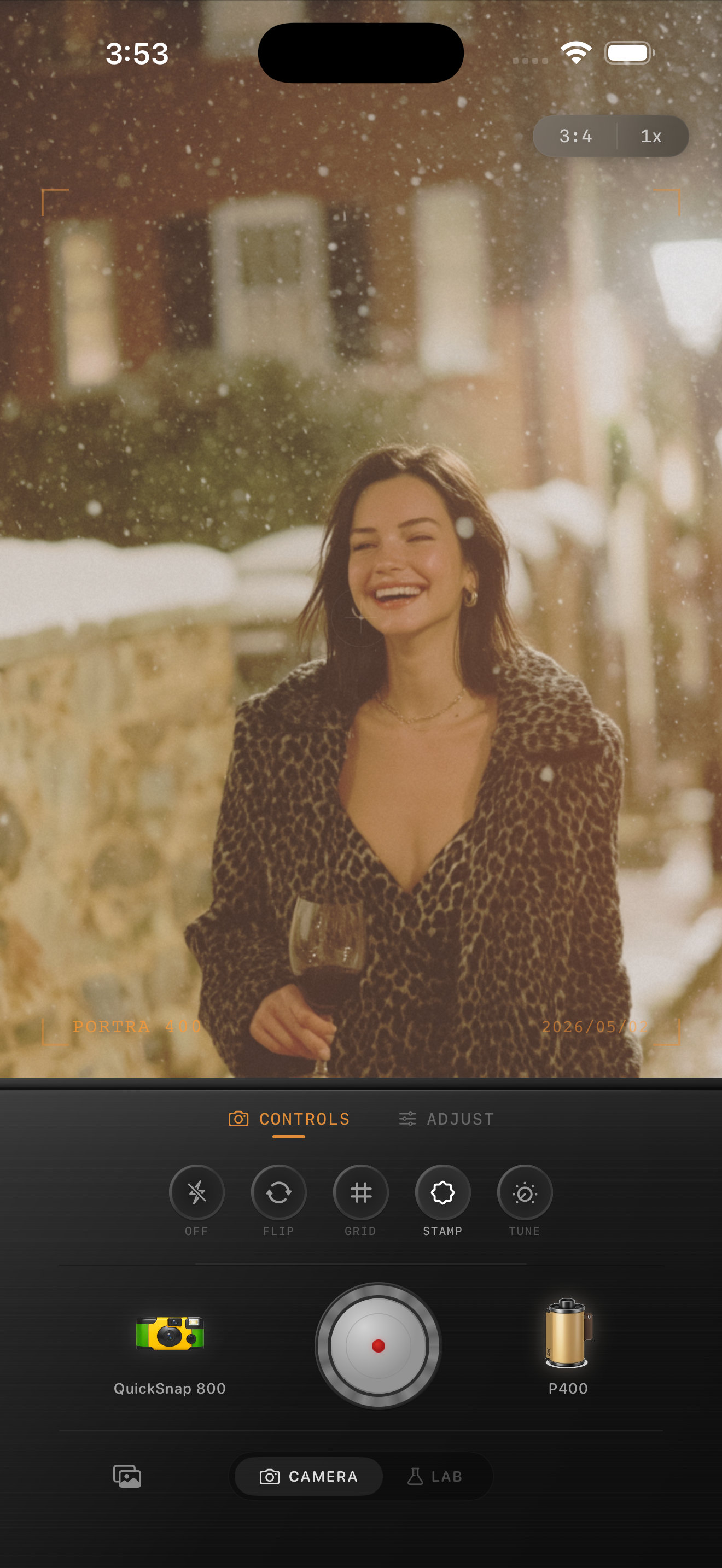
Choose photos with memory built in
This look works especially well on dinners, travel, snow, car windows, hotels, grandparents, old streets, and imperfect snapshots. It works less well on product photos or images with very clean studio lighting.
If the photo already feels like a moment, the edit only has to make it feel printed.
Use export quality carefully
If you plan to post on Instagram or print the photo, export at full resolution. Tiny grain and fade can get crushed by social compression, so avoid making the texture too delicate if the final destination is a feed.
A slightly stronger grain setting can survive compression better, as long as it does not make faces or skies look dirty.
Make photos feel printed
Use Nostalgia Cam’s Lab to import any iPhone photo, pick a film look, and tune warmth, fade, grain, and vignette until it feels like an old print.
FAQ
What is the difference between a film look and an old-print look?
A film look can be bold or clean depending on the stock. An old-print look usually has softer contrast, warmer paper-like color, fade, and gentle texture.
Do old-print edits need scratches?
Not always. A few subtle dust marks can help, but heavy scratches quickly turn the image into a novelty effect.