
Editing guide
Vintage Photo Editor Settings for Snowy Street Photos
Snowy street photos can look cinematic and nostalgic with warm highlights, protected whites, soft contrast, subtle grain, and a restrained old-film finish.
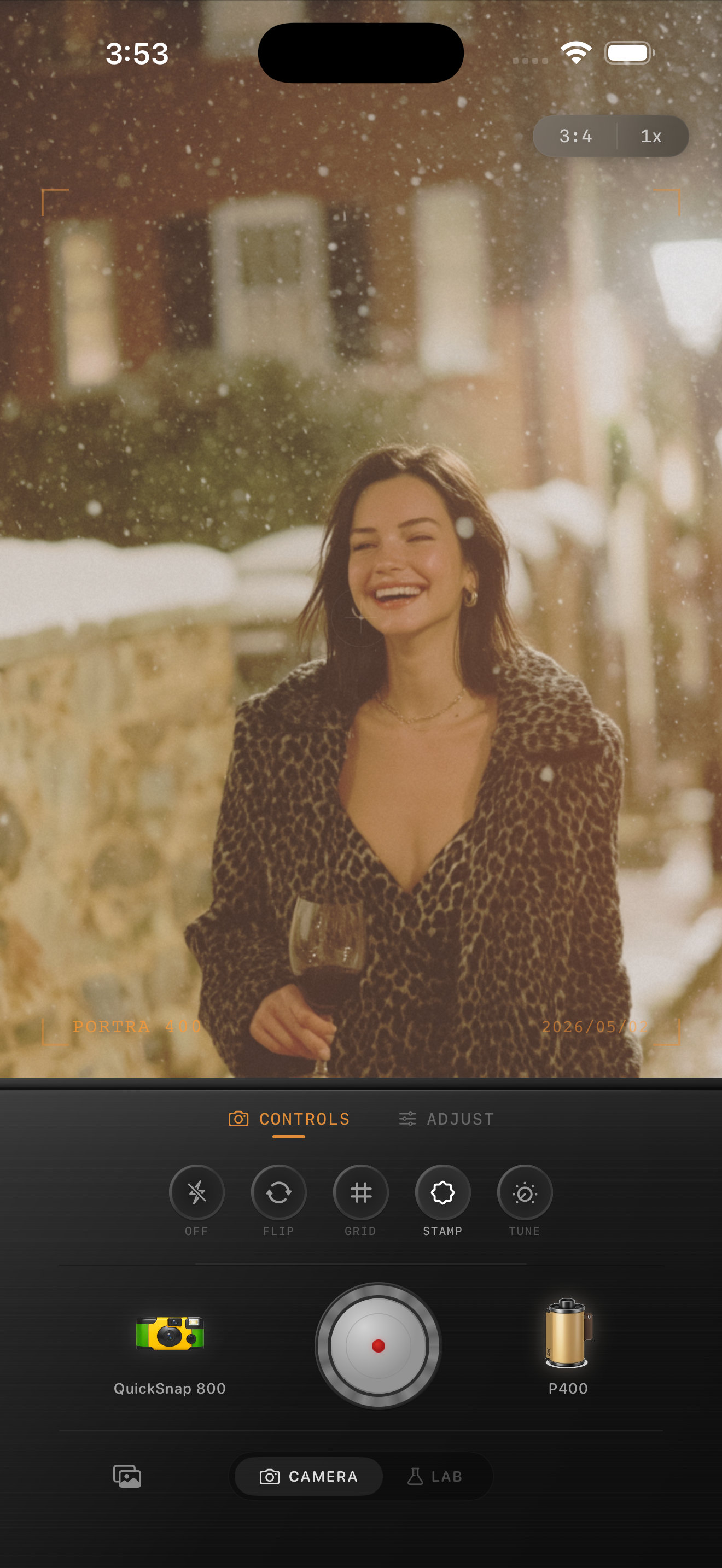
Snow is a hard test for film edits
Snow makes bad edits obvious. Too much warmth turns everything yellow. Too much fade makes the photo gray. Too much grain makes white areas look dirty.
A good vintage snow edit should feel warm and nostalgic while keeping the snow believable.
A winter film recipe
Start with film intensity around 70-85%, warmth around +5 to +12, grain around 25-38%, fade around 4-10%, and vignette around 8-14%. If the scene is blue or overcast, warm it gently instead of trying to force golden-hour color.
Keep highlights controlled. Snow should have detail and softness, not pure white clipping.
- Warm the image slightly, but keep snow white.
- Use fine grain so the snow does not look dirty.
- Add a small vignette to hold attention near the subject.
- Lift shadows only enough to keep the scene gentle.
- Avoid heavy orange presets on winter photos.
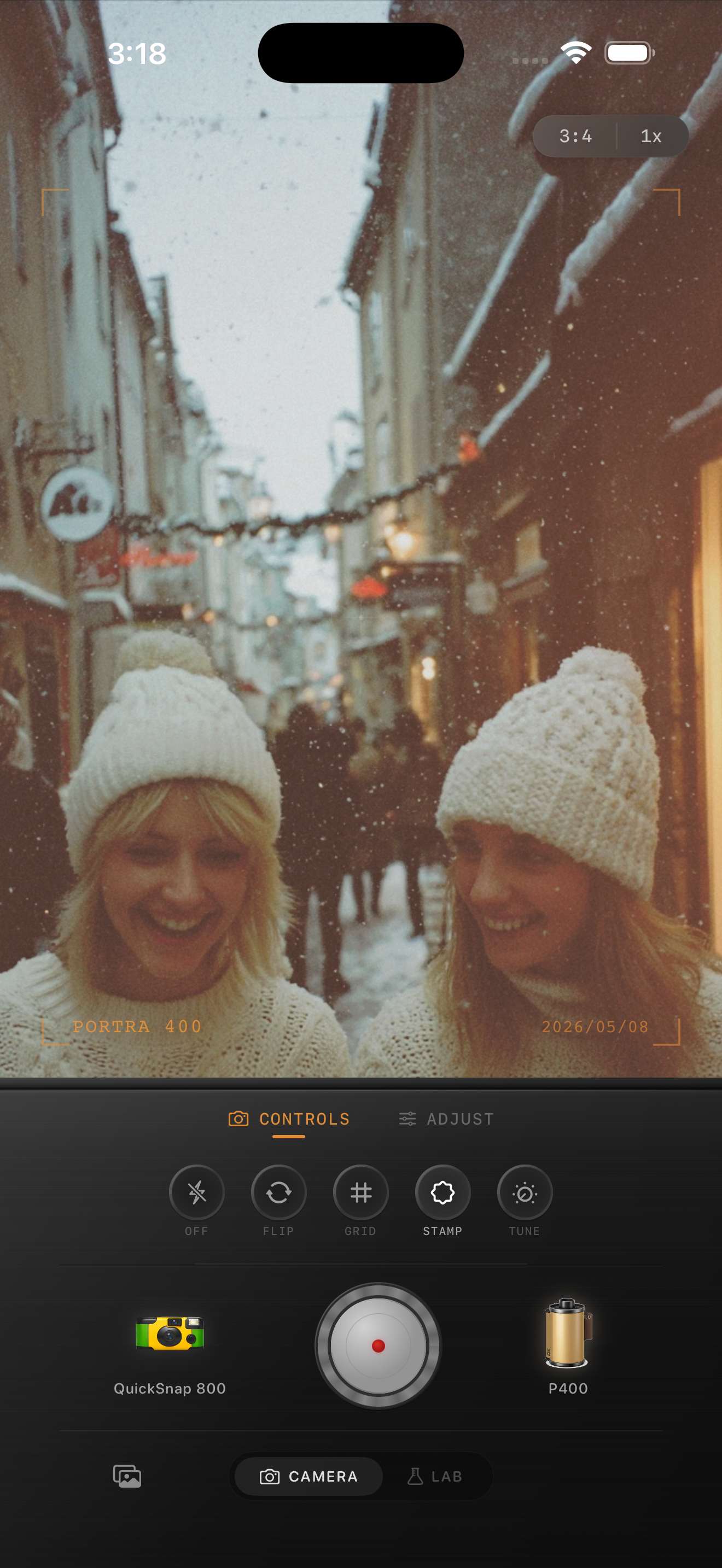
Brownstones, coats, and city lights
Winter city scenes already have the right ingredients for a film look: textured buildings, coats, lamps, breathy air, and softer light. The edit should support that atmosphere instead of burying it.
If the photo has warm windows or street lamps, let those become the emotional center. Keep the snow cooler so the warm lights stand out.
When to use a disposable look
A disposable-style camera body can be beautiful for snowy walks, but use it carefully. Too much roughness makes snow messy. Keep grain moderate and let the casual framing do the nostalgic work.
For a cleaner winter editorial look, choose a more professional 35mm body and use less vignette.
Edit winter photos without ruining the snow
Use Nostalgia Cam to test warm film looks on snowy iPhone photos, then fine-tune grain, warmth, fade, and vignette so the scene stays clean and nostalgic.
FAQ
Why do snow photos turn yellow with vintage filters?
Many filters add warmth globally. Snow needs a lighter touch so highlights stay believable while the whole image still feels nostalgic.
How much grain should snowy photos use?
Usually less than night or disposable photos. Start around 25-38% so white areas do not look dirty.