
iPhone film look
How to Edit Candid Friend Photos to Look Like Film on iPhone
A practical guide to editing candid friend photos on iPhone with film-style color, natural grain, flattering skin, and enough imperfection to feel real without looking overfiltered.
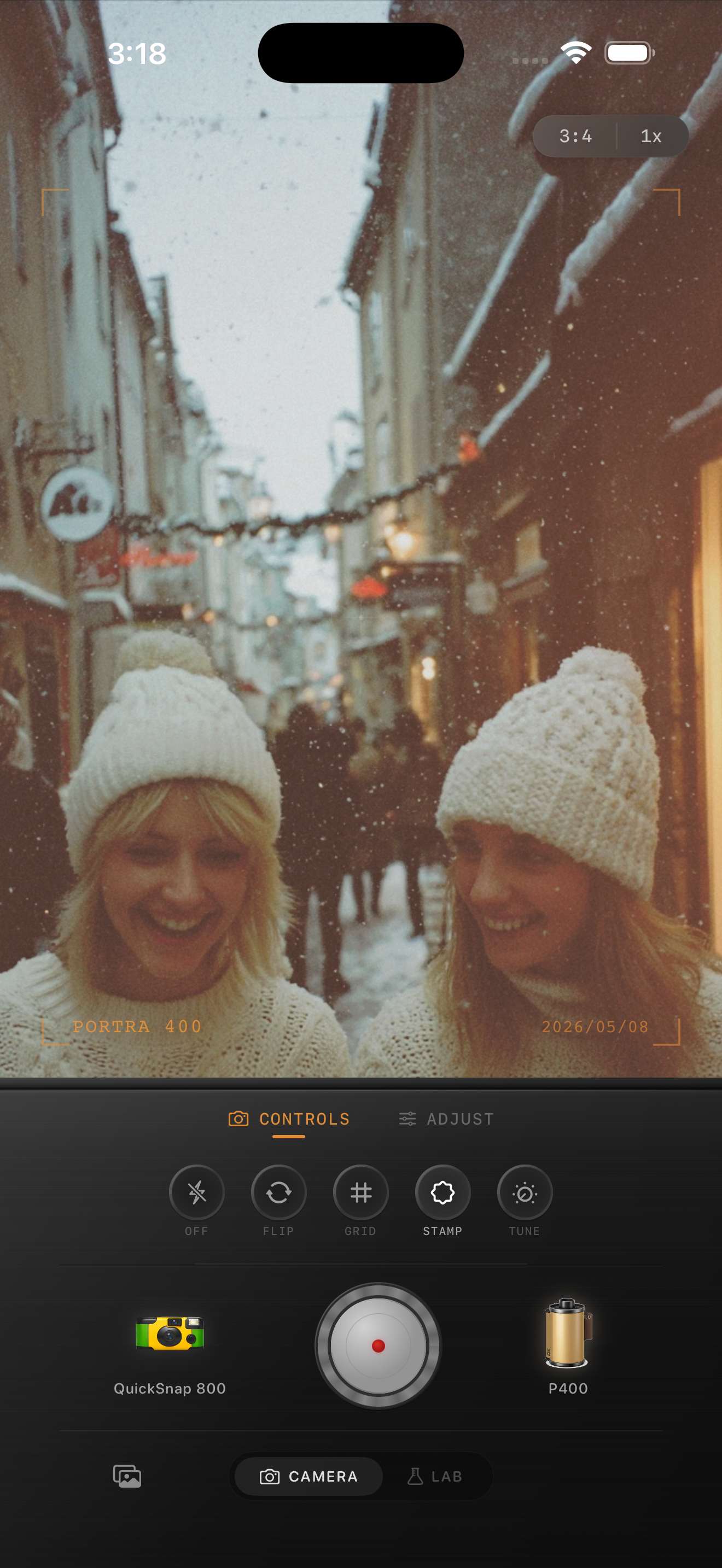
Candid photos need energy more than perfection
The best friend photos usually work because of timing: a laugh, a glance, a messy table, a coat half on, a flash of weather, or a moment between poses. A film-inspired edit should preserve that looseness instead of cleaning it into something too polished.
That means softer contrast, flattering skin tones, and enough grain to break the digital finish without making everyone look rough. If the photo still feels spontaneous after the edit, you are on the right track.
A solid starting point for candid edits
Start around film intensity 72-86%, grain 24-38%, warmth +5 to +12, fade 4-8%, and vignette 5-10%. Group photos usually want slightly cleaner grain than nightlife snapshots because faces and fabric textures need to stay readable.
If the scene is outdoors in snow or shade, use more restraint with warmth and let jackets, skin, and background color carry the mood. If the photo is indoors at a bar or dinner table, allow a little more warmth and roughness.
- Judge the edit from faces before the background.
- Keep skin warm and alive, not orange or gray.
- Use enough grain to soften the phone look, not bury detail.
- Let small imperfections stay in the frame.
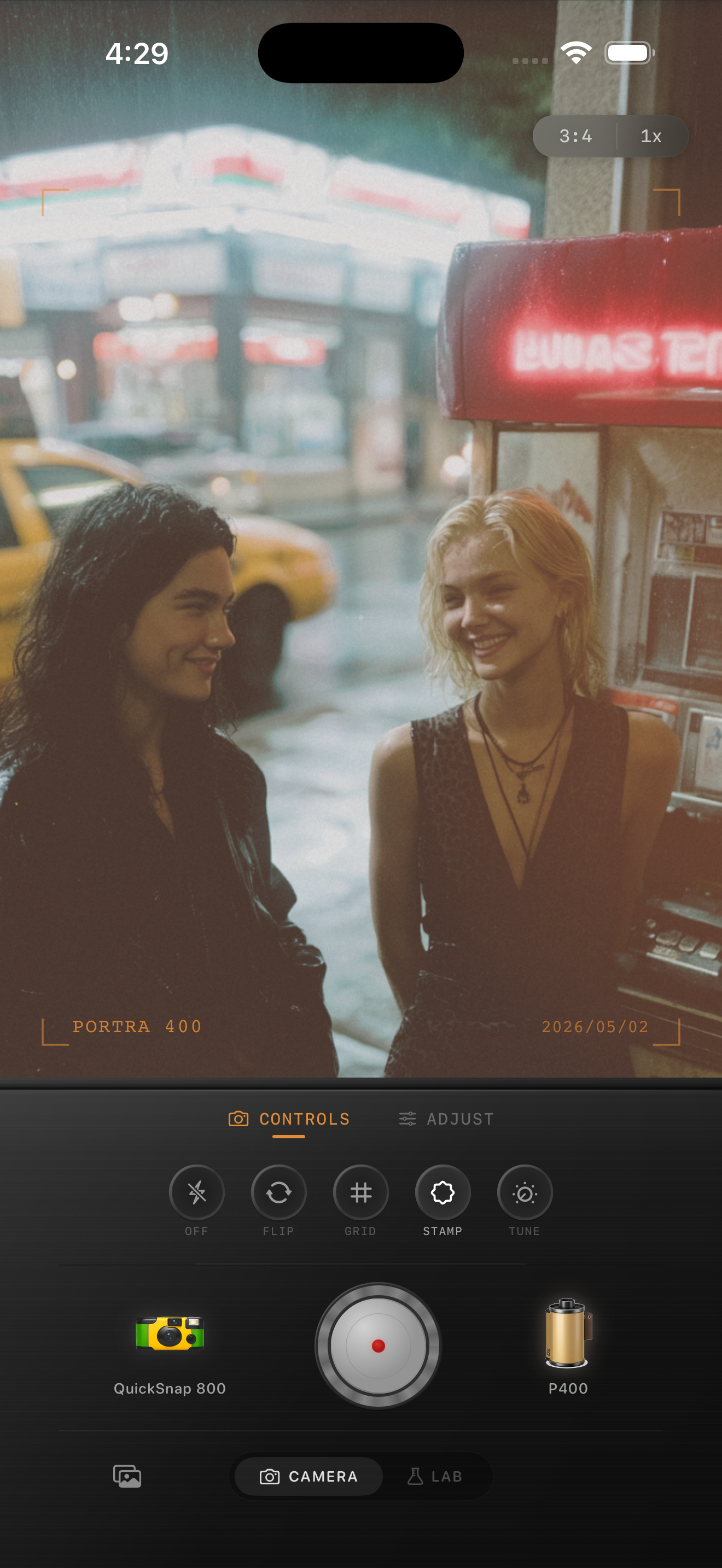
Match the look to the kind of memory
A cleaner 35mm-inspired edit works well for walks, travel days, brunches, winter streets, and calm portraits with friends. A rougher disposable-style edit makes more sense for birthdays, house parties, bars, concerts, and direct-flash snapshots where some chaos helps.
This is where camera choice matters as much as color. A candid photo should feel like it came from a specific kind of camera, not from a generic preset pasted over every situation.
Stop before everyone looks overedited
The common mistake with friend photos is pushing grain, fade, or warmth until the people look less flattering than the mood deserves. Pull back once the image feels softer and more nostalgic, even if the film texture is not obvious at full zoom.
In Nostalgia Cam, choose the camera body first, then fine-tune the film look so the picture feels like a shared memory instead of an effect demo.
Make candid friend photos feel like real memories
Use Nostalgia Cam to pair a film-style camera body with grain, warmth, fade, and vignette so group shots, travel snapshots, and quick social moments keep their energy while feeling less digital.
FAQ
What makes candid friend photos look like film instead of filtered?
Usually it is the balance of flattering skin, soft contrast, moderate grain, and natural imperfections. The image should feel lived-in, not heavily processed.
Should group photos use strong grain?
Usually no. Group shots often look better with fine-to-medium grain so faces stay readable while the overall image still loses that overly clean phone finish.