
Editing guide
How to Make iPhone Summer Photos Look Like Film
A simple summer film-look guide for iPhone photos: softer highlights, cleaner skin tones, restrained grain, and enough warmth to feel sunlit without turning every frame orange.
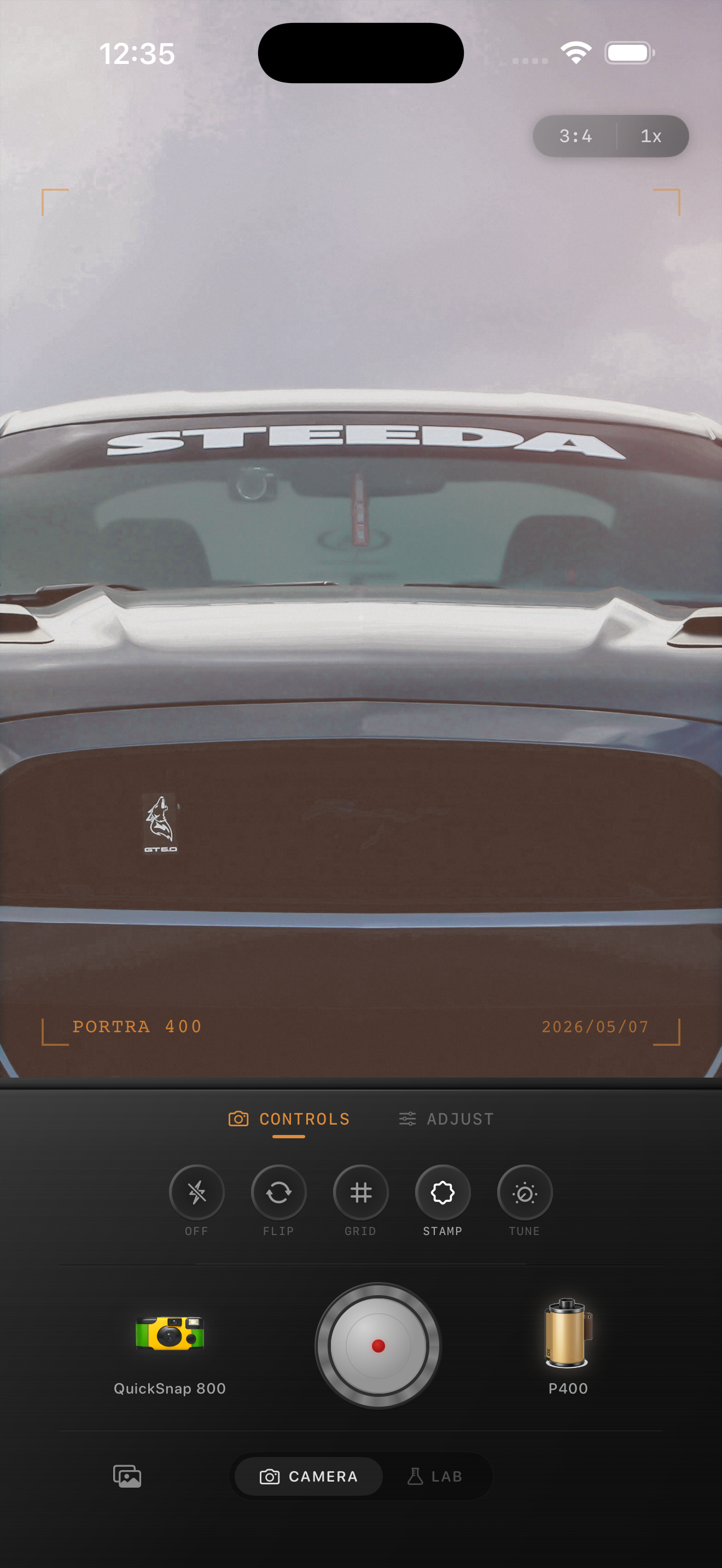
Summer photos need less effect than most people think
Summer light already brings a lot of what people want from film: bright highlights, warm color, open air, and simple everyday scenes that feel memorable because of the season, not because of a heavy preset.
The goal is to calm the iPhone sharpness and HDR polish without flattening the energy out of the frame. A believable summer-film edit should feel sunlit, relaxed, and lightly textured rather than aggressively vintage.
- Keep skin tones cleaner than the background warmth.
- Use moderate grain so skies and clothing stay smooth.
- Lower highlights before adding more warmth.
- Use only a little fade in bright midday scenes.
- Let the original color of the place still matter.
A reliable summer-film baseline
Start around film intensity 70-84%, grain 18-30%, warmth +4 to +10, fade 2-6%, and vignette 2-6%. This usually gives summer photos enough softness to feel analog while keeping bright scenes clean.
If the photo was taken in harsh noon sun, stay lower on warmth and fade than you would for golden hour. Summer edits fall apart quickly when the highlights get chalky or when every frame turns the same deep orange.
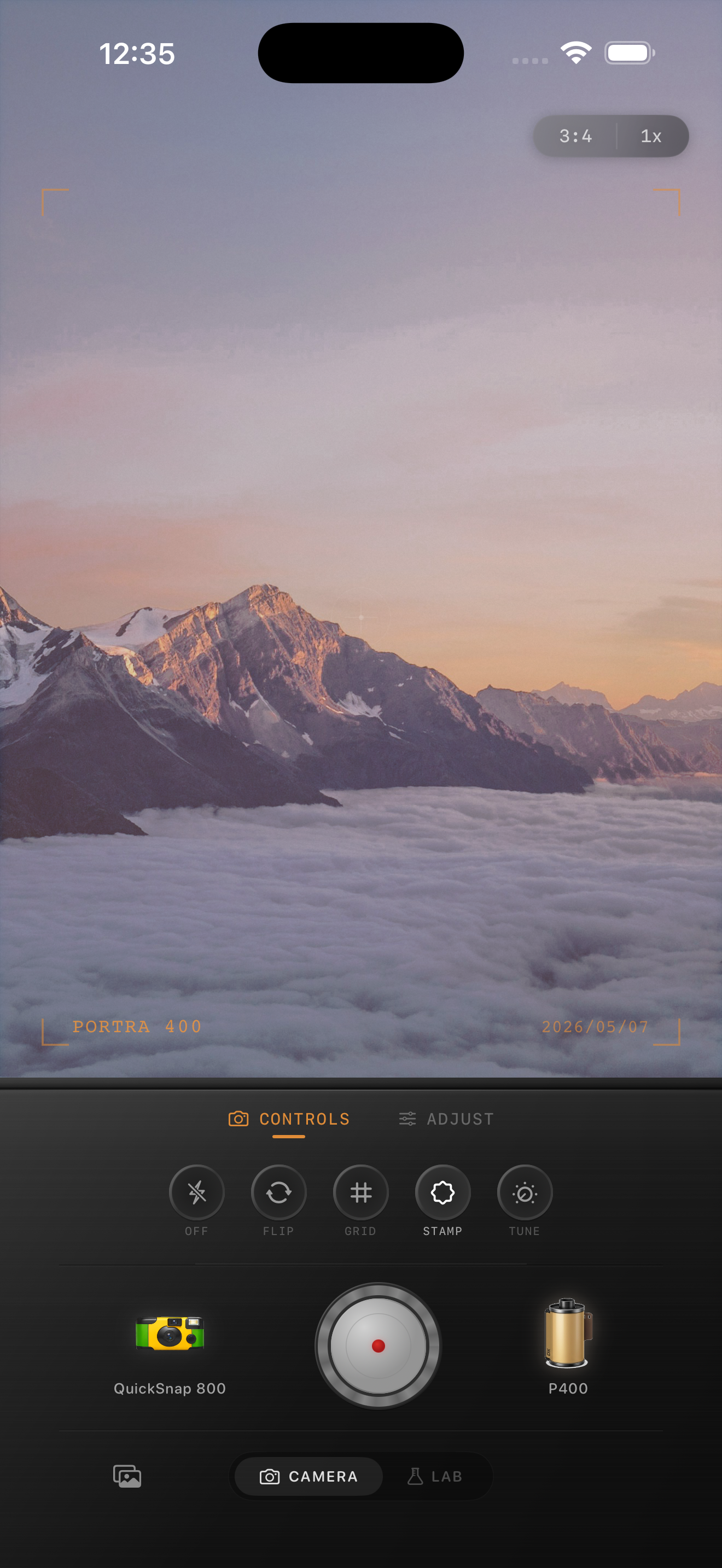
Match the camera body to the kind of summer memory
For road trips, walks, cafés, and travel snapshots, a compact-film or balanced 35mm-inspired body usually works best. For parties, pool decks, and fast direct-flash moments, a rougher point-and-shoot personality can make sense, but it still needs restraint.
This matters because summer photos cover a wide range of moods. A beach afternoon, a roadside stop, and a late-night patio hangout should not all get exactly the same texture response.
Stop before the mood turns syrupy
The biggest mistake with summer-film edits is chasing nostalgia by pushing warmth into every shadow and highlight. Once skin, pavement, clouds, and white shirts all lean the same color, the edit stops feeling photographic.
In Nostalgia Cam, begin with the body and film look that fit the scene, then tune grain, warmth, fade, and vignette until the image feels like a summer memory you would actually keep, not a filter preset you would notice first.
Build a cleaner summer film look in Nostalgia Cam
Open Nostalgia Cam, choose a camera body for the scene, then adjust grain, warmth, fade, and vignette so your summer photos feel sunlit, relaxed, and naturally analog without looking overcooked.
FAQ
Should summer photos be warmed up a lot to look like film?
Usually no. Summer scenes often start warm already, so a small warmth boost plus softer highlights works better than pushing the whole image orange.
What grain amount works best for bright summer photos?
Fine to medium grain around 18-30% is a strong starting range. It softens the digital finish without making skies, skin, or sunlit surfaces look dirty.