
Editing guide
How to Make iPhone Photos Look Like Scanned Film
A practical scanned-film recipe for iPhone photos: softer contrast, calmer color, fine grain, tiny dust marks, and enough fade to feel lab-processed instead of filtered.
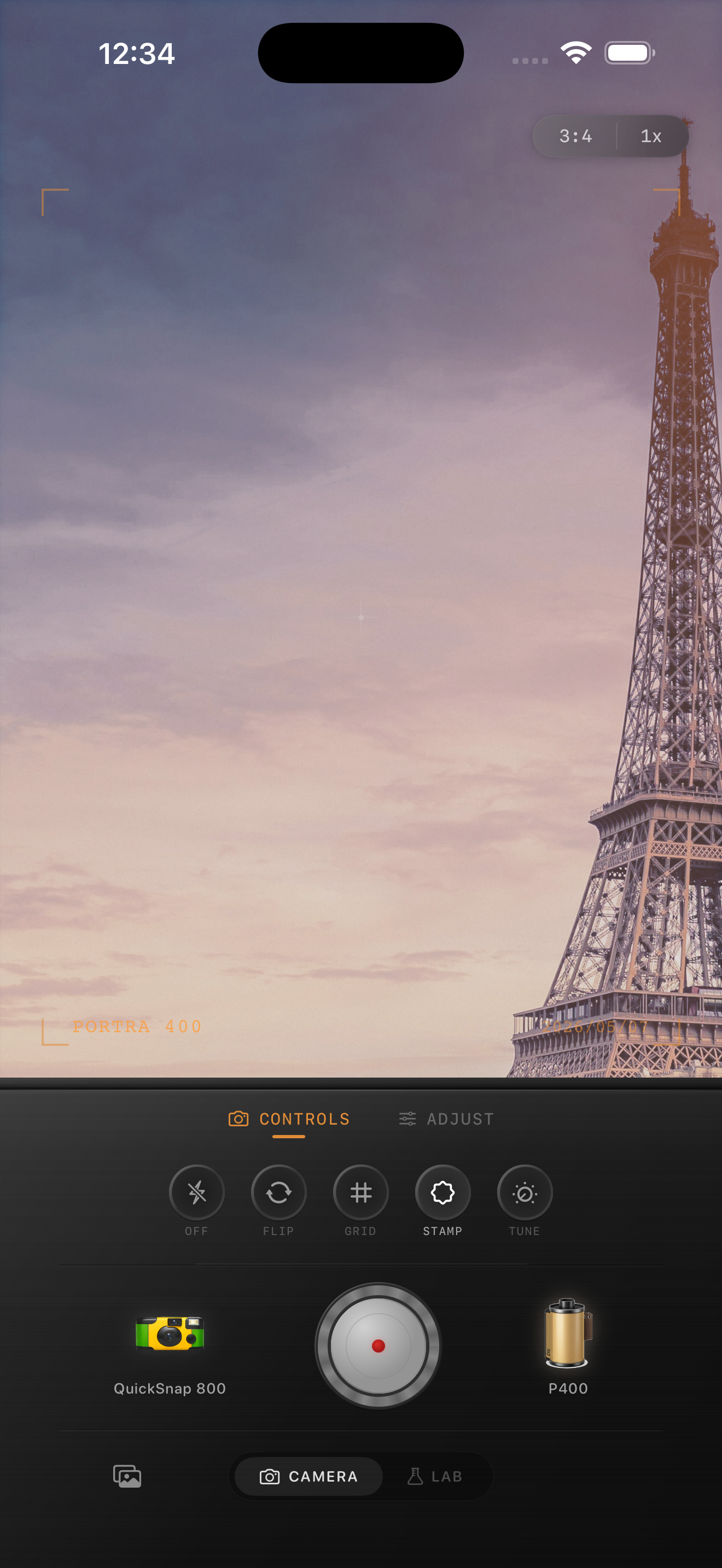
A scan look is softer than a strong vintage filter
When people say they want a scanned-film look, they usually do not mean heavy scratches or orange fake light leaks. They mean a photo that feels like it passed through a lab scanner: softer contrast, calmer color, fine grain, and a little texture around the edges.
That matters on iPhone because the default image is very polished. A good scan-style edit removes some digital precision without making the photo look damaged.
Start with a restrained film recipe
Use film intensity around 65-80%, grain around 20-35%, warmth around +4 to +12, fade around 4-9%, and vignette around 4-10%. The goal is a photo that feels lightly processed, not loudly retro.
If the scene already has warm tones, use less warmth and more softness. If the scene is cool or overcast, warm it gently so the scan still feels natural.
- Keep contrast soft instead of flat.
- Use fine grain rather than chunky disposable grain.
- Add only a few dust marks or specks.
- Let highlights stay creamy instead of bright white.
- Avoid over-sharpening after the edit.

Texture should be visible only after the mood lands
A scanned-film edit works when the image feels quieter before the viewer notices the texture. If the first thing you see is grain or dust, the effect is too strong.
Check the photo at normal feed size. If it feels printed or archived, you are close. Then zoom in and make sure skies, faces, and walls still look clean.
Build a softer scan-style edit
Import an iPhone photo into Nostalgia Cam’s Lab, choose a film look, and tune grain, warmth, fade, and subtle imperfections until it feels like a real lab scan.
FAQ
What makes a photo look like scanned film?
Usually softer contrast, calmer color, fine grain, gentle fade, and a little scan texture. It should feel processed by a lab, not covered by a novelty filter.
Should scanned-film edits include scratches?
Usually no. A few subtle dust marks can help, but strong scratches push the photo toward damaged-film styling instead of a clean scan look.