
Editing guide
Best Film Settings for Snow Photos on iPhone
Snow is hard to edit well on iPhone. These film-style settings keep whites clean, skin tones natural, and winter photos soft instead of blue, gray, or overprocessed.
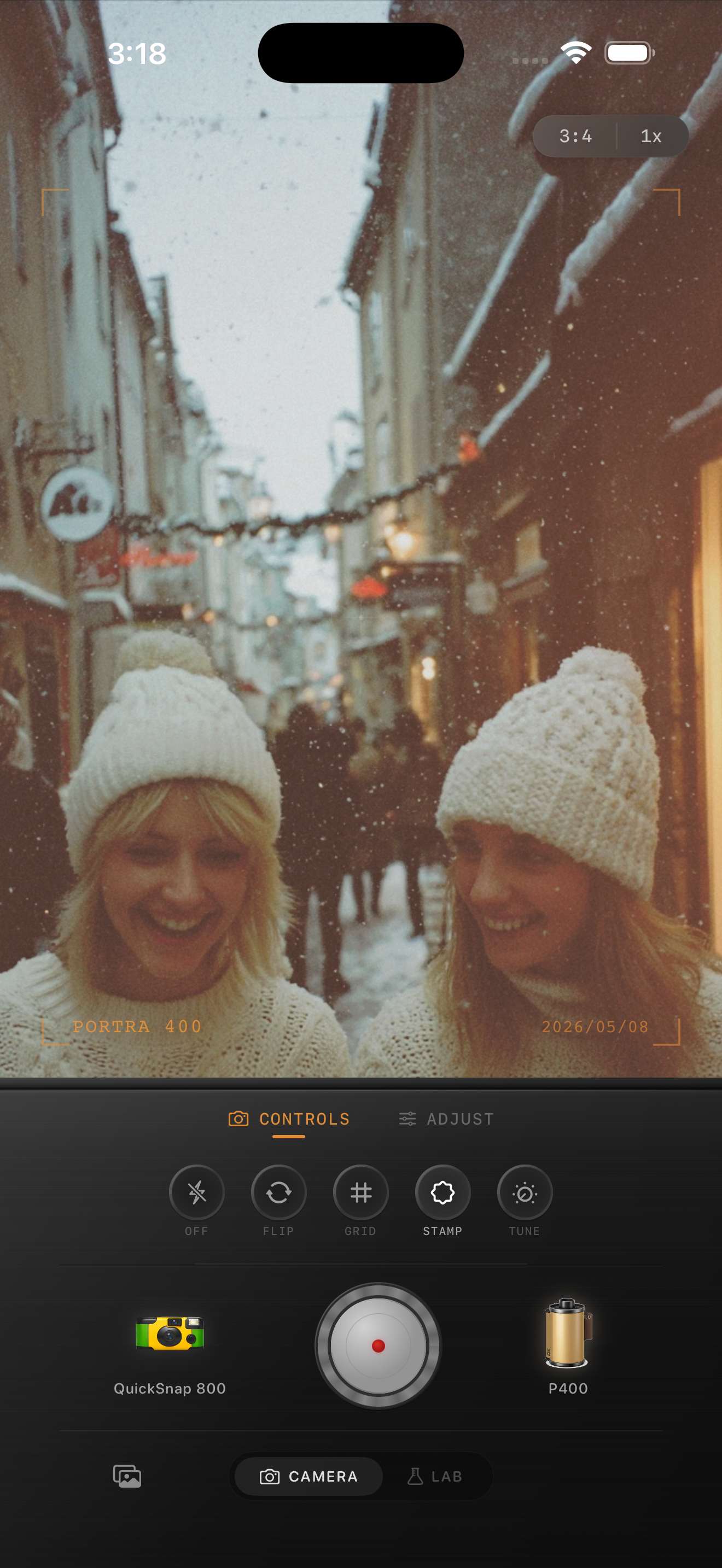
Why snow photos are easy to overedit
Snow pushes iPhone photos toward extremes. Whites can go blue, faces can turn dull, and sharpening can make everything feel brittle. A film-style edit helps because it softens the image and adds texture, but only if you keep the snow clean.
The biggest mistake is treating snow like any other bright background. Winter scenes need room for highlights to breathe. If you stack too much grain, fade, and warmth together, the scene starts looking muddy instead of nostalgic.
- Protect white snow before adding heavy texture.
- Keep grain finer than you would for nightlife or flash photos.
- Use warmth mainly to help skin, not to color the snow.
- Watch shadows in coats, hats, and trees so they stay detailed.
A reliable winter-film recipe
Start with film intensity 65-80%, grain 18-30%, warmth +2 to +7, fade 3-7%, and vignette 3-8%. This gives the photo enough analog softness without turning clean snow into gray haze.
If the scene was captured in flat cloudy light, add a little more contrast before raising grain. If the snow is in bright sun, keep contrast gentler and preserve highlight detail first.
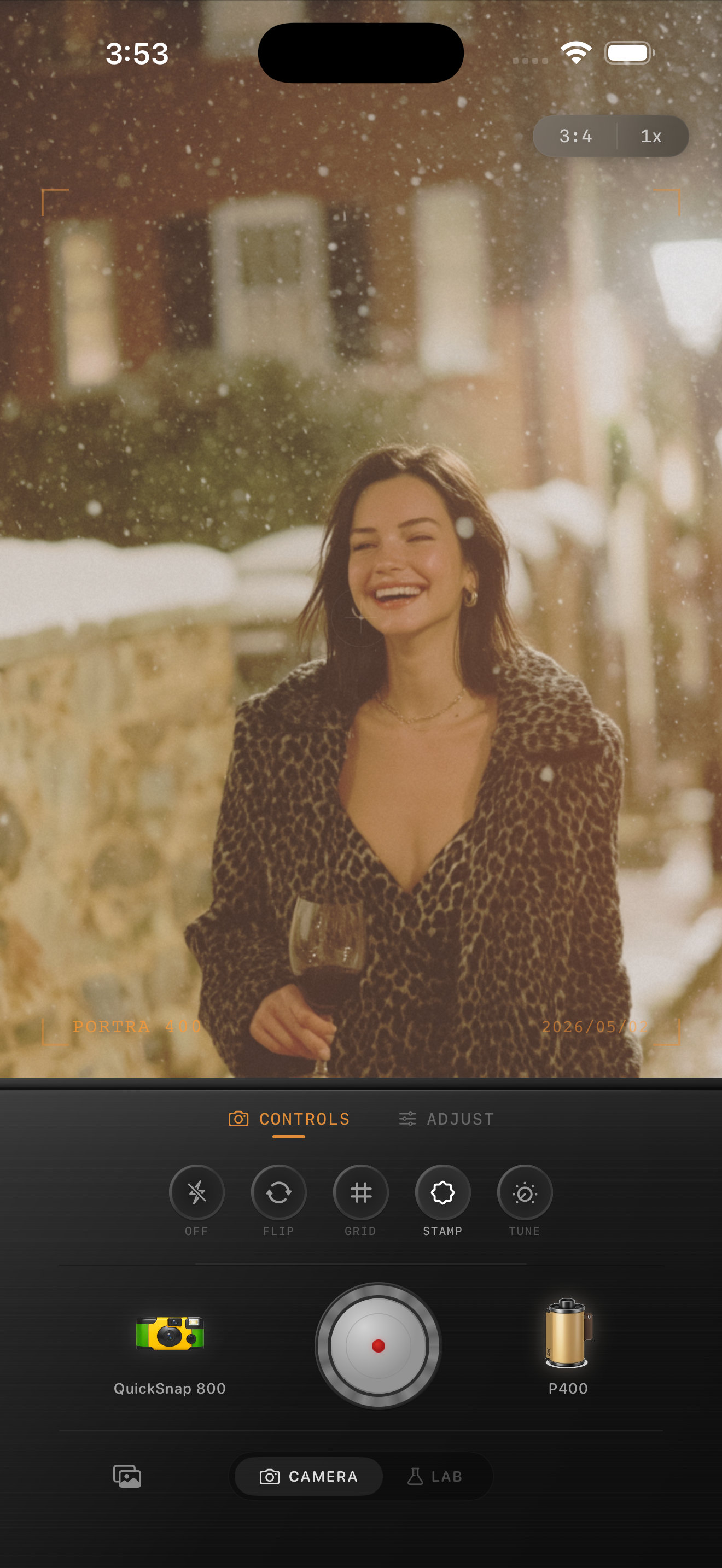
How to keep skin tones natural in cold light
Snow reflects a lot of cool light, so faces can go pale or slightly blue fast. Add only enough warmth to bring life back into skin, then stop. If the snow starts turning cream-colored, you have gone too far.
This is where a film-inspired edit helps most. Softer contrast and subtle grain can make winter portraits feel more human without fighting the season's natural color.
When to use a rougher winter look
If the photo is a candid walk, a snowy street snapshot, or a playful group shot, you can push grain a bit higher and allow more edge softness. That gives the frame a point-and-shoot winter-memory feel.
For cleaner portraits and scenic landscapes, stay restrained. Snow already carries a lot of visual texture, so the best film edit often feels lighter than you expect.
Edit winter photos without losing the snow
Nostalgia Cam lets you test film looks, camera bodies, grain, fade, and vignette while keeping snowy whites clean and skin tones believable on iPhone.
FAQ
Should snow photos use warm film edits?
A little warmth helps, especially for faces, but it should stay subtle. The snow should still look white or slightly cool rather than creamy yellow.
Do snowy iPhone photos need much grain?
Usually no. Snow scenes often look best with lighter, finer grain because the background is already bright and textured.