
Editing guide
How to Make iPhone Photos Look Like Film in Harsh Midday Sun
A practical midday-sun film recipe for iPhone photos: calmer highlights, softer contrast, warmer color, restrained grain, and enough fade to feel printed instead of crunchy.
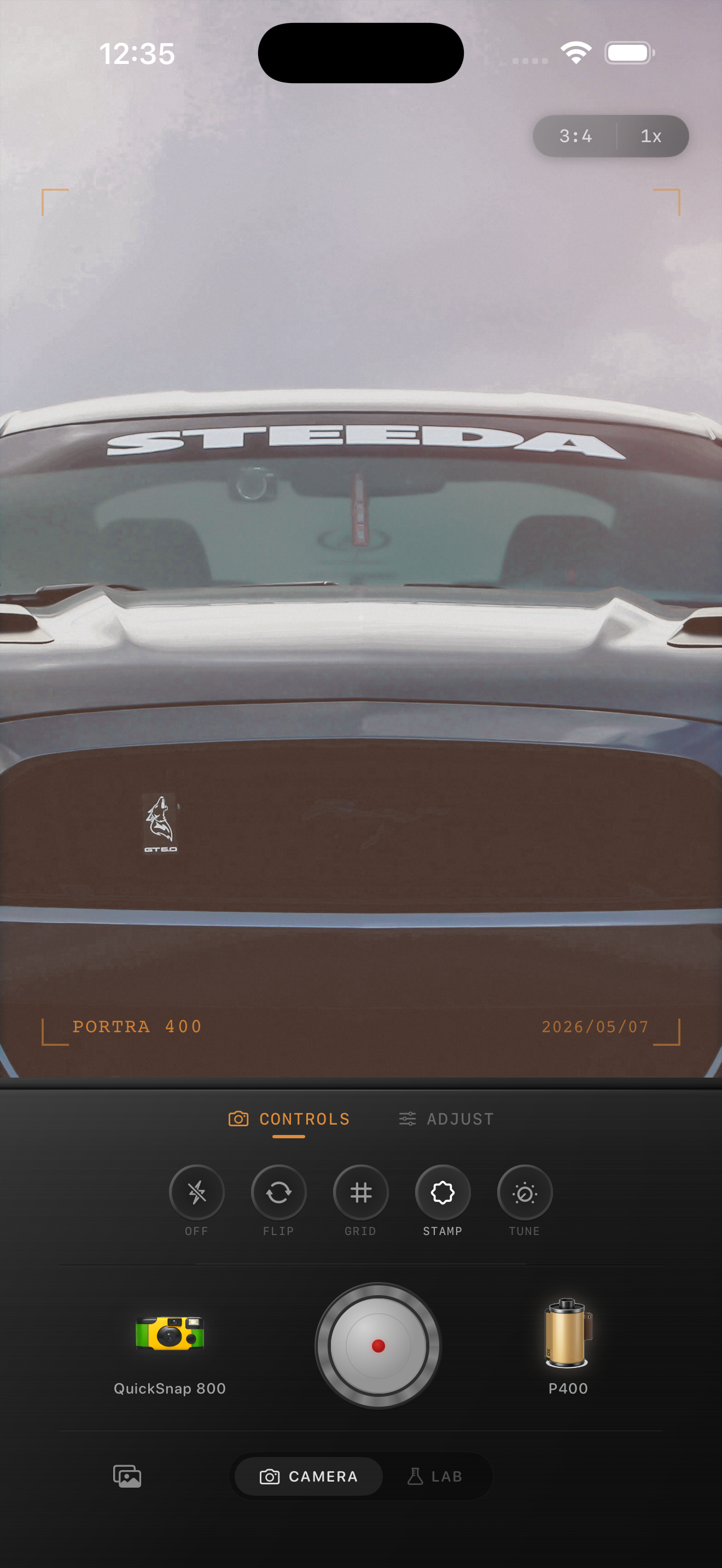
Midday sun looks digital fast
Harsh midday light pushes iPhone photos toward the most clinical version of digital capture: bright specular highlights, sharp micro-contrast, pale skin, and shadows that feel both hard and oddly flattened by HDR.
A film-inspired edit should not try to turn noon into golden hour. The goal is to keep the brightness while softening the hard edges so the photo feels printed, sun-bleached in a good way, and a little less perfect.
- Lower the sense of sharp contrast before adding visible texture.
- Protect chrome, concrete, white shirts, and pale sky from looking brittle.
- Use warmth carefully so daylight still feels believable.
- Keep grain lighter than you would for night, neon, or flash photos.
Start by calming the brightest parts
Look at the parts of the frame that scream "phone": reflective cars, pavement glare, sunlit cheeks, and white buildings. If those areas stay too crisp, no amount of grain will make the edit feel analog.
Bring the image slightly toward softness first. Lower contrast, keep highlights from clipping visually, and add just enough fade to take the edge off dark shadow lines under hats, windows, or cars.
A dependable midday film baseline
Start around film intensity 65-78%, grain 18-28%, warmth +3 to +8, fade 5-9%, and vignette 2-6%. That range usually helps bright daylight feel film-inspired without making blue sky, skin, or concrete turn muddy.
If the scene is mostly stone, cars, or open sky, reduce grain before changing anything else. Midday edits usually win through highlight control and softer color rather than heavy texture.
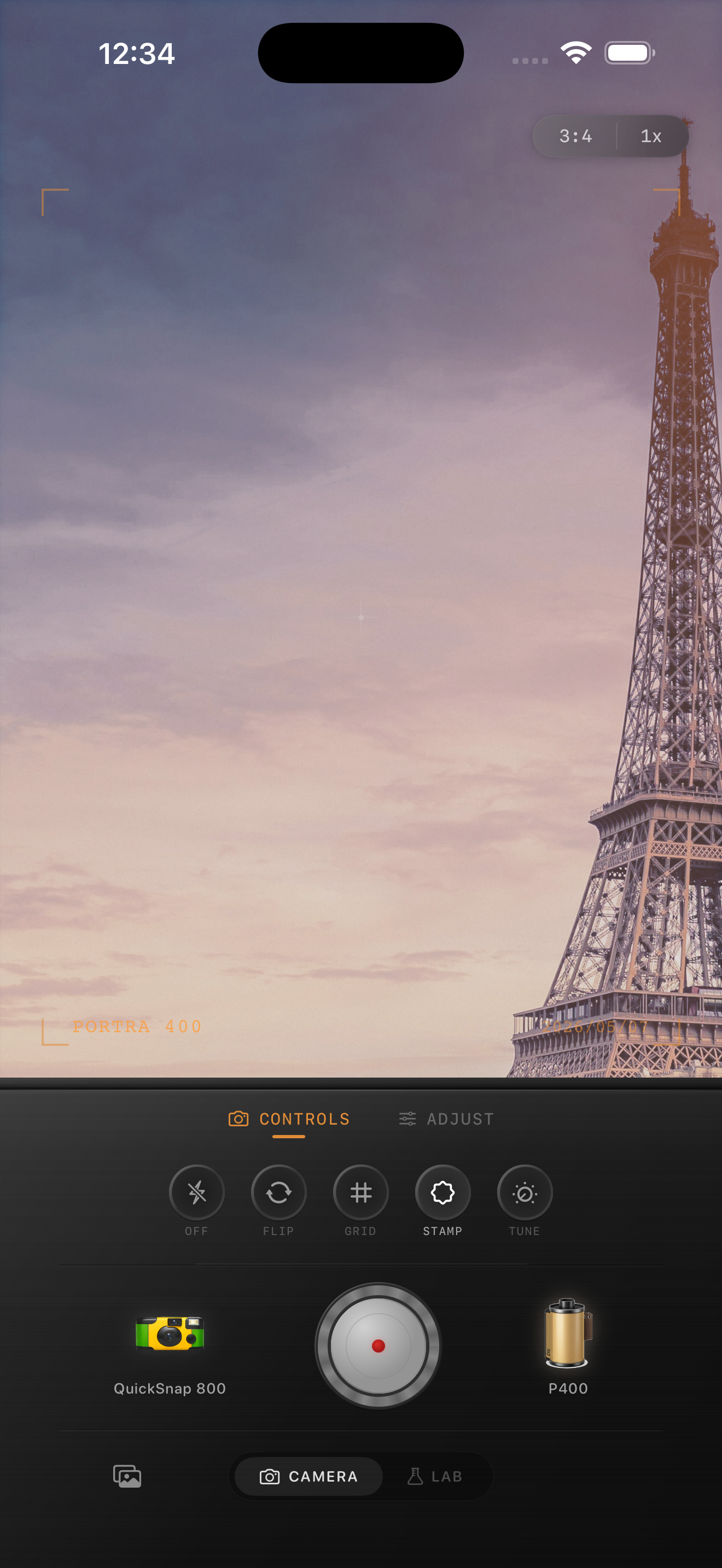
Use color to make sun feel nostalgic
Warmth helps, but only in moderation. The nicest midday film edits usually keep bright sun creamy rather than orange. Greens should settle down, skin should stop looking chalky, and reflective surfaces should feel smoother instead of razor sharp.
If you want color inspiration from classic portrait or travel film, use that as a mood direction only. The final result should stand on its own, with no implication of brand affiliation or exact stock matching.
Stop before the photo turns dusty
Sunny photos can tolerate less grain than low-light scenes. If the image starts to look coated or dirty, especially in sky and skin, back the grain down and let the softer tonality do the work.
A good midday film edit still feels bright and breathable. You should notice the light first, then the analog mood second.
Keep bright daylight cinematic, not crunchy
Use Nostalgia Cam to soften midday contrast, tune warmth and fade, and add film-style texture only where it helps so bright iPhone photos feel nostalgic instead of overprocessed.
FAQ
Why do iPhone photos look so harsh in midday sun?
Because bright overhead light exaggerates sharp highlights, hard shadows, and HDR processing. A film-inspired edit softens those extremes instead of fighting the daylight itself.
Should sunny iPhone photos use a lot of grain?
Usually no. Daylight scenes often need lighter grain and better highlight control. Too much texture can make sky, skin, and concrete look dusty.