
Editing guide
How to Make Instagram Photos Look Like Film on iPhone
A practical Instagram film-look workflow for iPhone: edit for feed size, keep grain visible after compression, and use color that still feels natural on social.
Edit for the feed, not just the full-resolution file
Instagram changes how photos feel because compression smooths tiny texture and can flatten delicate color work. An edit that looks perfect in your camera roll can look cleaner and more digital after upload.
If you want Instagram photos to look like film, the goal is not maximum effect. The goal is enough grain, warmth, softness, and fade to survive the platform without turning faces and skies muddy.
- Use grain that is visible but not crunchy.
- Keep warmth gentle so skin and white areas stay believable.
- Avoid extreme fade that gets washed out after compression.
- Check the image zoomed out before you export.
A reliable Instagram film recipe
Start around film intensity 70-85%, grain 30-45%, warmth +6 to +14, fade 4-9%, and vignette 5-10%. If the photo is a night scene, you can push grain slightly higher. If it is snow, beach, or pale interiors, stay lighter so highlights do not turn dirty.
Instagram often softens the finest texture, so a grain setting that feels slightly strong in the editor can end up looking balanced in the final post. The key is moderation: enough texture to break the digital finish, not so much that the upload looks rough.

Post with a consistent visual language
A feed looks stronger when your photos share a direction rather than the exact same preset. Keep one family of choices consistent: maybe soft contrast and warm color, or slightly rougher grain with snapshot energy. Then adjust the exact values for each image.
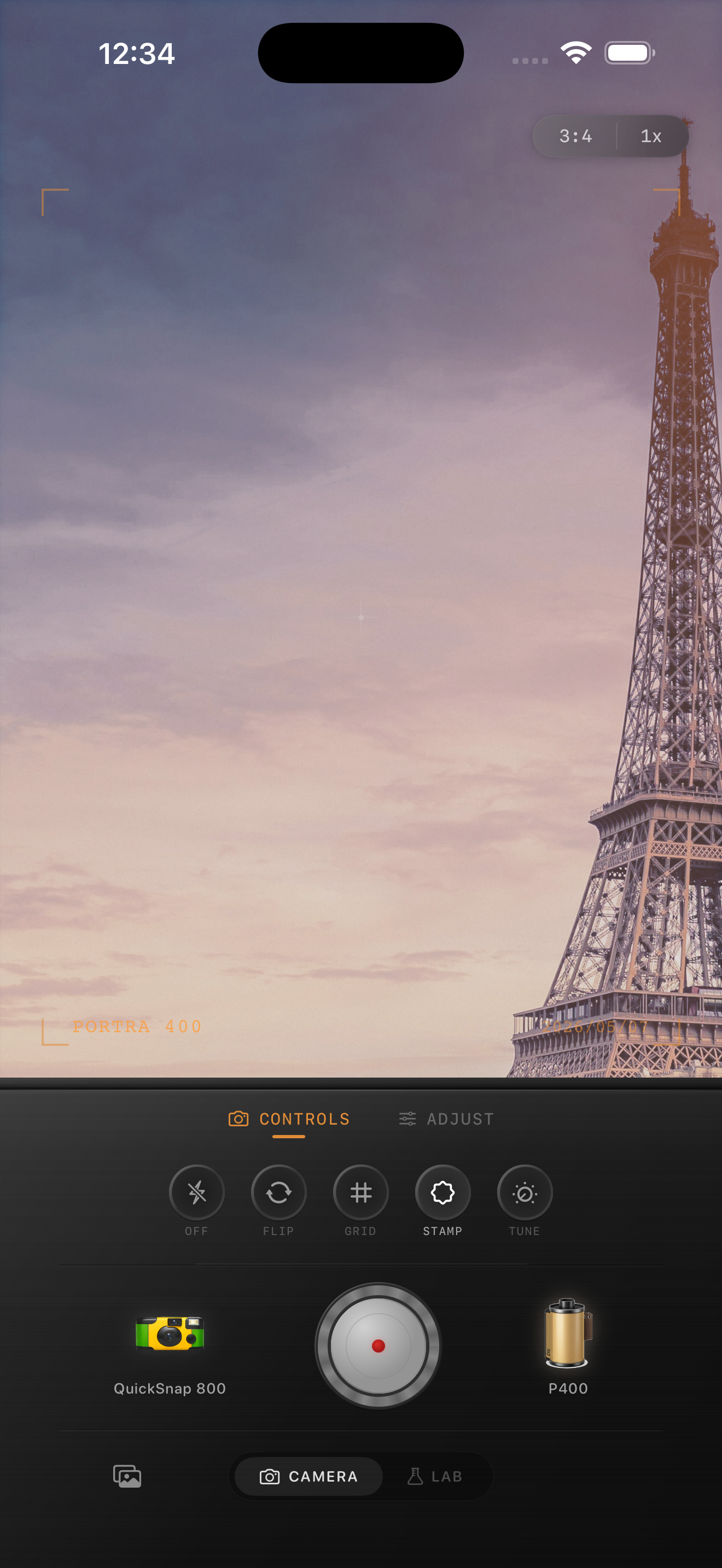
Nostalgia Cam helps here because you can reuse the same camera body and film mood across different scenes, then fine-tune the grain and warmth so each photo still fits the moment.
Build a film-style Instagram workflow
Use Nostalgia Cam to shoot or import photos, then tune grain, warmth, fade, and vignette so your Instagram posts keep their analog mood even after social compression.
FAQ
Why do film edits look weaker after uploading to Instagram?
Instagram compression can smooth fine grain and flatten delicate color shifts, so subtle edits may look cleaner and more digital after upload than they did in the editor.
Should Instagram film edits use stronger grain?
Usually a little stronger than you would for an archived full-resolution file, but not enough to make skin, skies, or snow look dirty once the photo is compressed.