
iPhone film look
How to Make iPhone Sunset Photos Look Like Film
A practical sunset film-look workflow for iPhone: protect highlight color, keep grain soft, and use warmth and fade without turning the sky muddy.
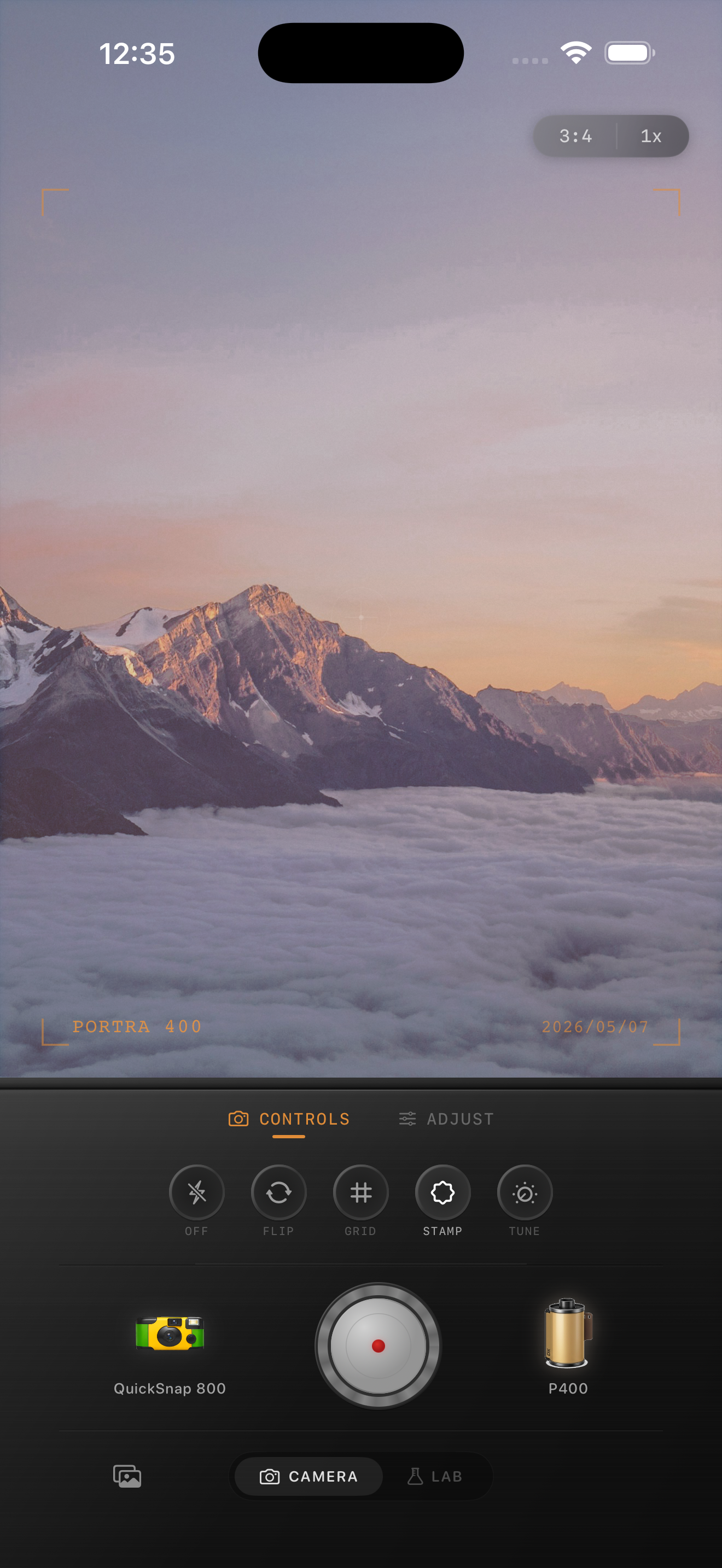
Sunset photos already have the mood
Sunset scenes do not need a heavy preset to feel cinematic. They already bring warm light, soft contrast, and color separation. The job of the edit is to protect that atmosphere while removing the overly clean digital finish that iPhone processing can add.
Most bad sunset film edits go wrong in one of two ways: they push warmth so hard that orange tones become muddy, or they add too much grain and fade, which flattens the sky and erases the glow that made the photo worth keeping.
Start with a soft 35mm-style baseline
A good starting point is film intensity 70-85%, grain 20-35%, warmth +6 to +12, fade 3-7%, and vignette 4-8%. Sunset photos usually need less grain than flash or nightlife shots because the color transitions in the sky are already doing a lot of work.
If the sky is bright and clean, keep the grain subtle. Let the texture live more in the foreground, shadows, and darker edges of the frame. That feels more like a scanned print and less like noise pasted over a gradient.
- Keep contrast soft instead of crunchy.
- Protect highlight color so the sky stays luminous.
- Use only mild vignette unless the edges are distracting.
- Add enough grain to break the digital smoothness, not enough to dirty the sky.
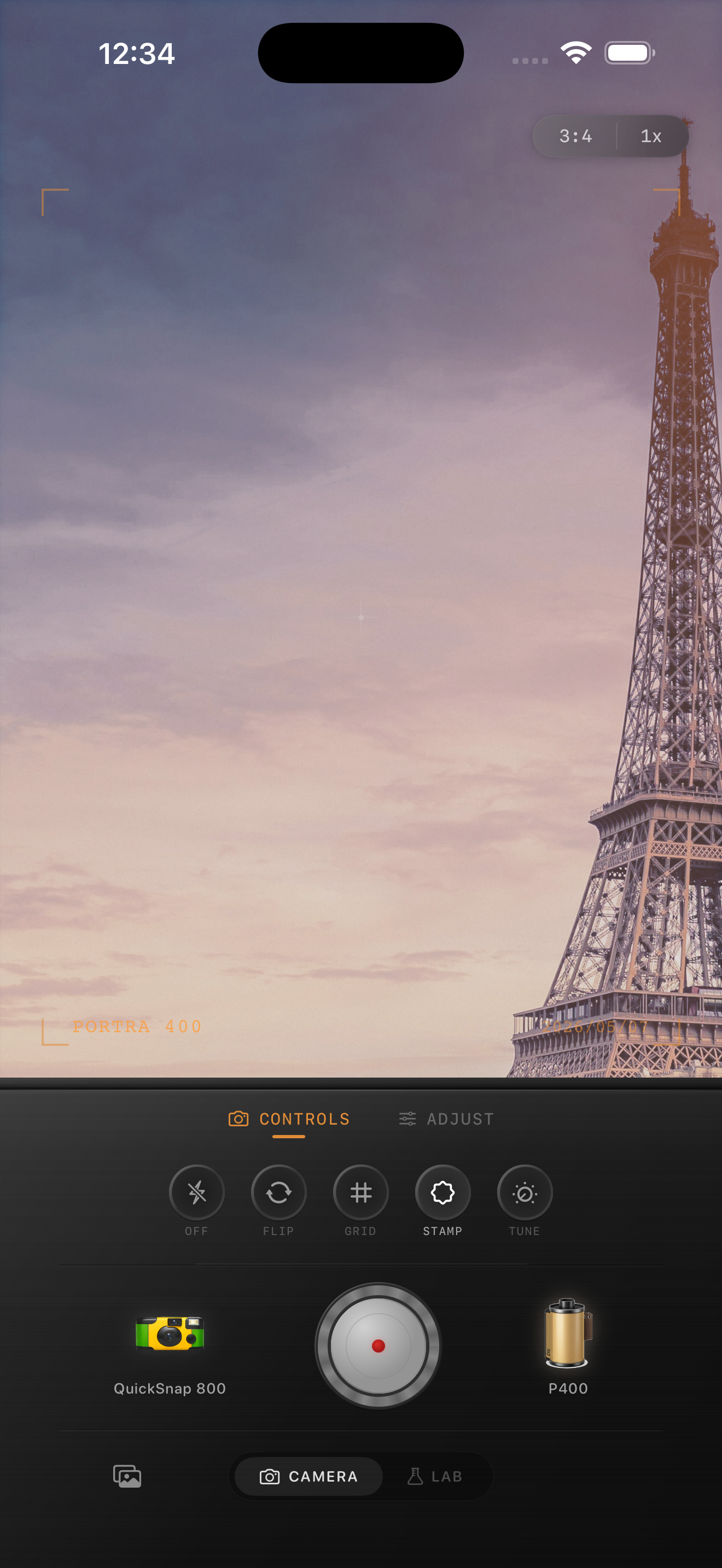
Warmth is not the same as color cast
Film-style warmth should feel like light, not like an orange blanket dropped over the whole frame. Skin, concrete, clouds, and pale buildings should still keep their own character.
If the whole image starts leaning one flat color, pull the warmth back and rely more on softer contrast and a small amount of fade. Film often feels warm because of its rolloff and color relationships, not because every surface is saturated orange.
Choose a camera mood that matches the scene
Quiet beach sunsets, mountain light, and travel cityscapes usually look best with a cleaner film body and finer grain. Rooftop evenings, car photos, and handheld snapshots can take a little more roughness and vignette.
In Nostalgia Cam, pick the camera body first, then switch film looks until the sky, skin, and foreground all hold together. The best sunset edit feels natural at first glance and nostalgic on the second.
Keep sunset color soft and believable
Use Nostalgia Cam to pair a cleaner camera body with film-style color, restrained grain, subtle fade, and full-resolution export so sunset photos keep their glow without looking overfiltered.
FAQ
Should sunset photos use strong grain?
Usually no. Sunset edits tend to look better with lighter grain so the sky stays smooth and luminous while the foreground gets just enough texture to feel less digital.
Why do sunset film edits turn muddy on iPhone?
They usually get muddy when warmth, saturation, fade, and grain are all pushed too far at once. A softer combination is usually more believable than a stronger preset.