
Film grain
Best iPhone Camera App for Film Grain: What to Look For
A practical buyer's guide to film grain apps on iPhone, including what realistic grain should look like, which camera controls matter, and how to avoid fake noisy filters.
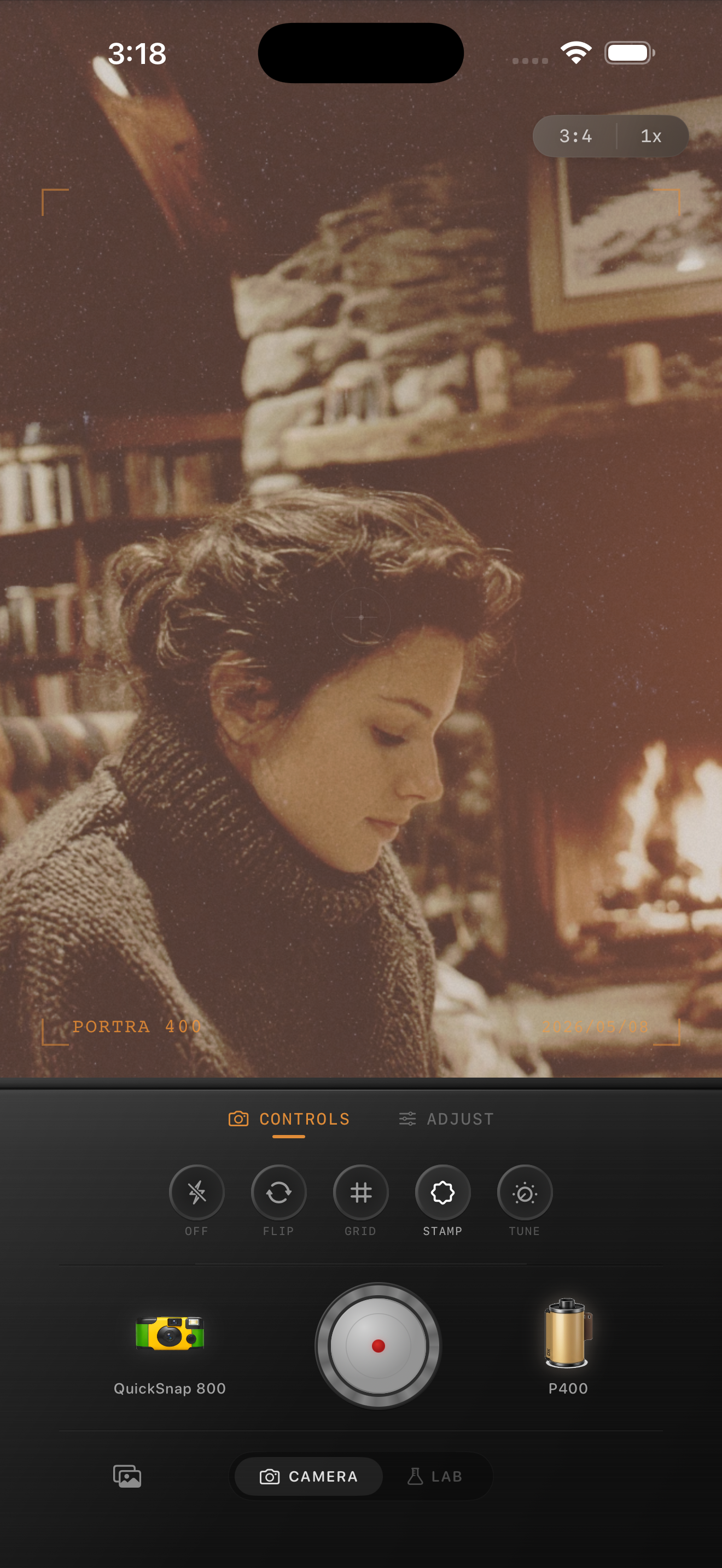
Most grain apps fail for the same reason
A lot of film grain apps add flat digital noise instead of grain that feels photographic. The result is crunchy texture spread evenly across skin, shadows, and highlights, which makes the image feel edited rather than captured.
If you are looking for the best iPhone camera app for film grain, start by judging the texture before the color. Good grain should soften the overly clean iPhone finish. It should not make the whole photo look dirty.
- Grain should vary across highlights, midtones, and shadows.
- Texture should feel organic instead of perfectly uniform.
- Faces and skies should stay readable at normal viewing size.
- The app should let you dial grain differently for cleaner and rougher looks.
Features that matter more than a big filter library
A believable film edit usually comes from a combination of grain, color, camera behavior, and export quality. That means the app should do more than stack a generic preset on top of the photo.
Look for camera bodies or capture modes with distinct personality, film-inspired color profiles, adjustable grain, subtle fade, restrained vignette, and full-resolution export. If the app only gives you one slider and a loud overlay, it will be hard to get a natural result.
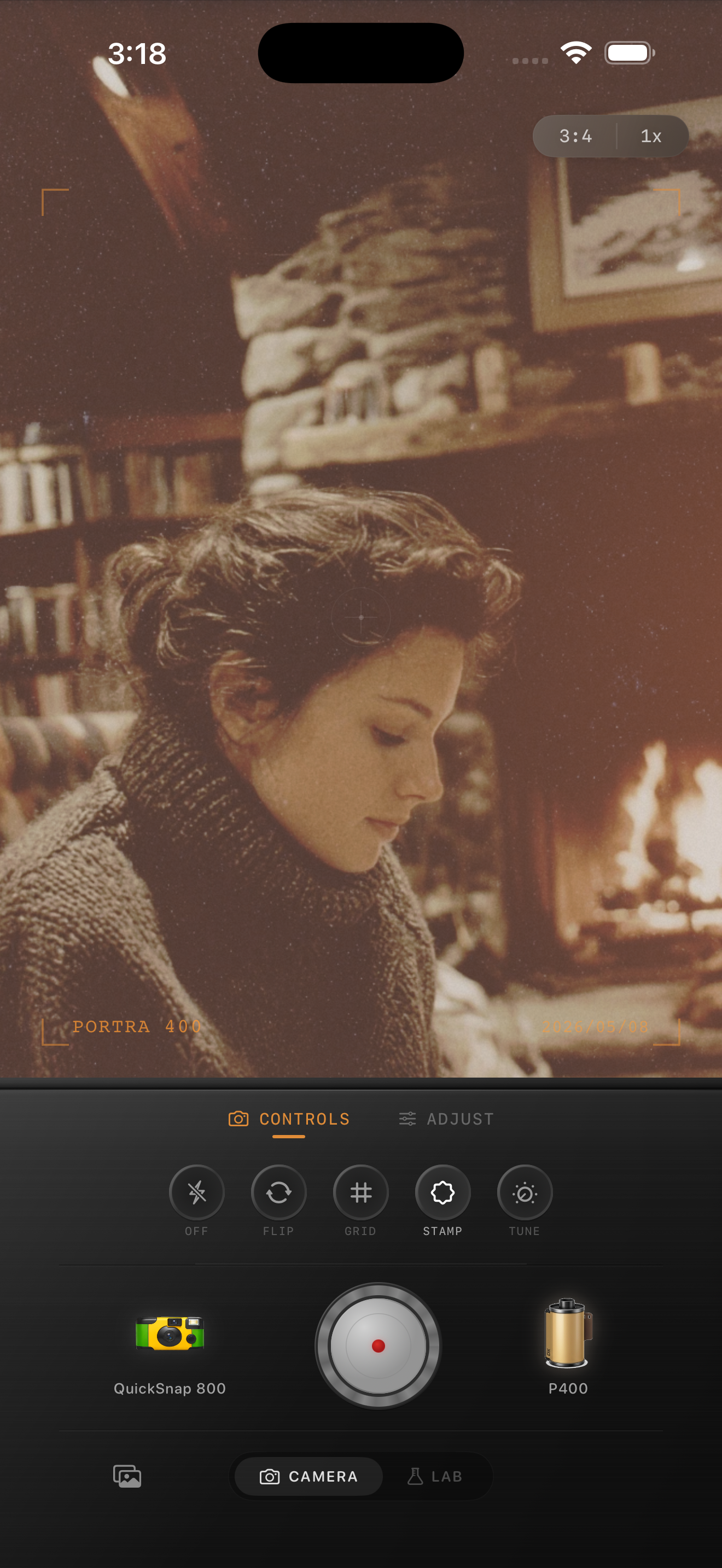
How to test a film grain app quickly
Use the same photo in every app: one face, one darker area, and one clean surface like a wall, sky, or snow. Apply a moderate edit and compare the results at feed size first, then zoom in. The best app should make the photo feel less digital before the grain becomes obvious.
Also check whether the app works for both new captures and older camera-roll photos. If you can shoot inside the app and also import existing images into a Lab or editor, you get a more flexible workflow and more consistent results.
Why Nostalgia Cam works well for grain-heavy edits
Nostalgia Cam pairs grain with camera body character and film-style color, so the texture is not doing all the work alone. A cleaner 35mm-style body can stay subtle, while a rougher disposable-style body can carry more visible grain and dust without feeling random.
That matters if you want one app for clean portrait-film edits, nighttime snapshots, old-print moods, and flash photos instead of switching between several one-note filters.
Test grain with the whole camera pipeline
Open Nostalgia Cam, compare camera bodies, then tune grain, warmth, fade, and vignette until the texture supports the photo instead of sitting on top of it.
FAQ
What makes film grain look realistic on iPhone?
Realistic grain is uneven, image-aware, and tied to the overall camera look. It should soften digital smoothness without covering faces, skies, or highlights in flat noise.
Should I choose a grain app or a full film camera app?
A full film camera app is usually more useful because grain looks better when it is paired with film color, softer contrast, camera character, and full-resolution export.