
Editing guide
How to Edit Vintage Car Photos to Look Like Film on iPhone
A practical film-editing guide for vintage car photos on iPhone, with cleaner chrome, softer paint highlights, natural grain, and color that feels like an old print instead of a preset.
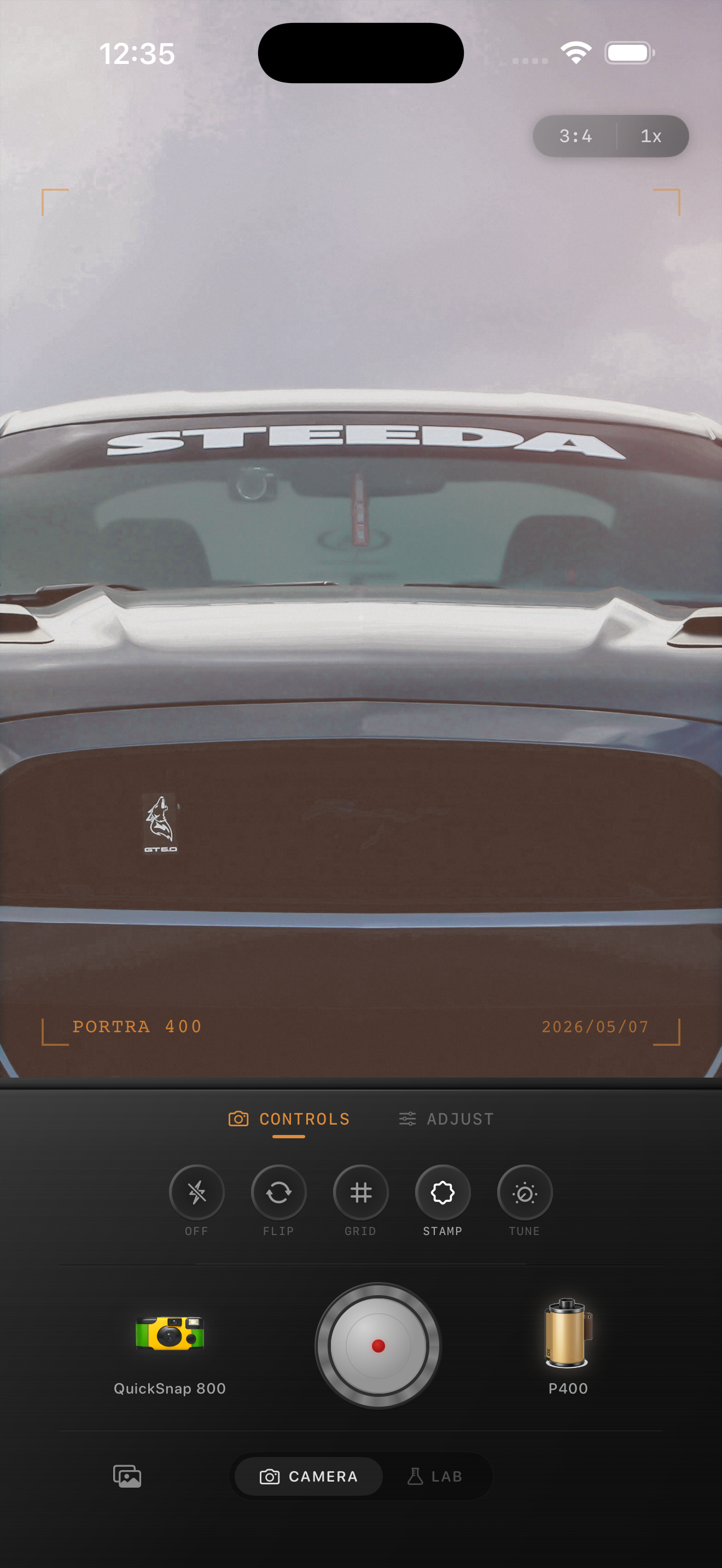
Classic cars need softer light before they need more grain
Vintage car photos already carry strong shapes, chrome reflections, paint color, and nostalgia. The edit works when it calms the modern phone look without flattening those details. If you start by cranking grain, the body lines and reflections get messy fast.
The first goal is usually to soften the hard digital bite in the highlights. Chrome, windshields, and glossy paint should still sparkle, but they should not feel razor sharp or HDR-heavy.
- Reduce the brittle digital feel before adding stronger texture.
- Keep paint color rich without pushing saturation too far.
- Use fine to medium grain so body lines stay clean.
- Add only light vignette unless the background is distracting.
- Check reflections carefully because they reveal overediting fast.
A dependable classic-car settings baseline
Start around film intensity 70-84%, grain 22-34%, warmth +4 to +10, fade 3-7%, and vignette 4-9%. That range usually helps a vintage car photo feel printed and tactile without making the scene look muddy.
If the shot was taken in strong midday sun, keep warmth and fade closer to the low end. If it was captured near golden hour, you can let the warmth rise slightly while keeping the grain controlled.
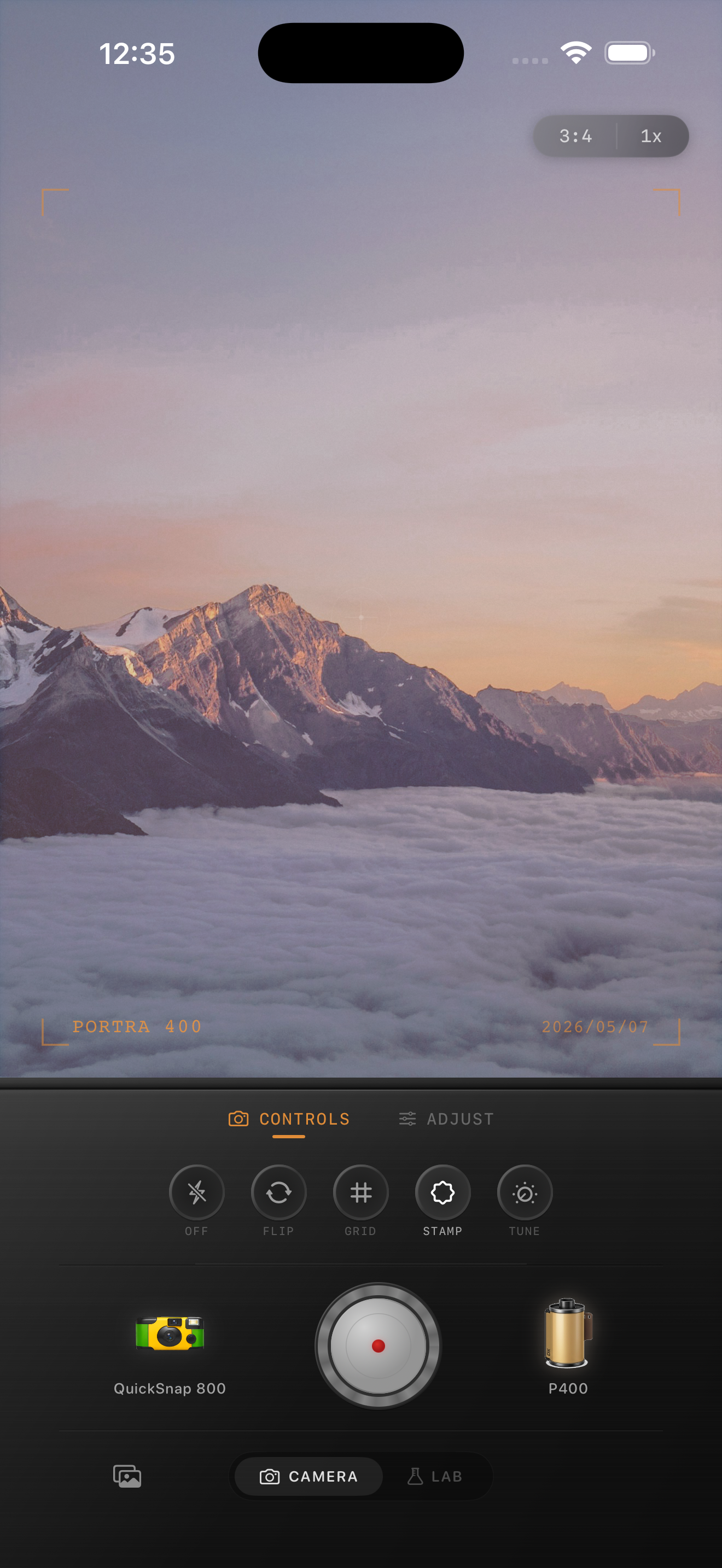
Watch chrome, paint, and background separately
Vintage car photos often fail because one part of the image gets treated like the whole frame. Chrome needs highlight control, paint needs color depth, and the background usually needs less attention than both. If chrome blows out or the background goes too dark, the car starts to look pasted in.
Make the edit by checking each zone in sequence. Get the paint right first, then confirm the chrome still has shape, then make sure the background supports the subject instead of competing with it.
Pick a cleaner film mood, not a rough disposable one
Most vintage car photos look better with a cleaner 35mm-inspired or color-negative inspired mood than with a rough disposable-camera treatment. The subject already has character. It usually needs calmer contrast and tasteful texture more than extra damage.
In Nostalgia Cam, start with a cleaner camera body and then tune grain, warmth, fade, and vignette until the image feels like an old automotive print. If you want a Kodak-style or Fuji-style mood, use that as inspiration only and keep the final color grounded in the actual scene.
Give classic car photos a calmer film finish
Use Nostalgia Cam to add natural grain, softer contrast, and print-like color so vintage car shots feel collected and tactile instead of overly glossy and digital.
FAQ
How much grain works for vintage car photos on iPhone?
Usually a fine to medium amount. Around 22-34% is a solid starting range because it adds texture without making chrome and paint look dirty.
Should I use a disposable camera effect on classic car photos?
Usually no. A cleaner film-inspired look tends to suit vintage cars better because it preserves body lines, reflections, and paint while still softening the digital finish.