
Editing guide
How to Edit Vintage Car Photos to Look Like Film on iPhone in Golden Hour Light
A practical golden-hour car edit for iPhone: keep chrome under control, hold paint color, use softer contrast, and add film texture without muddying the light.
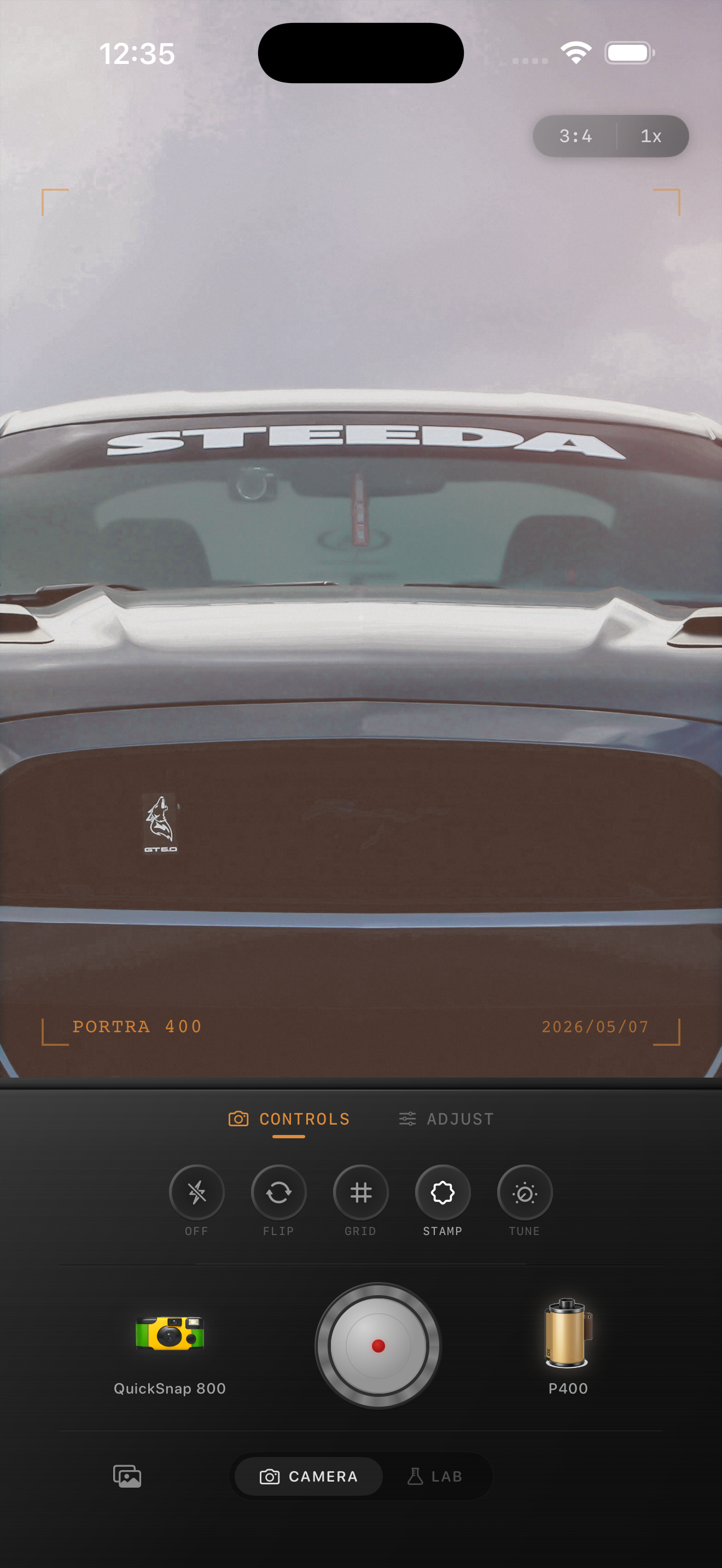
Why golden hour car photos get messy
Golden hour should make car photos look easy, but reflective paint and chrome can go bad quickly on iPhone. Highlights clip, warm light turns muddy, and the metal starts to feel harsher than the rest of the scene.
A film-inspired edit should keep the warmth of late light while calming the reflections. The goal is not a super-saturated sunset look. The goal is a cleaner, softer image that still shows off the car’s shape.
Build the look around paint and chrome
Start by judging the car body first. If the paint already looks too orange, do not fix it by piling on grain. Lower warmth slightly, keep contrast soft, and make sure the chrome still has detail before you push the film effect further.
Classic cars usually look best when the color grade feels printed rather than glossy. Let the brightest reflections stay bright, but keep them from turning into hard white patches.
- Use film intensity around 70-85% for a believable golden-hour finish.
- Keep grain around 25-40% so paint texture stays clean.
- Use warmth around +6 to +14 depending on the sunset color.
- Add fade around 4-9% to soften the digital edge.
- Use vignette lightly so the car does not sink into the frame.
Use softness before adding more warmth
If the photo still looks digital, the usual problem is sharpness rather than color. A touch of softness often makes reflections feel more analog than simply warming everything more.
This matters even more on polished cars because heavy warmth can make the metal, glass, and paint all collapse into one orange tone. Softness and moderate grain give the scene character without losing separation.
Keep the background part of the mood
A strong golden-hour car photo usually has warm pavement, trees, buildings, or sky helping the mood. Do not edit the car in isolation. If the background goes too cold or too gray, the car starts to look pasted into the frame.
Once the whole image feels unified, add just enough grain and fade to make it feel like a film-inspired print from a late drive.
Give golden-hour car photos a softer analog finish
Use Nostalgia Cam to balance paint color, chrome, grain, fade, and camera-body character so vintage car photos in sunset light feel cinematic and film-inspired without losing detail.
FAQ
Should I warm up golden-hour car photos a lot?
Usually no. Golden hour already brings warmth, so most edits look better when you control reflections first and add only a modest extra warmth boost.
What makes chrome look bad in film-style edits?
Chrome falls apart when highlights clip or when the whole image is pushed too warm. Softer contrast and moderate grain usually work better than stronger color.