
Editing guide
How to Edit Mountain Sunrise Photos to Look Like Film on iPhone Without Washed-Out Skies
A practical sunrise mountain film edit for iPhone: protect bright skies, keep dawn color believable, add gentle grain, and avoid the flat HDR look.
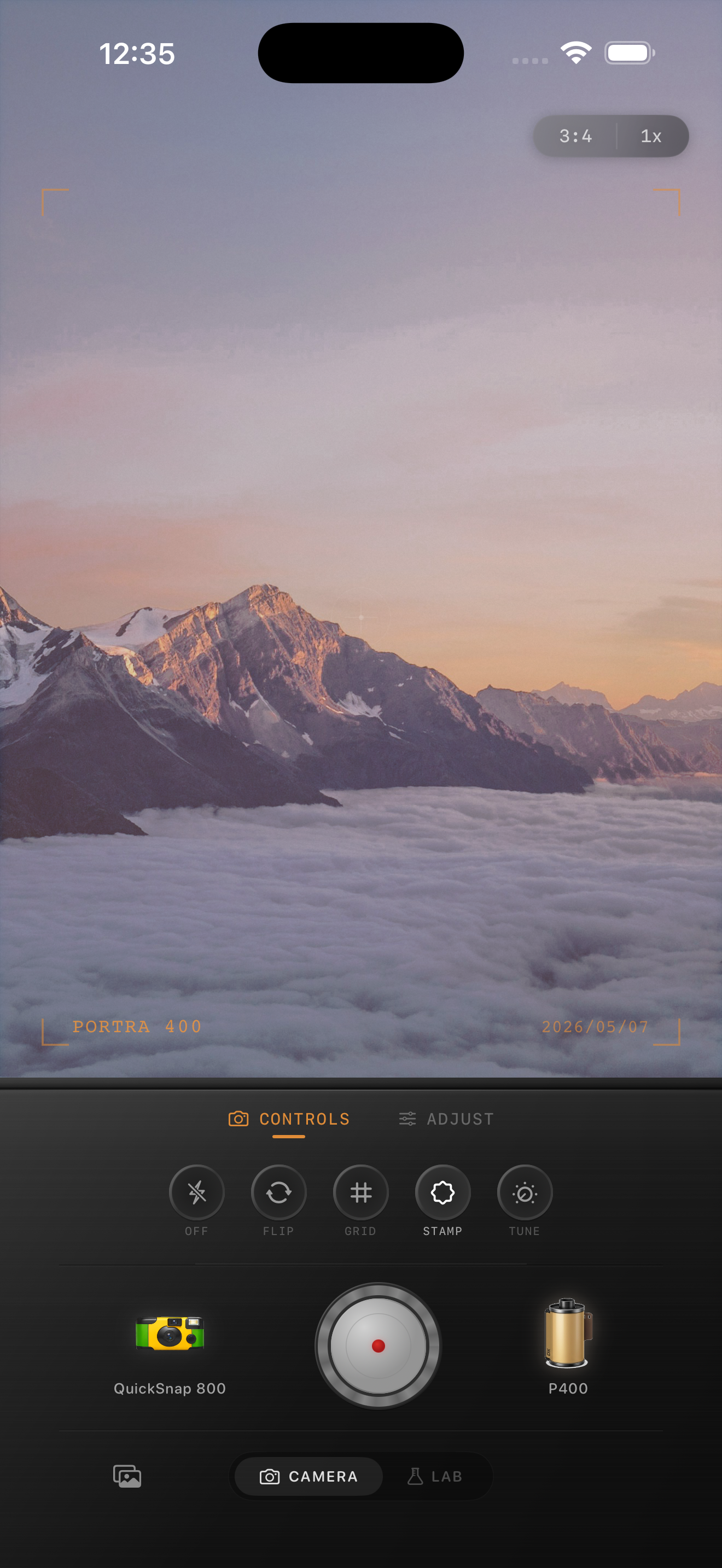
Why sunrise skies turn flat so fast
Mountain sunrise photos are difficult because the iPhone tries to hold detail everywhere at once. That often means the foreground lifts too much, the bright horizon loses shape, and the whole scene starts to look more HDR than film.
A film-inspired sunrise edit should keep the glow in the sky while letting the mountains stay a little deeper and quieter. You do not need dramatic contrast. You need separation between the bright dawn band, the peaks, and the darker trees or foreground.
Start by protecting the horizon
Before you add grain or warmth, make sure the sunrise band still has color. If the orange or pink strip near the horizon has already gone pale, lower the overall intensity of the edit and use less fade than you would on an indoor photo.
This is one of the few film-look situations where restraint matters more than texture. The mood usually comes from the light itself, not from obvious vintage effects.
- Keep film intensity around 65-80% to preserve the sky.
- Use grain around 20-35% so the landscape stays clean.
- Add warmth carefully, usually around +4 to +10.
- Keep fade low, around 3-8%, so the sunrise still has contrast.
- Use only a light vignette if the edges feel too bright.
Choose a film look that calms blue shadows
Sunrise mountain photos often fail when the sky goes warm but the land stays aggressively blue. A believable film look usually softens that split so the whole scene feels like one moment instead of two color temperatures fighting each other.
If your shadows look icy, lower the cool cast before increasing warmth. That keeps the image from turning orange and blue at the same time.
Avoid the two common mistakes
The first mistake is lifting the foreground until it looks like midday. Film sunrise photos usually let some areas stay dark. The second mistake is adding too much grain to the sky, which makes the clean gradient near the horizon look dirty.
If the photo still feels digital after you protect the sky, add a little softness and a little grain before you add more warmth. That usually gets you closer to a print-like result without flattening the sunrise.
Keep dawn color, lose the HDR feel
Use Nostalgia Cam to combine a film look, camera-body character, gentle grain, fade, and warmth so mountain sunrise photos feel like film-inspired prints instead of overprocessed phone landscapes.
FAQ
Should sunrise mountain photos have heavy grain?
Usually no. Clean landscapes often look better with light-to-medium grain so the sky gradient stays smooth and the mountains keep their shape.
Why do sunrise edits lose their color so quickly?
The bright horizon is easy to flatten if the edit adds too much fade, too much overall intensity, or too much warmth. Protect the sky first, then build the film texture around it.