
Editing guide
How to Edit Farmers Market Photos to Look Like Film on iPhone
A practical iPhone guide for farmers market photos, with cleaner daylight color, natural skin tones, gentle grain, and film-style settings that keep produce and street scenes nostalgic instead of muddy.
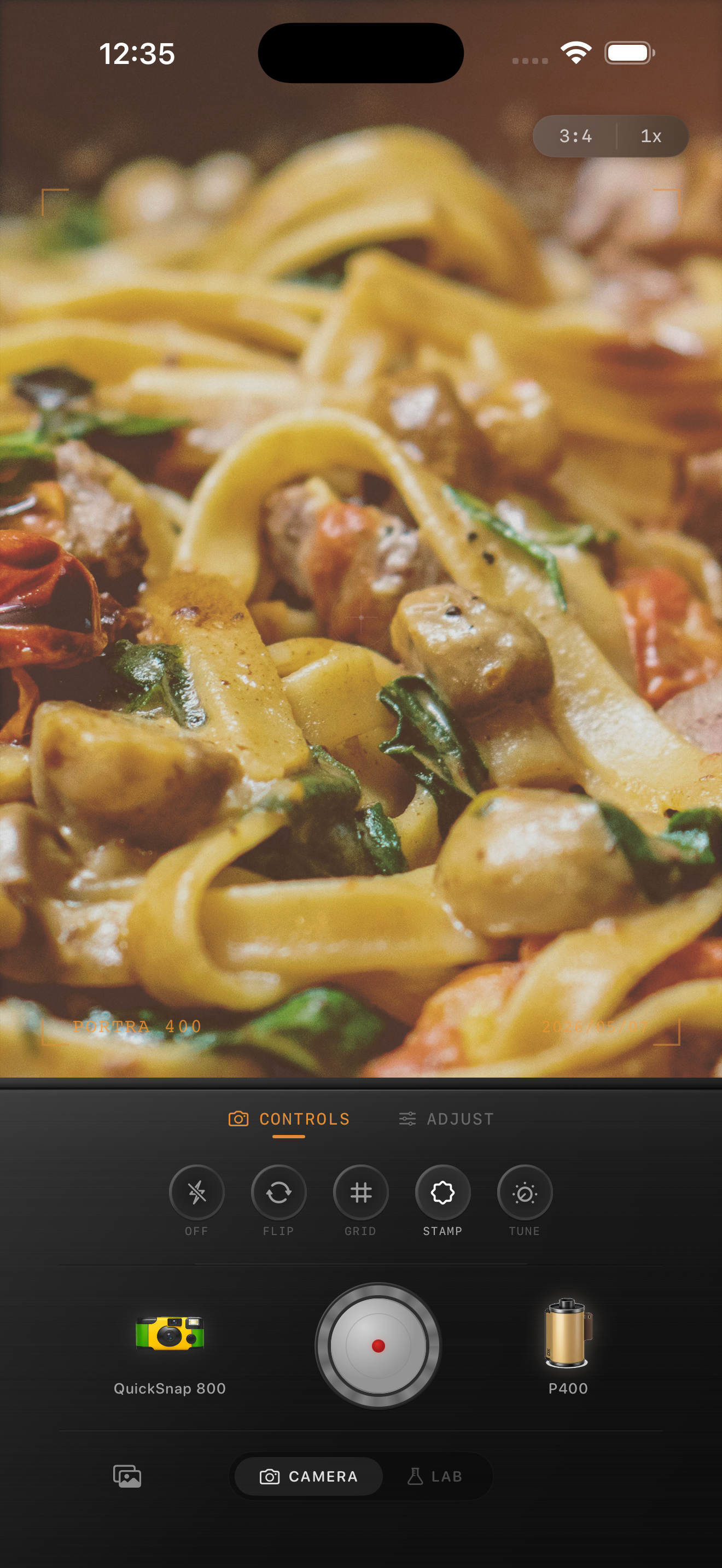
Farmers market photos already have color and texture
Farmers market scenes usually come with the ingredients a film edit needs: uneven daylight, fabric canopies, handwritten signs, flowers, fruit, baskets, and people moving through the frame. The goal is not to force a heavy vintage filter onto that. The goal is to soften the iPhone finish so the scene feels tactile and remembered.
Most bad market edits fail because they over-warm everything at once. Greens turn swampy, white tents go yellow, and skin loses its balance. A film-style edit should keep the color lively but slightly calmer than the default phone file.
A dependable outdoor market starting recipe
Start around film intensity 70-84%, grain 22-34%, warmth +4 to +10, fade 3-7%, and vignette 3-7%. That usually gives enough analog softness to tame bright daylight without making produce or flowers look dull.
If the light is very harsh, lower highlights before adding more warmth. If the frame is already shaded under tents, keep grain moderate and let the natural texture of crates, paper bags, and produce carry more of the mood.
- Protect white tents, signs, and sunlit tablecloths from looking dirty.
- Use moderate grain so labels, fruit, and faces stay readable.
- Warm the image slightly, but keep greens and skin believable.
- Use a light vignette only if the frame edges feel too clean.
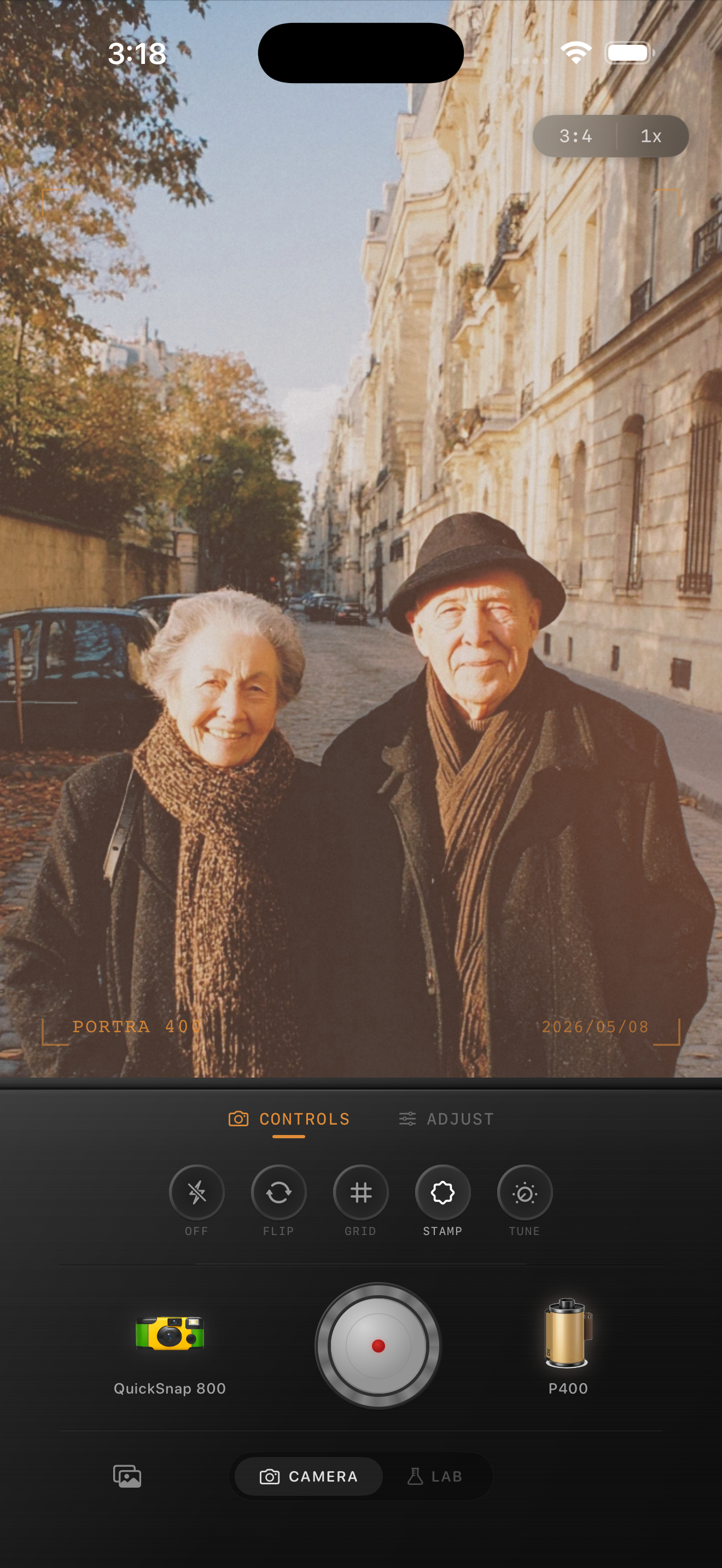
Edit for people and produce at the same time
Market photos often mix portraits and detail shots in the same frame. If you edit only for the fruit, skin can go too orange. If you edit only for faces, the stalls can lose their richness. A good film look keeps both sides of the scene in balance.
It helps to judge the image from three anchor points: one face, one bright neutral area, and one colorful object. If all three still feel believable after the edit, the photo will usually hold together.
Choose a cleaner camera mood than a disposable party look
Most farmers market photos work better with a cleaner 35mm-inspired or compact-film body than with a rough disposable one. The scene already has enough visual interest. You usually need softness and cohesion more than obvious damage.
In Nostalgia Cam, start with a calmer body, then tune grain, warmth, fade, and vignette until the market feels like a weekend memory rather than a stylized filter test.
Turn weekend market shots into film memories
Use Nostalgia Cam to shoot or import farmers market photos, then tune camera body, grain, warmth, fade, and vignette so bright produce, candid faces, and street details keep their color while feeling naturally analog.
FAQ
Why do farmers market film edits turn yellow so fast?
Because the scene already has warm produce, wood, and sunlight. A small warmth adjustment plus softer contrast usually works better than pushing global warmth too far.
Should farmers market photos use a clean film look or a disposable look?
Usually a cleaner film look. It preserves produce color, skin tone, and daylight detail more naturally, while a disposable look can be useful only for flash-heavy or intentionally rough snapshot moments.