
Editing guide
How to Edit Snowy Cabin Porch Photos to Look Like Film on iPhone Without Blue Snow
A practical snowy-cabin film recipe for iPhone: neutral snow, warm wood, softer winter contrast, and enough grain to make porch photos feel nostalgic without turning icy blue.
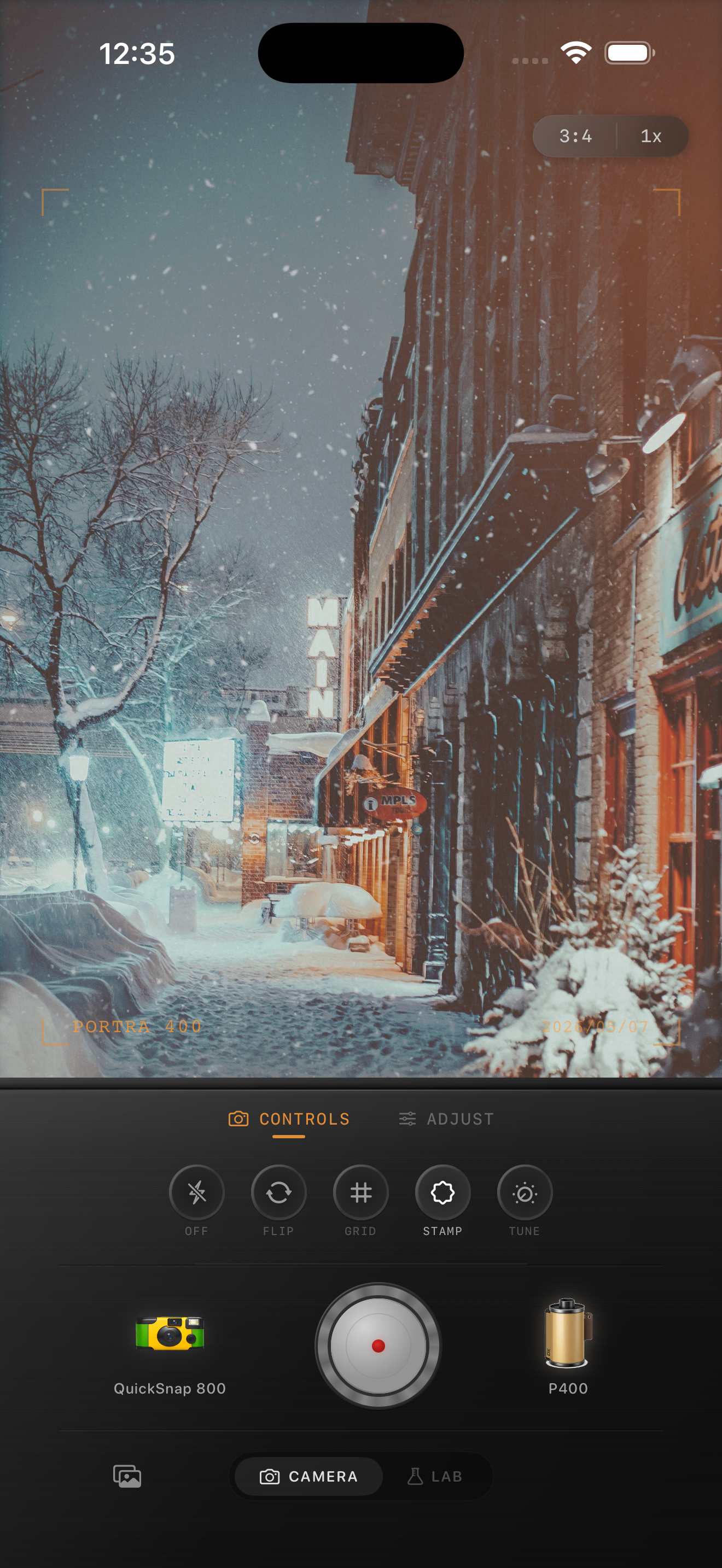
Why snowy porch photos turn blue
Snowy cabin porch photos often mix open-sky blue light in the snow with warmer wood, lamps, and indoor window glow. iPhone processing can exaggerate that split, leaving the snow cyan while the cabin turns too yellow.
A believable film-inspired edit should keep the cold-weather contrast between snow and shelter, but it should not make the scene feel divided into two unrelated color temperatures.
Use a winter baseline that protects neutrals
Start around film intensity 70-84%, grain 22-34%, warmth +4 to +10, fade 4-8%, and vignette 4-9%. If the snow is obviously blue, correct that first before adding more warmth to the cabin. Fixing the neutral areas early keeps the wood and window light from becoming too orange later.
Snow usually wants less grain than people expect. Heavy texture can make clean snow look dirty, especially on bright porches and pale paths.
- Use snow, white trim, and pale clothing as your neutral checkpoints.
- Warm the cabin only after the snow stops looking cyan.
- Keep highlights soft so snow still shows texture.
- Add grain lightly so the frame feels printed, not gritty.
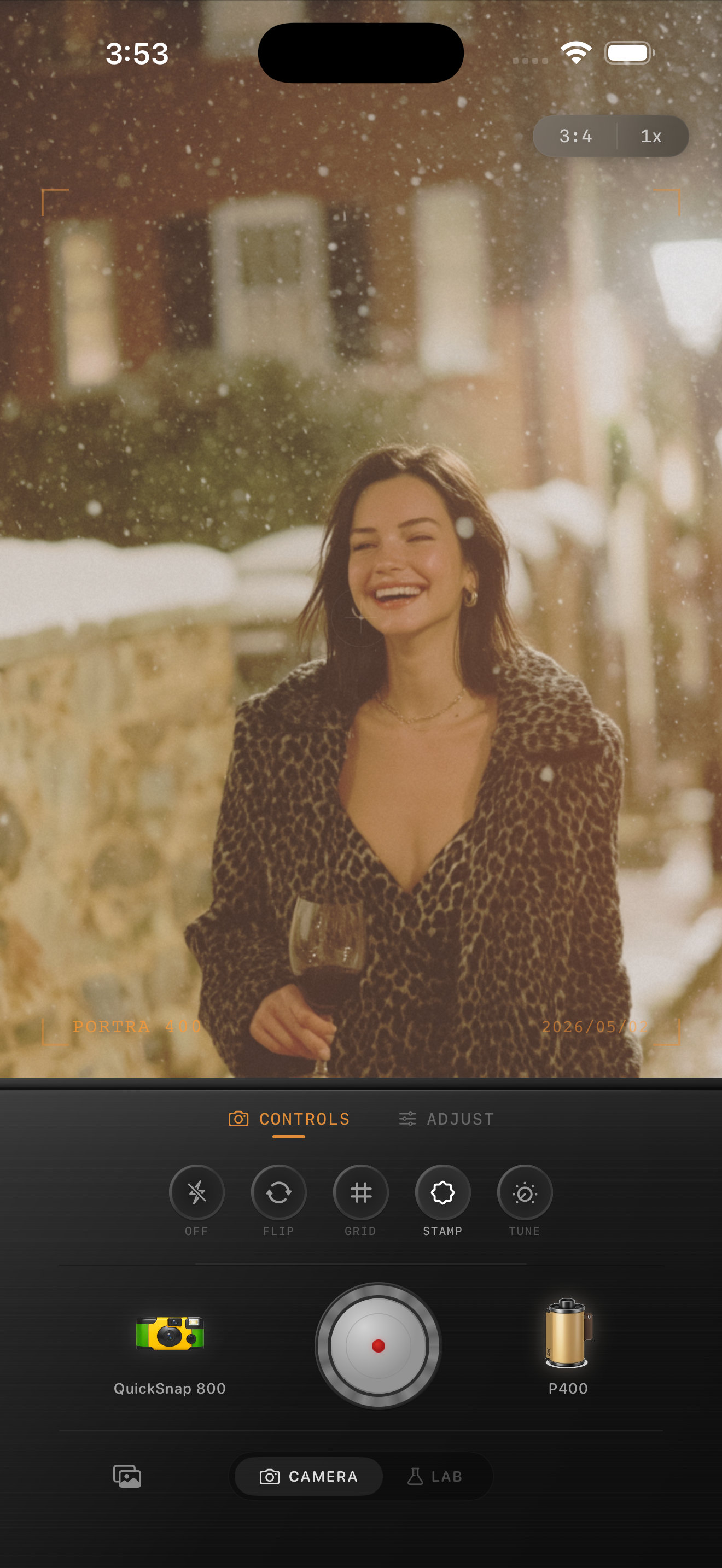
Let the wood and window glow carry the warmth
Cabin scenes feel nostalgic because warm boards, porch lights, blankets, and windows contrast with the cold outside. You do not need to warm the entire frame equally. If the snow stays neutral, the cabin materials can provide most of the analog comfort on their own.
That also keeps the image from turning muddy. Neutral snow gives the photo breathing room and makes the warmer parts feel intentional.
Choose a cleaner camera mood for winter detail
Most snowy porch photos work better with a cleaner compact-film or 35mm-inspired body than with a rough disposable effect. The porch railings, wood grain, boots, and tracked snow already give the frame texture.
A rougher body can still work for a quick flash snapshot outside the cabin, but for scenic porch photos it is usually better to keep the grain finer and let the winter atmosphere do the work.
Keep snowy cabins cold outside and warm inside
Use Nostalgia Cam to balance camera body, film look, grain, warmth, fade, and vignette so snowy cabin porch photos keep neutral snow, warm wood, and a natural film-inspired winter mood.
FAQ
How do I stop snow from looking blue in a film edit?
Correct the snow toward neutral before you add more warmth elsewhere. White trim, snowbanks, and pale clothing are the fastest indicators of whether the scene still looks believable.
Should snowy cabin photos use strong grain to feel like film?
Usually no. Winter scenes often look better with finer grain and cleaner highlights so the snow keeps detail and the cabin warmth does not turn muddy.