
Editing guide
How to Edit iPhone Bar Photos to Look Like Film Without Red Skin Tones
A practical bar-photo film recipe for iPhone: calmer red light, cleaner skin, preserved shadow detail, and enough analog texture to keep nightlife photos moody instead of muddy.
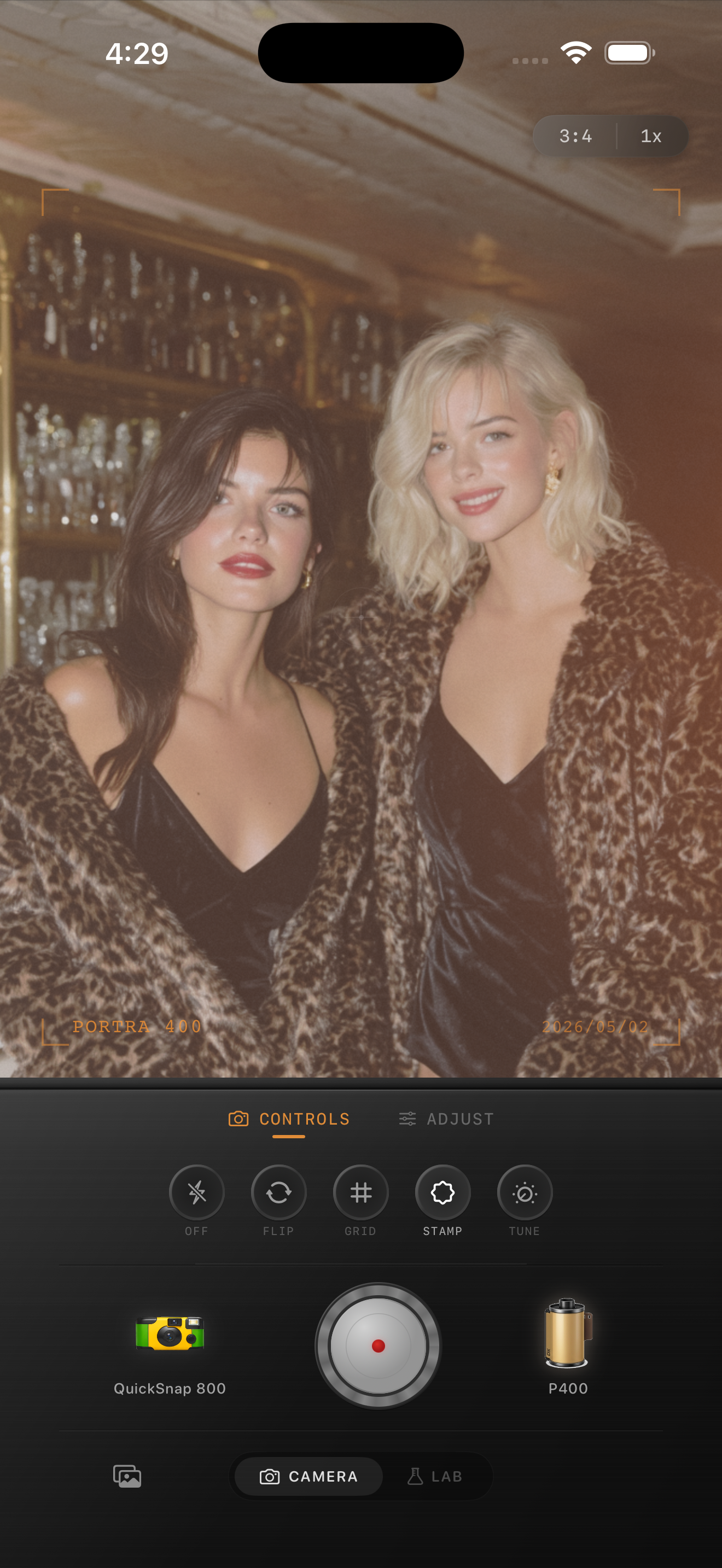
Why bar photos go too red so quickly
Bar photos usually combine tungsten bulbs, red accents, neon signs, candles, and very dark backgrounds. iPhone processing often pushes that mix toward heavy orange-red skin, especially when the scene already has warm wood, brick, or colored drinks in the frame.
A film-inspired edit should keep the room warm and social without making every face look sunburned. The goal is believable memory color, not perfectly neutral studio color.
Start with a balanced nightlife baseline
Start around film intensity 72-86%, grain 26-38%, warmth +2 to +8, fade 3-7%, and vignette 6-12%. If skin is already too red, lower warmth before you add more grain. Once the color is under control, the rest of the film look becomes much easier to trust.
Nightlife photos usually benefit from slightly softer contrast rather than aggressive fade. That keeps faces readable while preserving the darker corners that make the room feel intimate.
- Reduce obvious red or orange skin before adding more texture.
- Keep highlight control on glassware, signs, and skin sheen.
- Let the room stay warm, but keep teeth, whites, and menus from turning pink.
- Use grain to soften the digital finish, not to hide bad color.
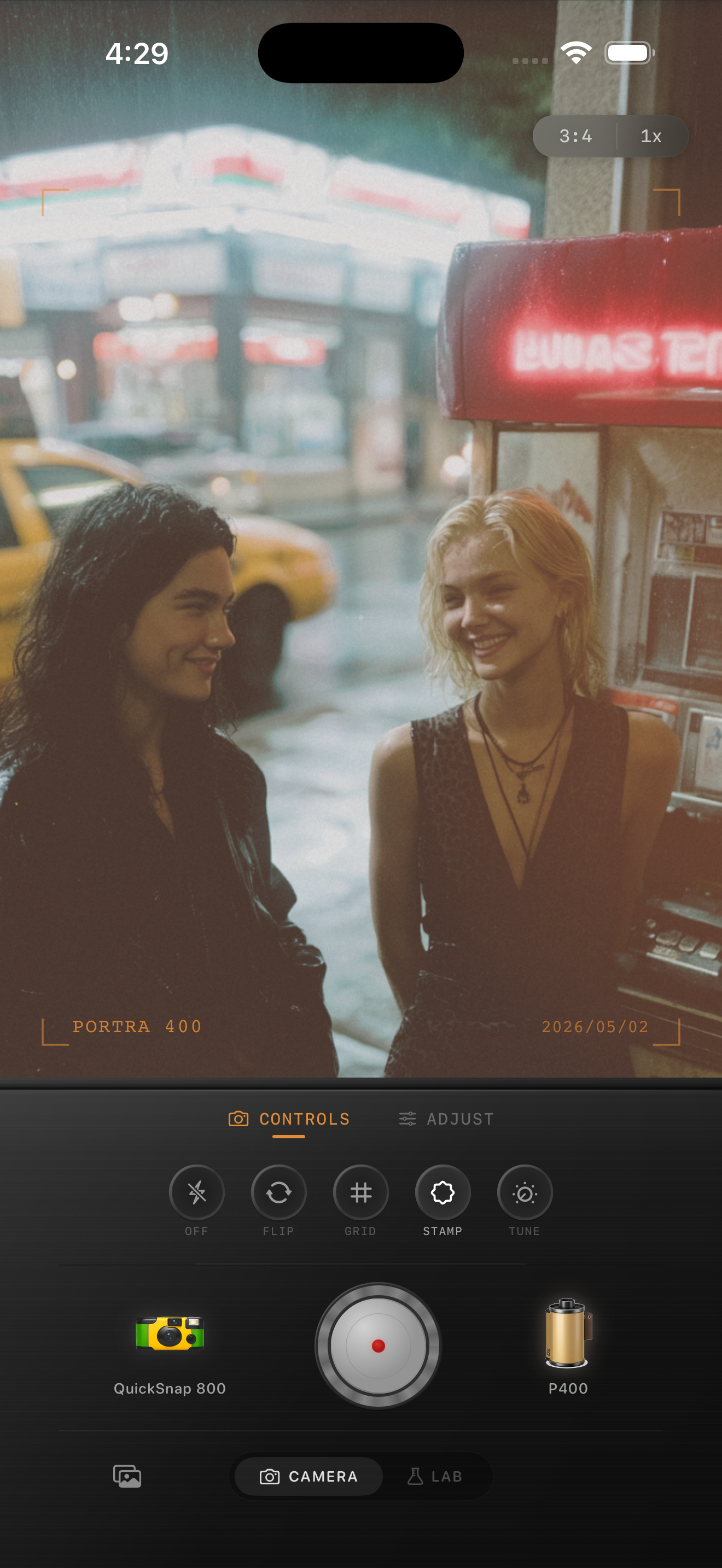
Keep the room warm while faces stay natural
You do not need every wall or light fixture to become neutral. In fact, bar photos usually look better when the background keeps some amber, red, or magenta character. What matters is that faces, hands, and lighter fabrics do not drift so far warm that they stop looking human.
Use skin as the anchor. If the people look right, the surrounding light can stay a little wild and the photo will still feel intentional.
Pick the camera mood based on the scene
For a quieter cocktail bar, booth conversation, or candlelit table, a cleaner 35mm-inspired body usually works best because it protects skin and glass detail. For louder snapshots with flash, spilled light, and movement, a rougher point-and-shoot or disposable-inspired body can add the right energy.
The mistake is stacking a rough body on top of already muddy color. Get the faces clean first, then decide how scrappy the camera texture should feel.
Keep nightlife warmth without red faces
Use Nostalgia Cam to tune camera body, film look, grain, warmth, fade, and vignette so bar photos stay warm, social, and film-inspired without pushing skin tones too red.
FAQ
How do I keep bar photos warm without making skin look red?
Start by lowering warmth or red-heavy color slightly, then rely on softer contrast and moderate grain for the rest of the mood. Check faces, hands, and any white clothing first before deciding the balance is finished.
Should bar photos use heavy grain to feel more like film?
Usually not. Moderate grain is enough for most bar scenes. If the color is already messy, heavy grain often makes the photo feel dirtier rather than more analog.