
Editing guide
Best Film Settings for Mountain Dawn Photos on iPhone Without Flat Skies
A practical iPhone film recipe for mountain dawn photos: cleaner sunrise color, softer contrast, restrained grain, and enough depth to keep the sky from going flat.
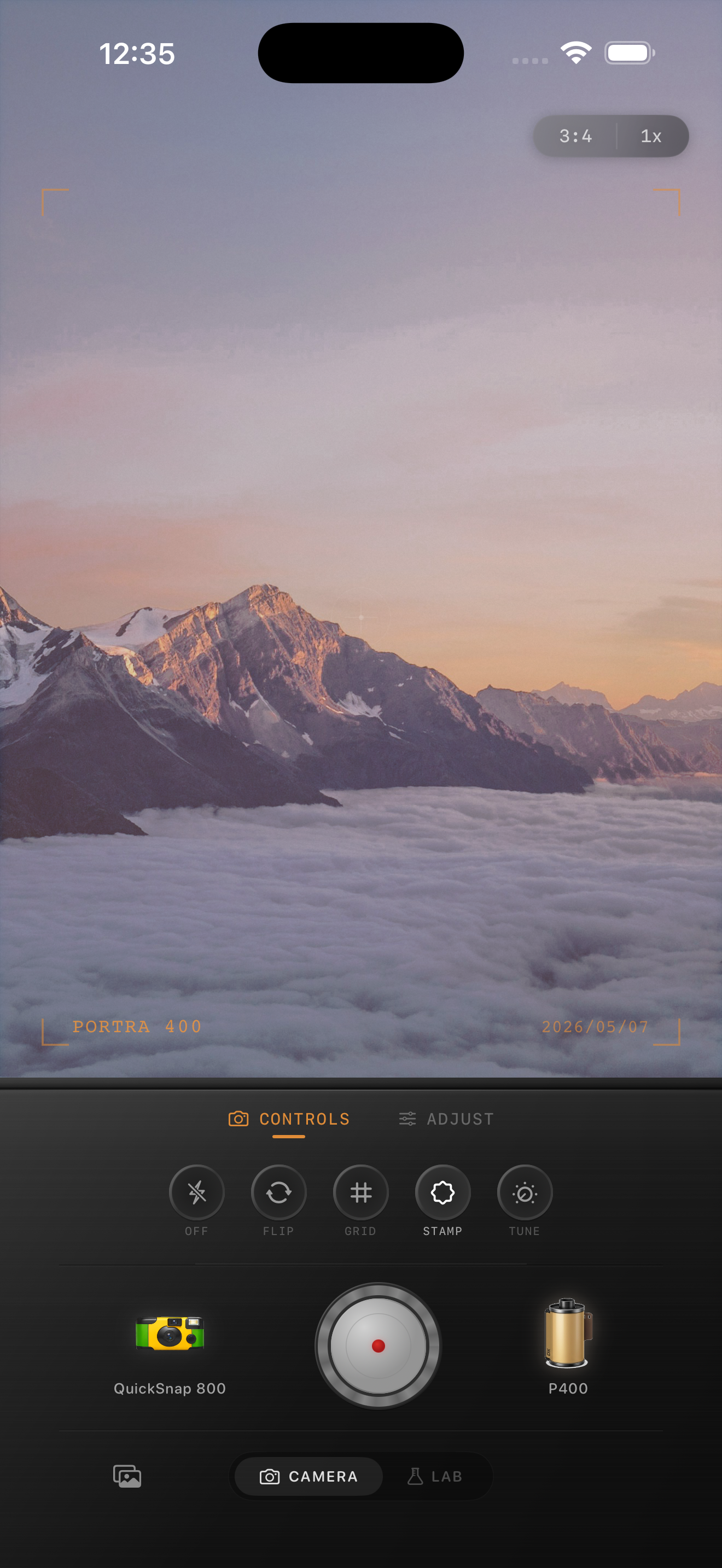
What makes dawn skies go flat
Mountain dawn photos usually fail when the edit treats the sky and the land the same way. If you add too much fade, too much warmth, or too much grain everywhere, the sunrise loses separation and the ridgelines stop feeling crisp.
A believable film-inspired dawn edit keeps some softness, but it still protects color transitions in the sky. You want the pink, gold, and blue bands to stay distinct while the foreground feels calmer and less digital.
- Keep fade low so the sky does not wash out.
- Use restrained warmth instead of turning the whole frame orange.
- Add fine grain, not coarse texture.
- Protect ridge contrast so the horizon still feels layered.
- Use only a light vignette unless the corners are distracting.
A dependable settings starting point
Start with a balanced 35mm-inspired or color-negative-inspired look, then set film intensity around 68-80%, warmth around +4 to +10, grain around 18-28%, fade around 3-7%, and vignette around 6-12%. This keeps the photo analog enough without flattening the dawn color.
If the sky already looks pale from iPhone processing, lower fade first before changing anything else. Most flat sunrise edits come from trying to create mood with shadow lift instead of preserving the color that was already there.
How to balance the sky and foreground
The sky carries the emotion, but the mountains carry the structure. If you edit only for the sky, the land can turn into a muddy silhouette. If you edit only for the foreground, the sunrise becomes generic daylight.
Aim for a foreground that is slightly softened, not lifted into gray. A film look works best here when the mountains stay dark enough to anchor the frame while the sunrise still has room to glow naturally.
When to use more grain and when to avoid it
Use fine grain when the dawn is clean and bright. Save heavier grain for fog, weather, or scenes that already have rougher texture. Strong grain often breaks the smooth gradient in the sky and makes the image feel edited instead of photographed.
If the photo still feels too digital, add a little more softness or warmth before you push grain. Mountain dawn images usually gain more from calmer contrast than from extra texture.
Build the dawn look in Nostalgia Cam
Use Nostalgia Cam to combine film-inspired color, fine grain, fade, vignette, and camera body character so mountain sunrise photos keep soft analog mood without losing sky depth.
FAQ
Why do dawn sky edits turn flat so quickly?
Usually because the edit adds too much fade or warmth across the whole frame. Dawn skies need separation between color bands more than they need heavy texture.
Should sunrise mountain photos use a lot of grain?
Usually no. Fine grain works better because it keeps the sky smooth and lets the ridgelines hold detail without looking noisy.