
Editing guide
How to Edit Snowy Cabin Photos to Look Like Film on iPhone Without Yellow Snow
A practical winter film workflow for snowy cabin photos on iPhone: neutral snow, warm cabin light, softer contrast, and grain that keeps the scene cozy without making it dirty.
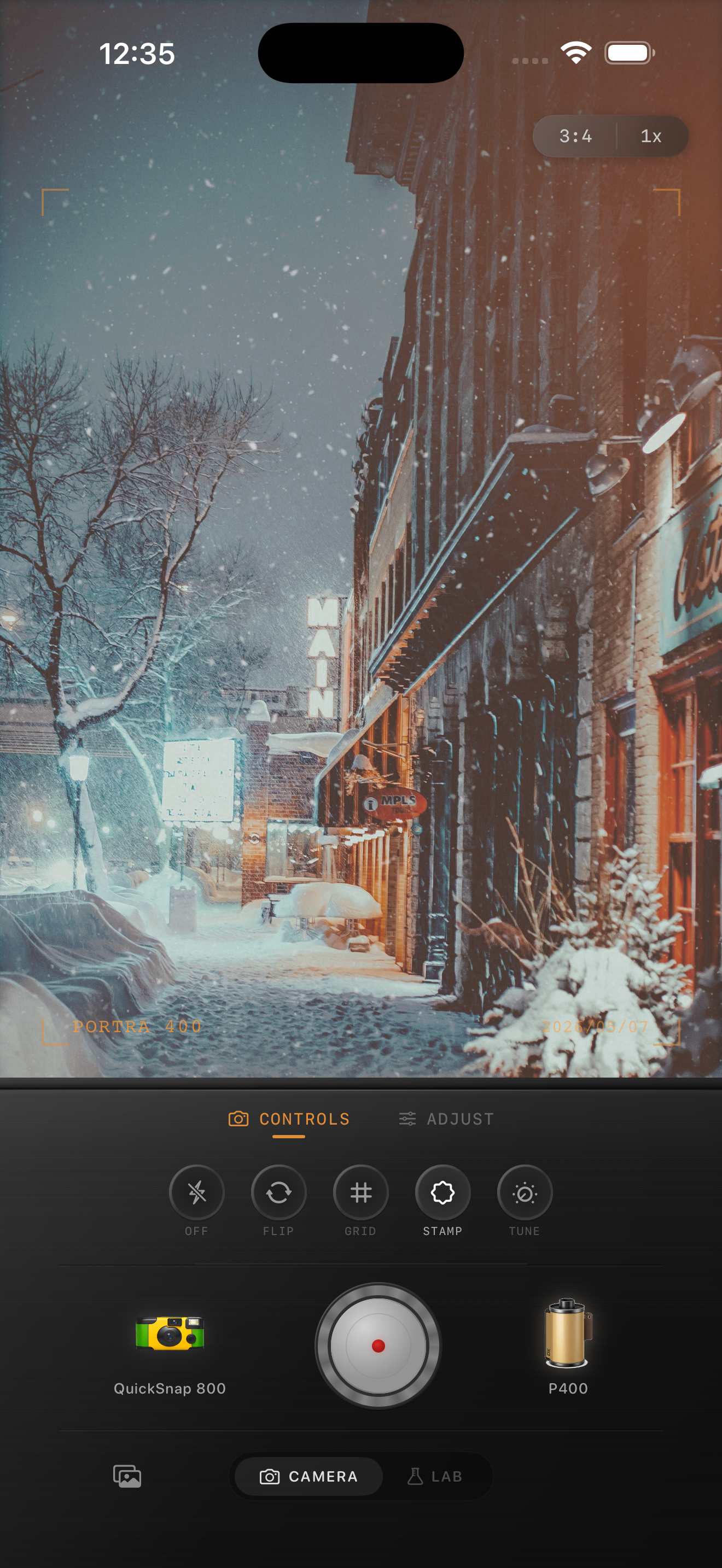
Winter cabin photos need two temperatures at once
Snowy cabin scenes are appealing because they mix cold outdoor light with warm windows, lamps, or wood tones. The problem is that a fast film-style edit can push the entire frame warm and make the snow turn yellow, which breaks the illusion immediately.
A good edit keeps the cabin cozy without losing the crisp winter feeling outside. The warmth should live in the windows, wood, and interior glow, while the snow stays close to neutral.
- Let the snow remain mostly clean and slightly cool.
- Use cabin windows and wood tones to carry the warmth.
- Keep grain moderate so snow does not look dirty.
- Add softness and fade before adding more heat.
Separate the warm details from the snow
When the whole image gets one blanket warmth boost, the edit loses realism. Snow should still feel like snow, even in a nostalgic winter frame.
Think of the warm areas as accents. Cabin lights, wooden walls, scarves, gloves, and skin can all take a little warmth while the snow stays restrained.
A dependable snowy cabin baseline
Start around film intensity 70-84%, grain 20-32%, warmth +3 to +7, fade 4-9%, and vignette 4-8%. That range usually keeps the scene soft and memory-like without turning white snow beige or gray.
If the photo already has strong sunset light or very amber windows, lower warmth before touching grain. Winter scenes usually fail from color drift sooner than from not enough texture.
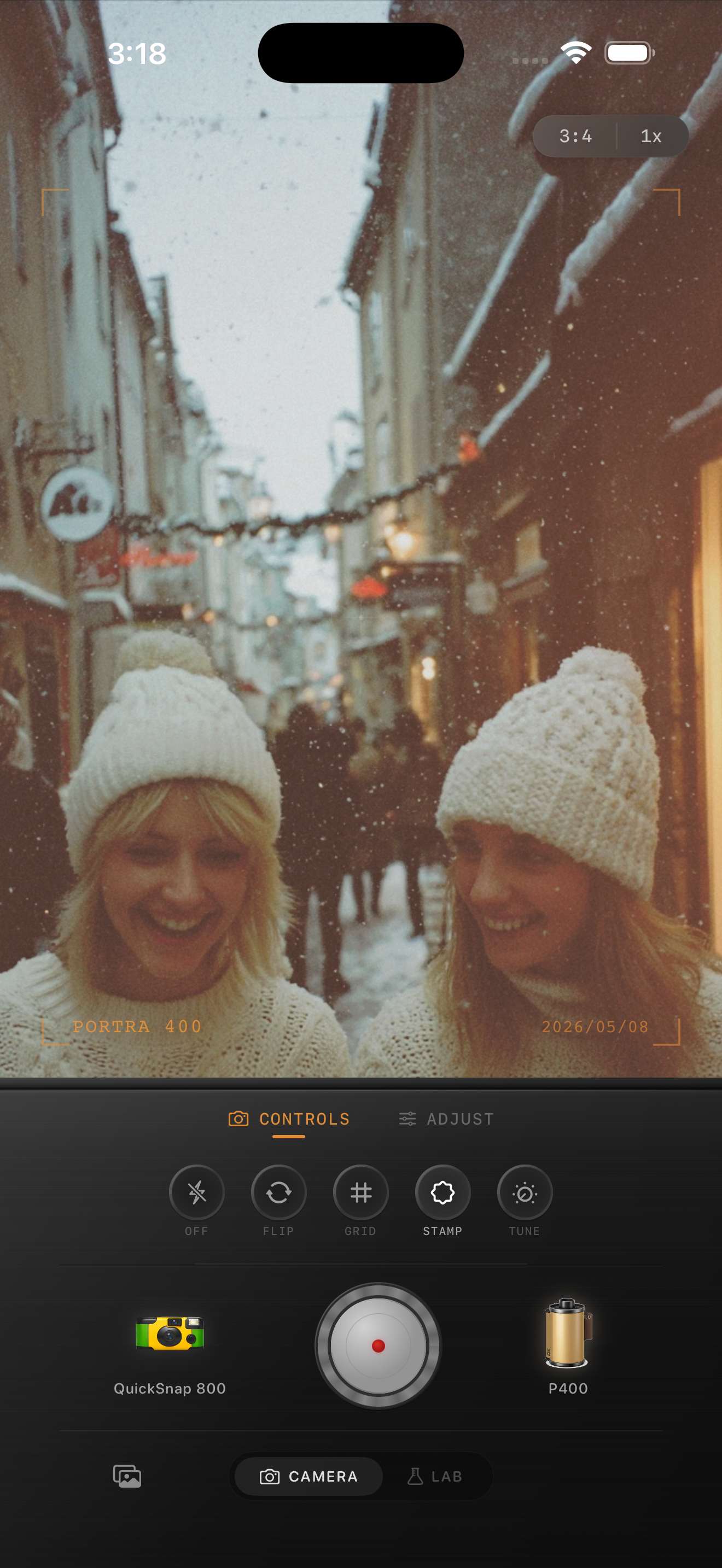
Use grain to soften digital snow, not to dirty it
A little grain helps snow stop looking clinically smooth, but too much makes every pale area look dusty. That is why winter film edits usually need cleaner texture than flash photos, neon streets, or nightlife scenes.
If the snow starts looking speckled before the image feels nostalgic, pull the grain back and rely more on fade and gentler contrast.
Let the cabin stay cozy without turning orange
Cabin scenes can handle warmth, but it should feel like firelight or lamplight, not an overall orange wash. The best version still shows cool air outside and warm life inside.
Once that contrast is working, the image usually feels like film on its own. You do not need to keep pushing the edit harder.
Keep winter scenes warm where they should be
Use Nostalgia Cam to balance snowy highlights, cabin warmth, grain, and fade so winter photos feel soft and nostalgic without turning the snow yellow.
FAQ
Why does snow turn yellow in film-style iPhone edits?
Because the same warmth that flatters wood, lamps, and skin can easily spill into bright snow if the edit is pushed too far across the whole frame.
Should snowy cabin photos use strong grain?
Usually no. Moderate grain is enough to soften the digital finish. Too much texture can make snow look dirty instead of film-like.