
Editing guide
How to Edit Roadside Sunset Photos to Look Like Film on iPhone
A practical roadside-sunset film guide for iPhone: softer sky color, cleaner chrome and glass, tactile grain, and warm analog contrast that still feels natural.
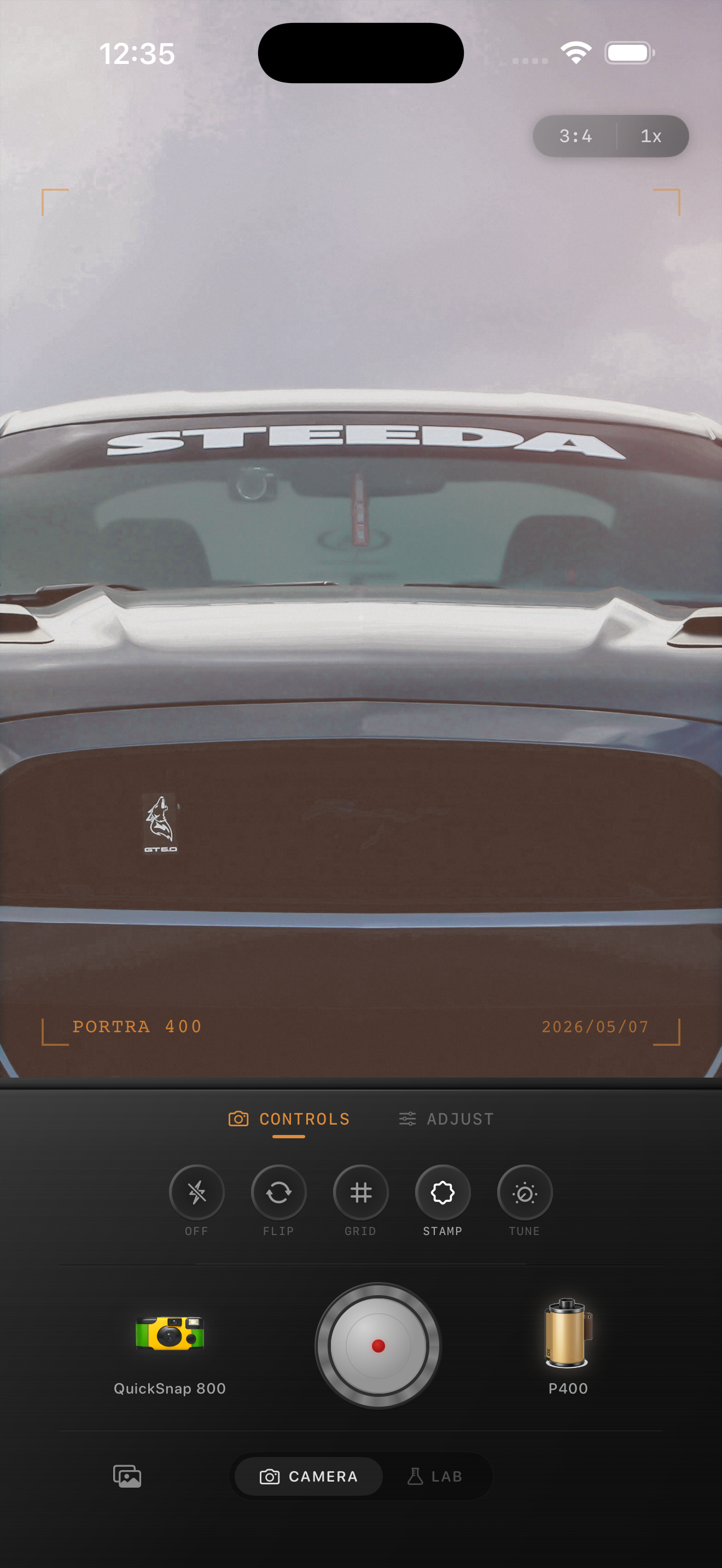
Sunset roadside photos need restraint more than extra warmth
Roadside sunset photos already come with one of the easiest film moods to overdo. The scene has warm sky, reflective paint, chrome, asphalt, and often a lot of empty space that feels cinematic before you touch the sliders.
The mistake is assuming film means adding even more orange. A believable film-inspired sunset edit keeps the sky, the car, and the pavement separated so the frame still feels like light traveling through the scene rather than one blanket color wash.
- Protect the sky before adding more warmth.
- Keep chrome and windows from turning into white smears.
- Use medium grain so the road keeps texture without looking dirty.
- Favor softness over heavy fade for sunset scenes.
- Let the roadside emptiness carry some of the nostalgia.
A reliable roadside-sunset recipe
Start around film intensity 72-86%, grain 24-36%, warmth +4 to +9, fade 2-5%, and vignette 3-7%. That usually gives the photo enough analog texture to feel printed while preserving the shape of the sky and the reflective details on the car.
If the light is already very golden, keep warmth lower than you expect and lean on softness instead. Sunset road-trip photos usually break from stacked warmth long before they break from too little grain.
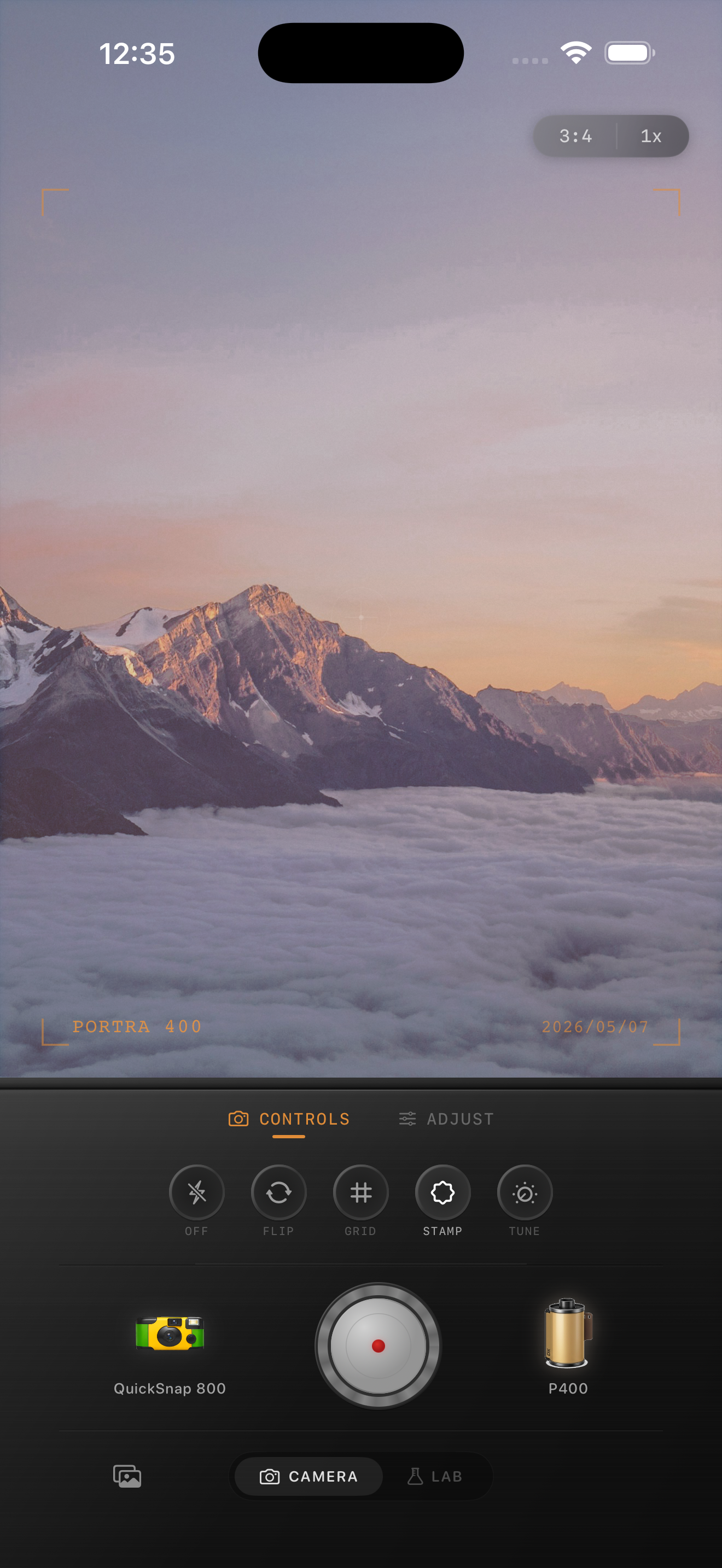
Check the car, the sky, and the ground separately
These frames often contain three different kinds of surfaces: reflective paint or glass, a bright sky, and darker pavement or roadside dirt. Each part responds differently to a film edit, so judging only the overall vibe is how the image turns muddy.
Before you finish, check one highlight on the car, one patch of sky, and one shadow area on the road. If all three still have their own character, the film look usually feels natural.
Use camera mood to choose between polished and scrappy
A polished roadside sunset shot often works best with a cleaner 35mm-inspired body, especially if the car and horizon line are part of the composition. A rougher point-and-shoot or disposable-inspired body makes more sense when the photo is casual, flashier, or built around friends and quick stops.
Nostalgia Cam helps here because you can decide the camera mood first, then tune grain, warmth, and fade around the actual light instead of forcing every sunset into the same preset.
Turn sunset roadside stops into film memories
Use Nostalgia Cam to tune camera body, grain, warmth, fade, and vignette so roadside sunset photos feel warm, tactile, and naturally film-inspired without losing sky detail.
FAQ
Why do roadside sunset film edits turn too orange on iPhone?
Because the original scene is already warm. If the edit adds more warmth before protecting the sky and reflective surfaces, the whole frame collapses into one amber cast.
Should roadside sunset photos use a lot of fade to look like film?
Usually no. A small amount of fade can help, but sunset scenes often look better with softer contrast and controlled highlights than with heavy lifted shadows.