
Editing guide
How to Edit Mixed Light Photos to Look Like Film on iPhone
A practical mixed-light film guide for iPhone: balance warm lamps and cool ambient light, keep skin believable, and use grain and softness without turning the frame muddy.
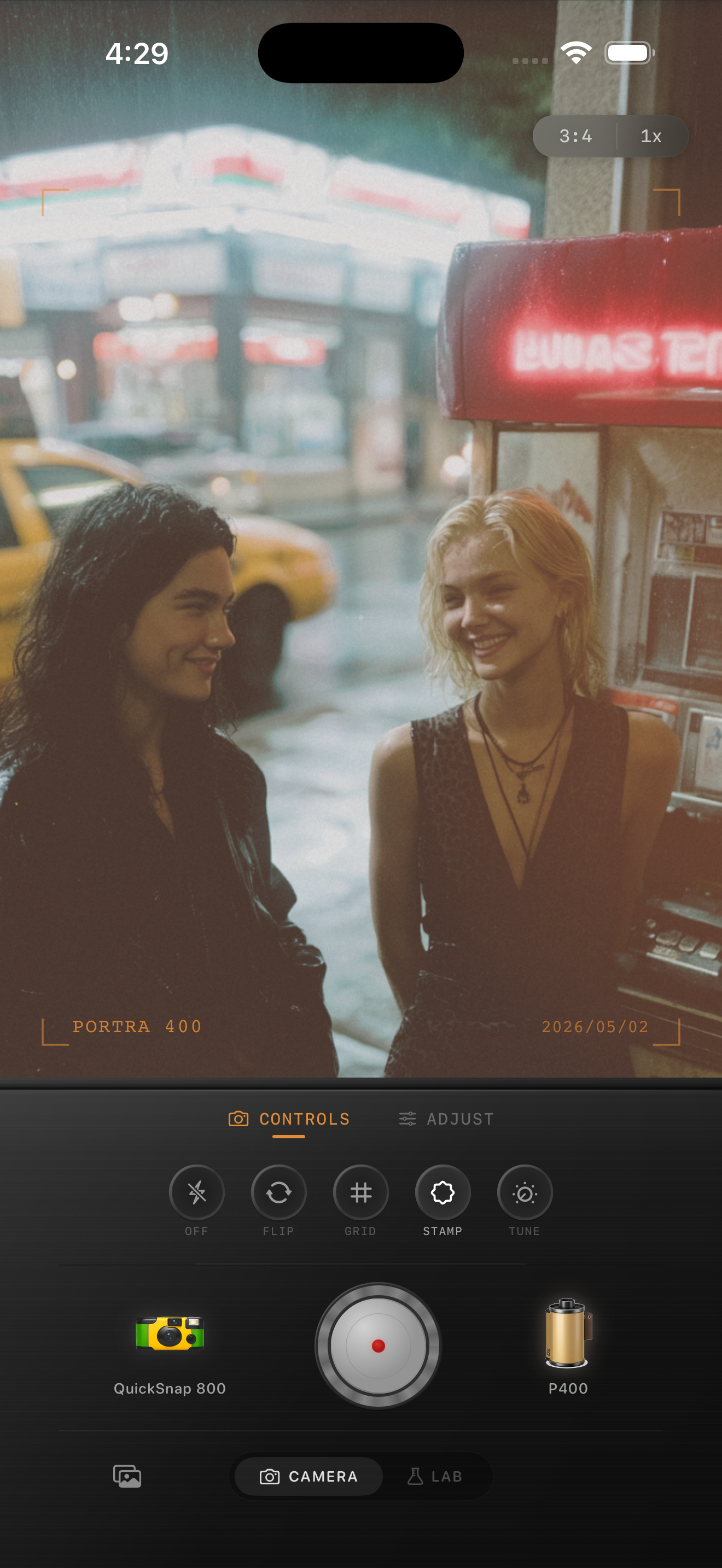
Mixed light already feels cinematic when you stop fighting it
Mixed light is what happens when warm bulbs, window light, neon, screens, street lamps, or overcast daylight all land in the same frame. That complexity is why diner booths, bars, kitchens, train cars, and hotel rooms can feel so photographic even before you edit them.
The mistake is trying to force every part of the image to the same color. Film usually feels believable in mixed light because it keeps some of that tension between warm and cool areas instead of flattening everything into one neutral correction.
- Choose one part of the frame to feel neutral enough, usually skin.
- Let the background keep some warm-cool separation.
- Use softness before using heavy color shifts.
- Add moderate grain so shadows stop looking plastic.
- Keep highlights readable where different light sources overlap.
Start with a skin-first settings recipe
A good starting point is film intensity 72-86%, grain 28-42%, warmth +3 to +9, fade 3-7%, and vignette 5-10%. This keeps the edit grounded while leaving room for the warm bulbs and cooler ambient light to still feel like part of the scene.
If faces are going orange, lower warmth before touching grain. If the frame still looks too digital after that, add a little more softness through the film look or camera body rather than pushing the color harder.
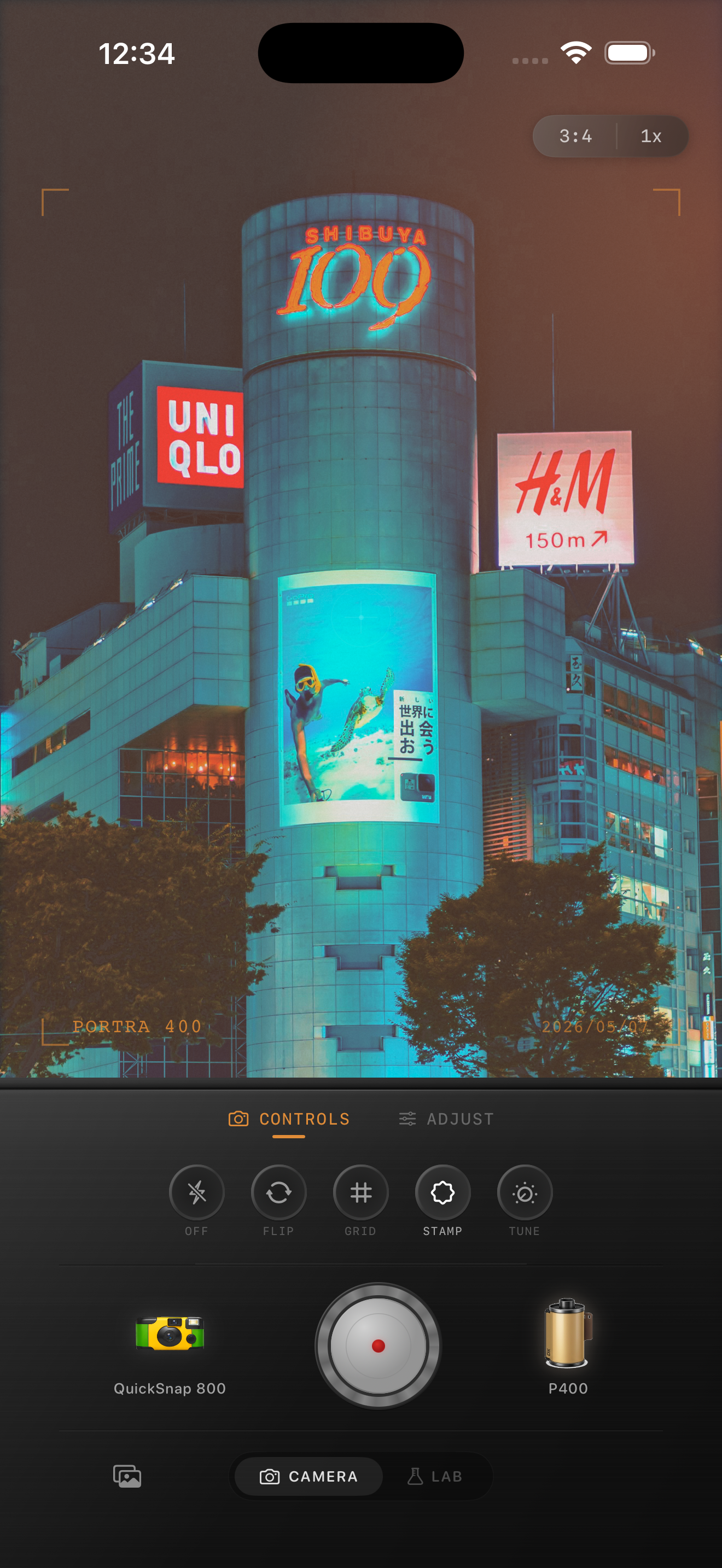
Use grain to connect the different light sources
One reason mixed-light iPhone photos can feel fake is that the phone processes each zone so cleanly that the scene starts to look assembled rather than captured. Moderate film grain helps tie the warm booth, blue window, and darker shadows back into one photographic surface.
Keep the grain restrained on faces and cleaner highlights. The goal is to give the frame one texture language, not to make every color patch equally rough.
Know when to lean cleaner and when to lean rougher
If the photo is a portrait, dinner scene, or travel detail, a cleaner 35mm-inspired body usually works better because it preserves subtle color transitions. If the frame is social, messy, or built around direct flash plus ambient spill, a rougher point-and-shoot or disposable-inspired body can make the mixed light feel more natural.
Nostalgia Cam works well here because you can set the camera mood first, then tune warmth, grain, and fade around the actual lighting instead of forcing the scene into one generic preset.
Keep mixed light atmospheric in Nostalgia Cam
Use Nostalgia Cam to balance camera body, grain, warmth, fade, and vignette so mixed-light iPhone photos keep their warm-cool atmosphere without muddy skin or flat shadows.
FAQ
Why do mixed-light iPhone photos look muddy after editing?
They usually get muddy when the edit tries to neutralize every light source at once. Pick one anchor, usually skin, then let the rest of the scene keep some warm-cool separation.
Should mixed-light photos be edited warmer or cooler for a film look?
Usually slightly warmer overall, but not uniformly. Film-style mixed-light edits work best when warm lamps and cooler ambient areas still feel different from each other.