
Editing guide
How to Edit Retro Diner Photos to Look Like Film on iPhone
A practical retro-diner film guide for iPhone photos with chrome, booth lighting, direct flash, warm reds, and enough grain to feel nostalgic without turning the scene muddy.
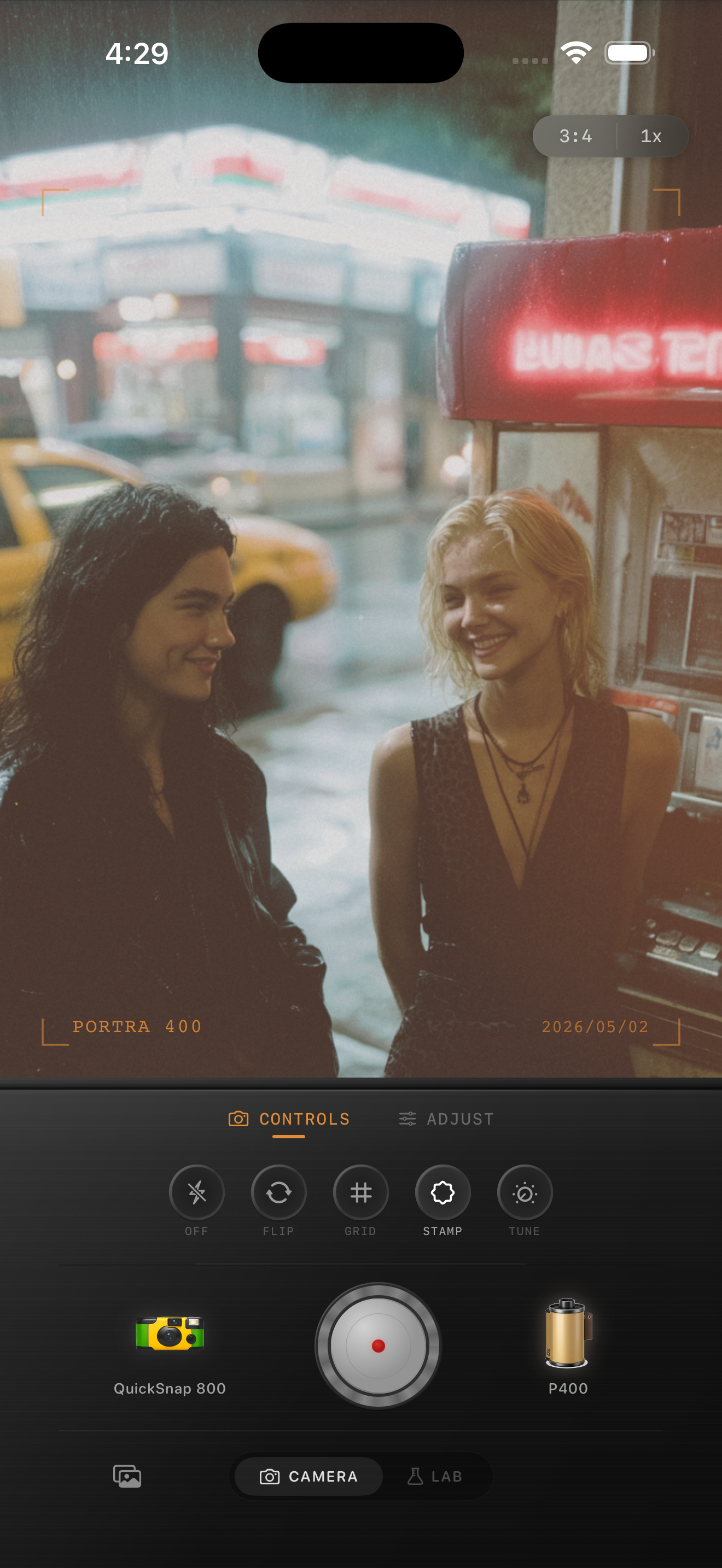
Retro diners already have the right ingredients
Diners work well for film-style edits because the scene already contains what analog photos love: mixed tungsten light, reflective surfaces, bold color, and slightly imperfect shadows.
The goal is to keep the room lively while removing the overly clean digital finish. That usually means softer contrast, a little grain, and enough warmth to hold the mood without turning every red surface neon.
A dependable diner settings starting point
Start with film intensity around 78-88%, grain around 30-42%, warmth around +6 to +14, fade around 4-9%, and vignette around 6-12%. If there is direct flash, keep fade lower so the scene still has snap.
If the booths and chrome are already bright, lower highlights before increasing saturation. Retro diner edits look more like film when the reflections stay soft and readable.
- Use medium grain instead of rough disposable grain.
- Keep skin tones slightly warm, not red.
- Let chrome and glass hold some shine.
- Use subtle vignette so booth edges do not feel too clean.
- Add flash character only when the photo already has that energy.
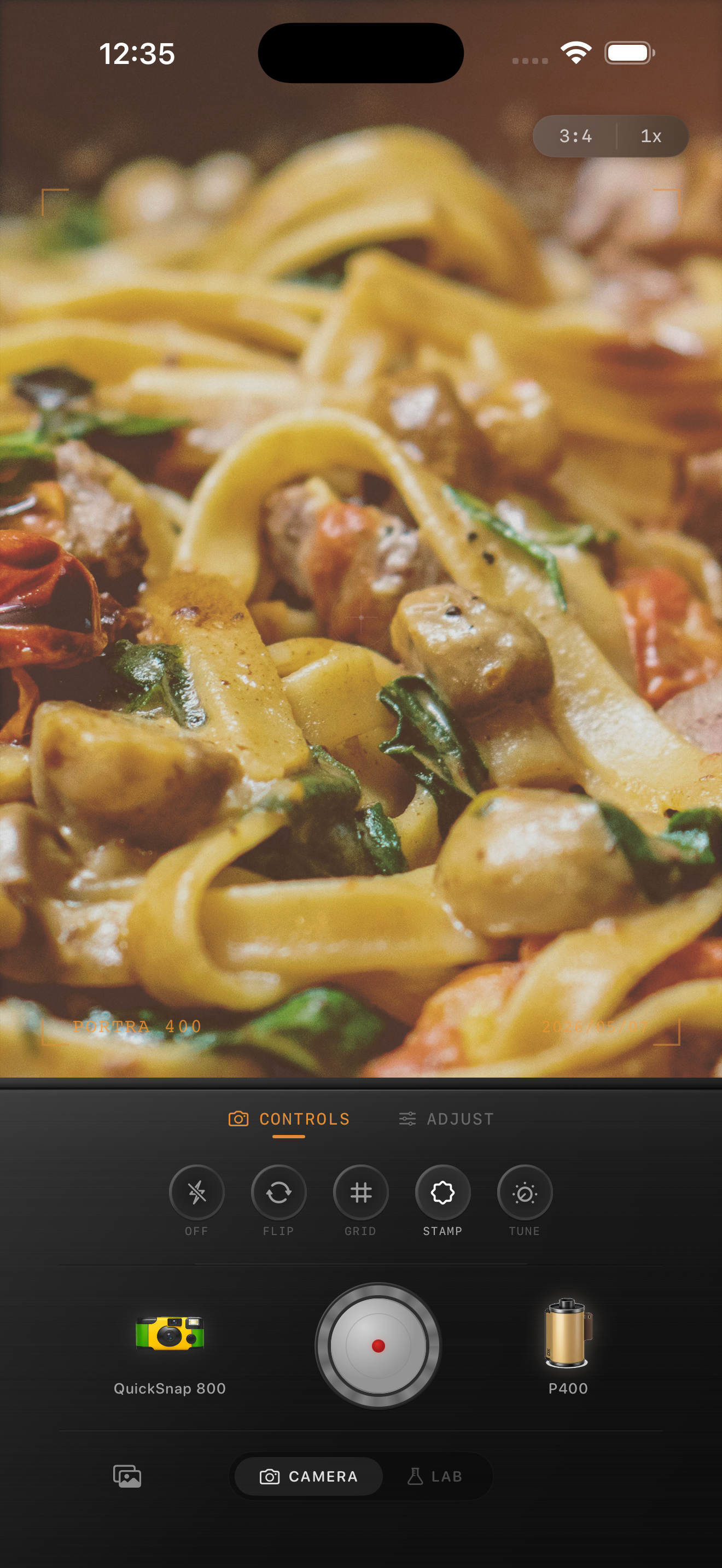
Balance color instead of pushing every slider
The fastest way to ruin a diner photo is to make the reds, yellows, and shadows all louder at once. That makes the image feel like a filter instead of a photo.
A better approach is to keep color strong in the signs, menus, or booths, while using grain and highlight softness to carry the nostalgic feeling across the rest of the frame.
Choose the camera body based on the scene
If the photo is a casual booth snapshot or a payphone moment with flash, a rougher compact or disposable-inspired body can work well. If the scene is more architectural, use a cleaner 35mm-inspired body so the diner details stay readable.
Nostalgia Cam lets you pick the body first and the film look second, which helps the edit feel like a camera choice instead of one generic preset on every restaurant photo.
Turn diner snapshots into print-like memories
Open Nostalgia Cam, choose a camera body that fits the scene, then tune grain, warmth, fade, and vignette until your diner photo feels like a real print from a late-night stop.
FAQ
Do diner photos need direct flash to look like film?
No. Direct flash helps for energetic snapshots, but warm booth light, reflective chrome, and moderate grain are often enough to make diner photos feel analog.
Why do diner edits turn muddy so fast?
They usually get muddy when warmth, saturation, fade, and grain are all pushed too far together. Control highlights first, then add texture gradually.