
Editing guide
Best Film Settings for Sunrise Mountain Photos on iPhone
A simple sunrise mountain film recipe for iPhone: softer highlights, restrained warmth, clean grain, and enough fade to keep dawn landscapes from looking harsh or overprocessed.
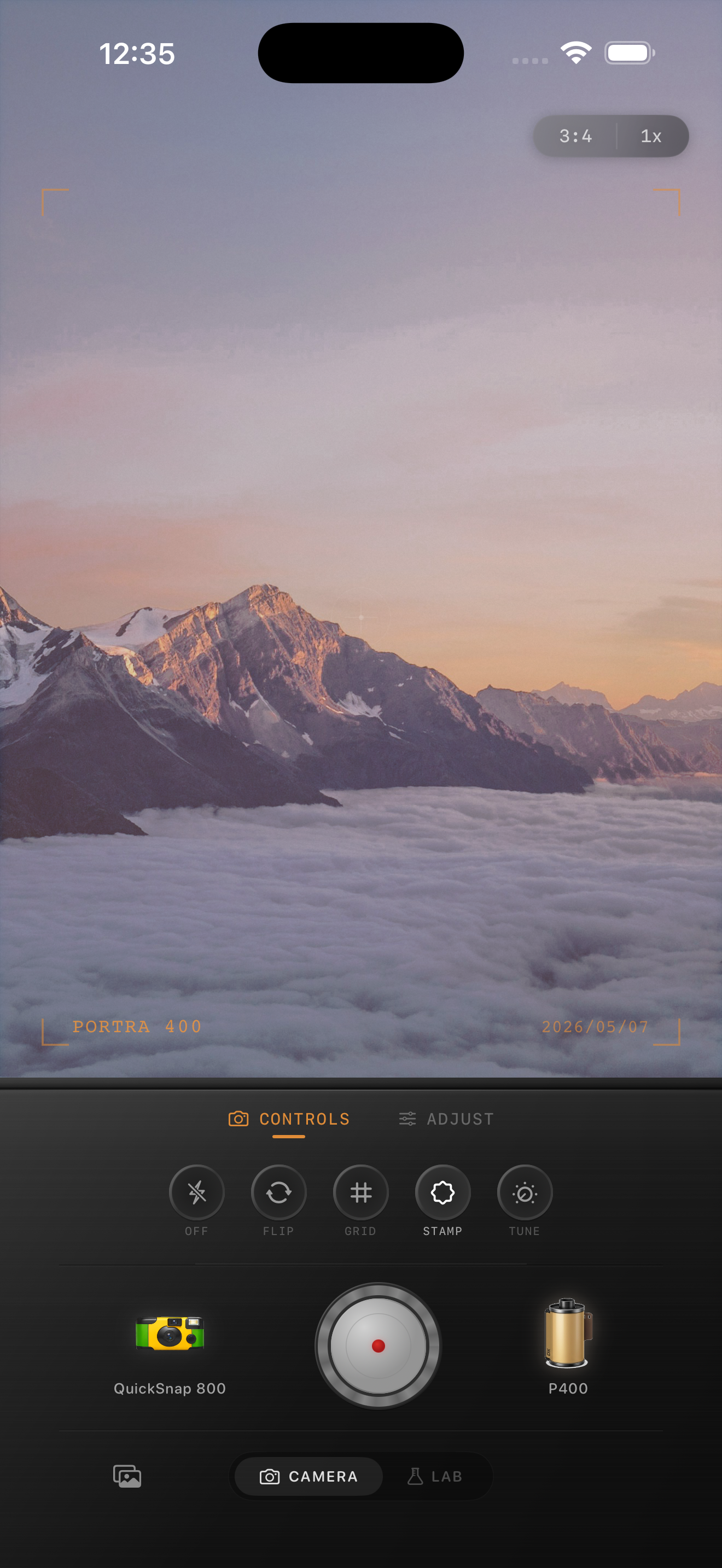
Sunrise landscapes need highlight control before color
Mountain sunrises already have the thing people try to fake in editing: layered light. The problem is that iPhone processing often makes bright sky edges feel brittle while shadows stay too clean.
Start by protecting the bright part of the frame. If the sky clips or the ridge line turns crunchy, the photo will read as digital even if the color is warm and the grain is good.
- Lower highlights before adding warmth.
- Keep contrast moderate so hills still separate.
- Use fine to medium grain, not rough disposable grain.
- Add only a small amount of fade.
- Let the sky stay brighter than the foreground.
A practical sunrise mountain recipe
Start with film intensity around 72-84%, grain around 22-34%, warmth around +4 to +10, fade around 4-8%, and vignette around 4-9%. This keeps the scene soft and printed without burying the detail in haze.
If the sunrise is already orange, do not chase more color. A better film edit usually comes from slightly softer highlights and a touch of grain rather than heavy saturation.
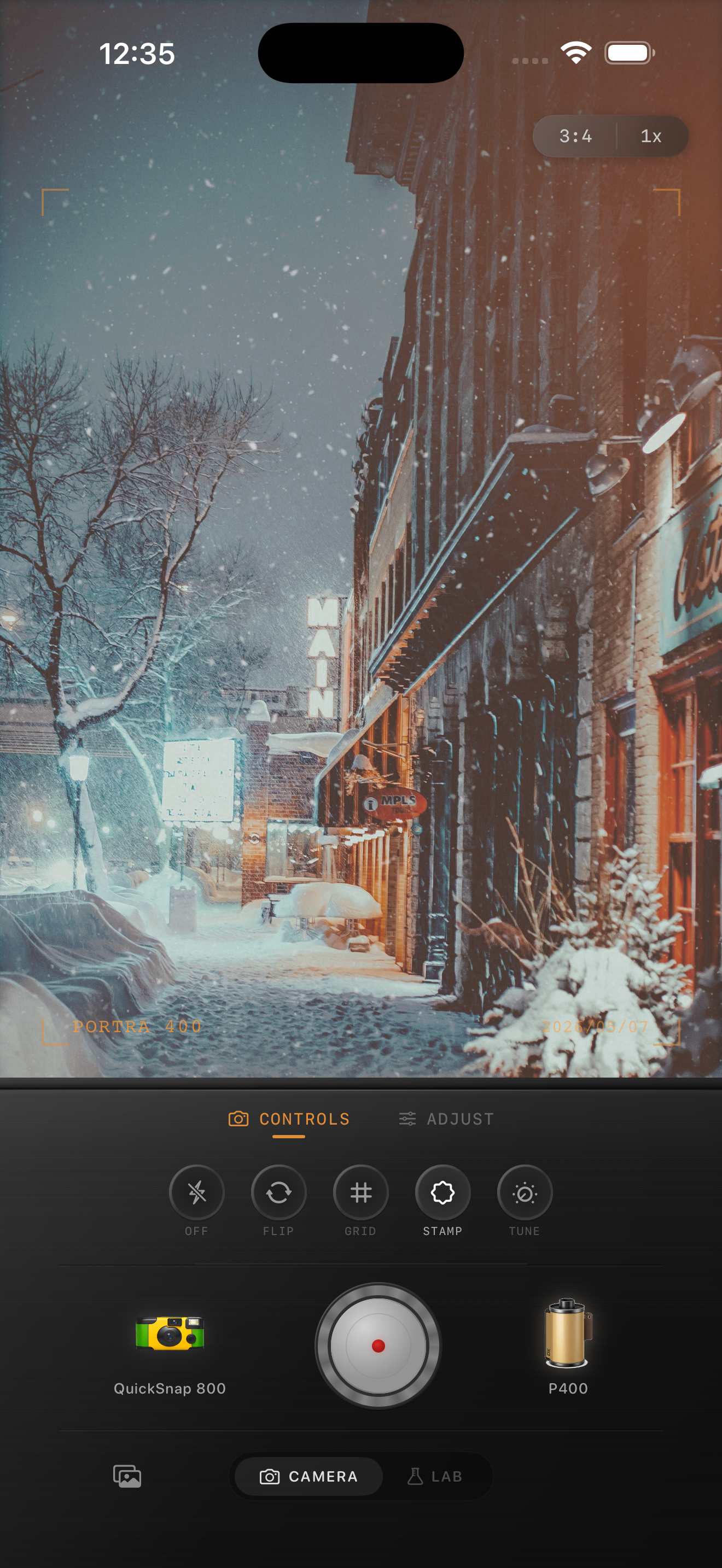
Composition matters more than extra effects
Dawn landscapes look strongest when the frame includes depth: a road, tree line, cabin, or layered ridge. Those details give the film texture somewhere to sit instead of leaving all the attention on the brightest part of the sky.
If the scene already feels spacious, the edit can stay simple. Overdoing halation, fade, or vignette usually makes sunrise landscapes feel stylized instead of photographic.
Use a cleaner camera body for mountain scenes
A sunrise mountain photo usually benefits from a cleaner 35mm-inspired body rather than a rough disposable look. You want natural grain and softer highlight roll-off, not damaged edges.
In Nostalgia Cam, start with a cleaner body, choose a warm film look, then tune grain and fade until the scene feels like an early print from a travel roll.
Keep dawn landscapes natural in Nostalgia Cam
Use Nostalgia Cam to shoot or import sunrise mountain photos, then balance highlight softness, fine grain, warmth, and fade until the landscape feels calm and cinematic instead of aggressively processed.
FAQ
Should sunrise mountain photos use a lot of warmth?
Usually no. Dawn scenes already carry warm light, so small warmth adjustments tend to look better than pushing orange tones across the whole frame.
What grain amount works for mountain sunrise photos?
Fine to medium grain around 22-34% is a good starting range. It softens the digital finish without making the sky or distant ridges look dirty.