
Editing guide
How to Edit Reading Nook Photos to Look Like Film on iPhone
A practical reading-nook film recipe for iPhone: soft window light, balanced lamp warmth, fine grain, and enough contrast to keep blankets, books, and skin from turning muddy.
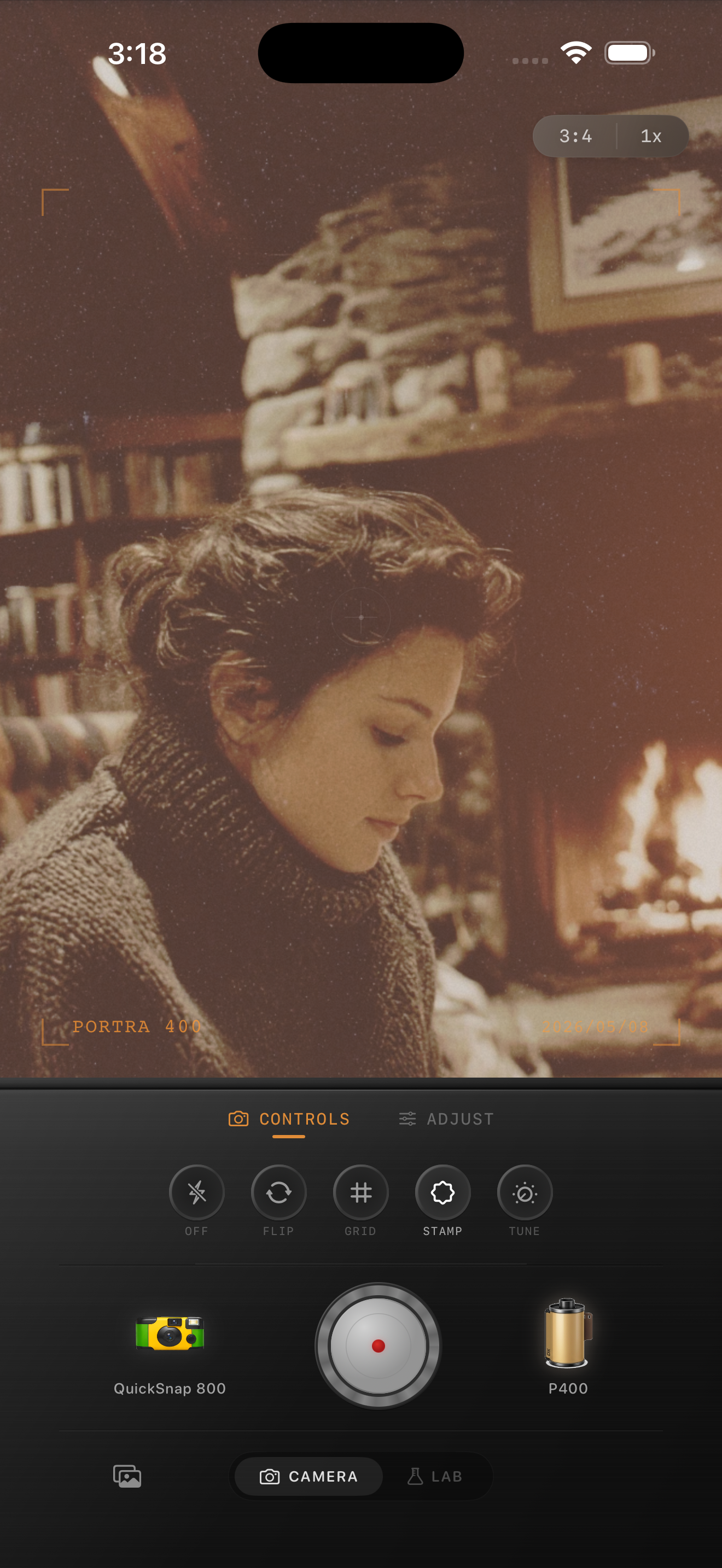
Why reading nooks go muddy so fast
Reading nook photos usually mix a few delicate things at once: pale pages, warm lamps, darker blankets, wood tones, and often one soft window or fireplace highlight. That is exactly the kind of scene where an iPhone can look too polished before the edit and too brown after the edit.
A believable film look should keep the space quiet. You want the books, fabric, skin, and light to feel lived-in and tactile, not covered by one heavy vintage wash.
A dependable reading nook film baseline
Start around film intensity 70-82%, grain 22-34%, warmth +5 to +11, fade 4-8%, and vignette 5-10%. That range usually softens the digital finish while keeping pages readable and shadows shaped.
If there is a fireplace or table lamp in frame, lower warmth before lowering film intensity. These scenes are already warm by nature, so too much extra color will flatten the room faster than too much grain will.
- Use fine grain rather than the roughest disposable texture.
- Keep white or cream pages as a neutral checkpoint.
- Let one warm light source stay brightest in the frame.
- Add fade carefully so blankets and darker corners keep depth.
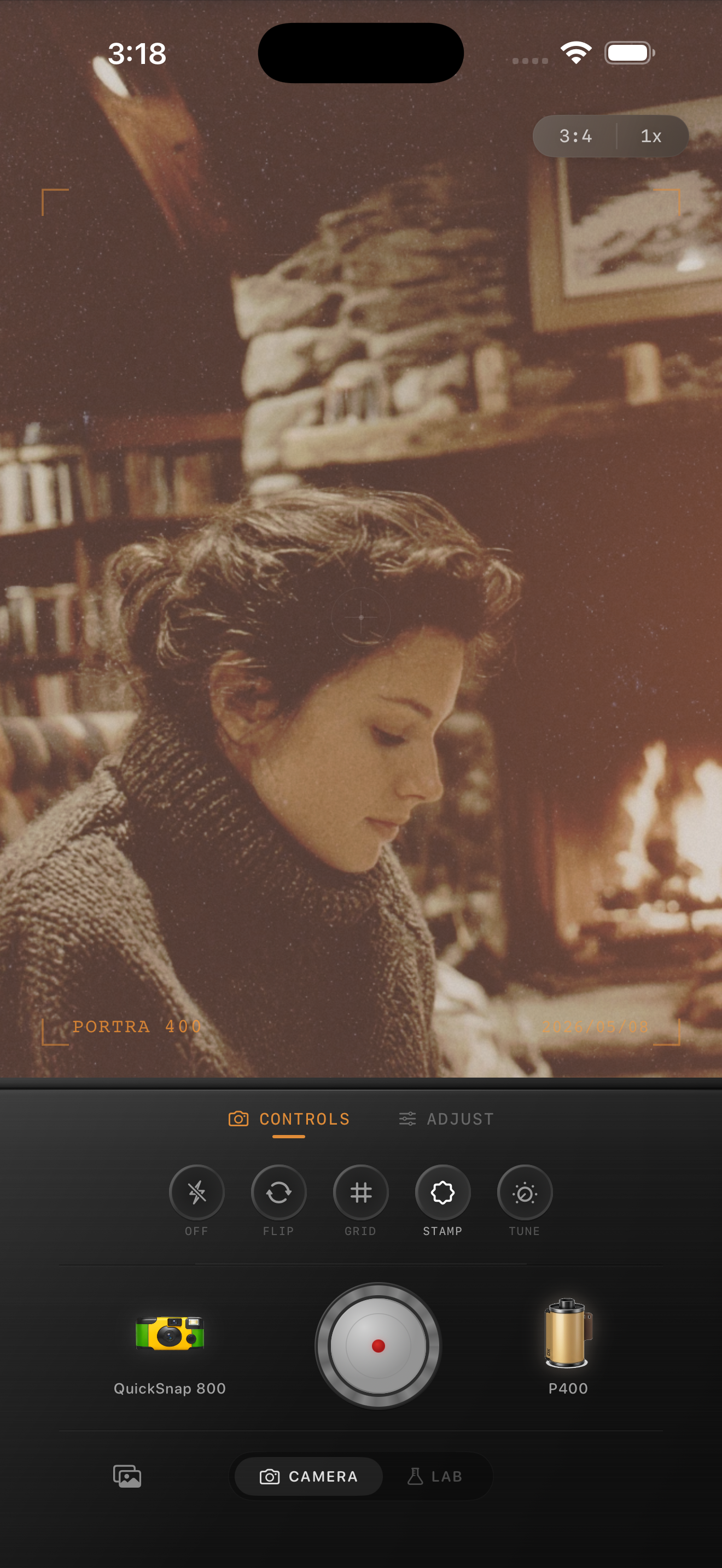
Edit the light before the grain
The fastest way to fake a film look badly is to crank grain on top of unresolved lighting. In a reading nook, the real work is balancing the cool side of the window with the warm side of the room so the image still feels dimensional.
Once that balance feels right, grain can make the photo feel printed. Before that, grain mostly makes the muddy areas more obvious.
Choose a cleaner camera body for calm rooms
Most reading nook photos want a compact-film or cleaner 35mm-inspired body rather than a rough disposable treatment. The mood comes from softness, pages, fabric, and posture, not from loud damage or flash chaos.
In Nostalgia Cam, start with the quieter camera body, then fine-tune grain, warmth, fade, and vignette until the room feels like a memory instead of an interior design listing.
Keep cozy corners soft in Nostalgia Cam
Use Nostalgia Cam to balance camera body, grain, warmth, fade, and vignette so reading nook photos feel intimate, tactile, and film-inspired without turning orange or flat.
FAQ
How much grain should a reading nook photo use on iPhone?
Usually less than nightlife or flash photos. Start around 22-34% so fabric and paper gain texture without making the whole room look dirty.
Why do cozy indoor film edits turn brown so quickly?
Because the original room is already warm. If you add too much warmth and fade before balancing the light, pages, skin, and wood tones collapse into one muddy color cast.