
Editing guide
Best Film Settings for Pasta Dinner Photos on iPhone in Candlelight
A practical candlelight dinner guide for iPhone: protect skin and sauce color, keep shadows soft, and use film-style grain without turning the whole table orange.
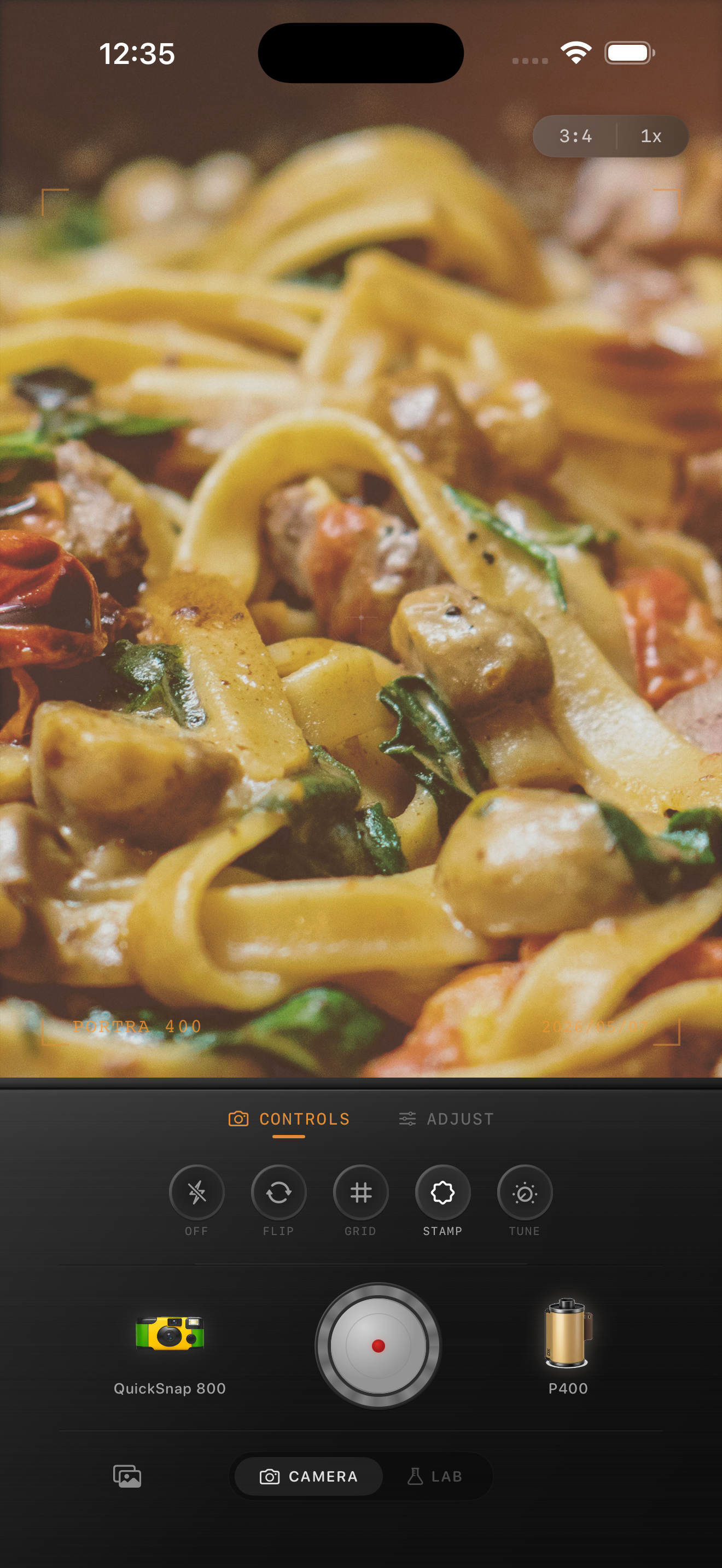
Candlelight dinner photos need warmth with control
Pasta dinner photos already come with rich color, reflective sauce, warm light, and deep shadows. The edit should make the table feel intimate and printed, not cover every surface in the same orange wash.
What usually goes wrong is stacking warmth, fade, and grain before the food itself is balanced. Once pasta, skin, plates, and candles all drift into the same tone, the image stops feeling appetizing and starts feeling muddy.
- Keep pasta color warm but still distinct from skin tones.
- Lower shiny highlights before adding extra fade.
- Use moderate grain so edges of plates, glasses, and forks stay clean.
- Let background shadows stay soft instead of lifting them flat.
- Choose a balanced film body unless you want a rough flash-snapshot look.
A reliable candlelight pasta starting recipe
Start around film intensity 72-84%, grain 24-34%, warmth +4 to +10, fade 4-8%, and vignette 4-9%. That range usually softens the digital finish while keeping the candlelit mood and the food color believable.
If the sauce or candles already look very hot, lower highlights first and trim warmth second. Dinner photos usually fail from blown warm highlights long before they fail from not looking nostalgic enough.
Judge skin, sauce, and tableware separately
A strong dinner edit keeps materials distinct. Sauce should still look like food, skin should still look human, and white plates or napkins should still give the frame some neutral breathing room. If every element becomes amber, the scene loses depth.
This matters even more in candlelight because the original capture already leans warm. Small corrections usually look more film-like than dramatic ones.
Use grain as a finish, not as the rescue plan
If the table still feels too digital, grain can help break up the smooth iPhone finish, but it should come after color and highlights are under control. Heavy grain on top of blown candlelight only makes the file feel noisy.
In Nostalgia Cam, start with the calmer film body, then add enough grain, fade, and vignette to make the dinner feel like a memory from a late meal instead of a bright restaurant product shot.
Keep candlelit dinners balanced in Nostalgia Cam
Use Nostalgia Cam to tune camera body, grain, warmth, fade, and vignette so pasta dinner photos keep their cozy glow, believable food color, and soft analog texture without turning muddy.
FAQ
Should candlelight dinner photos use a lot of warmth to look like film?
Usually no. The scene is already warm, so a smaller warmth move works better. Too much added warmth makes food, skin, candles, and plates merge into one color cast.
Why do candlelit food photos look muddy after editing?
They usually get muddy when warm highlights are not controlled before fade and grain are added. Keep the candles shaped and the food color believable first, then add the film texture.