
iPhone film look
Best Film Settings for Sidewalk Portrait Photos on iPhone in Soft Daylight
A practical sidewalk-portrait film recipe for iPhone with soft daylight color, natural skin, restrained grain, and enough contrast to keep stone, coats, and backgrounds from looking washed out.
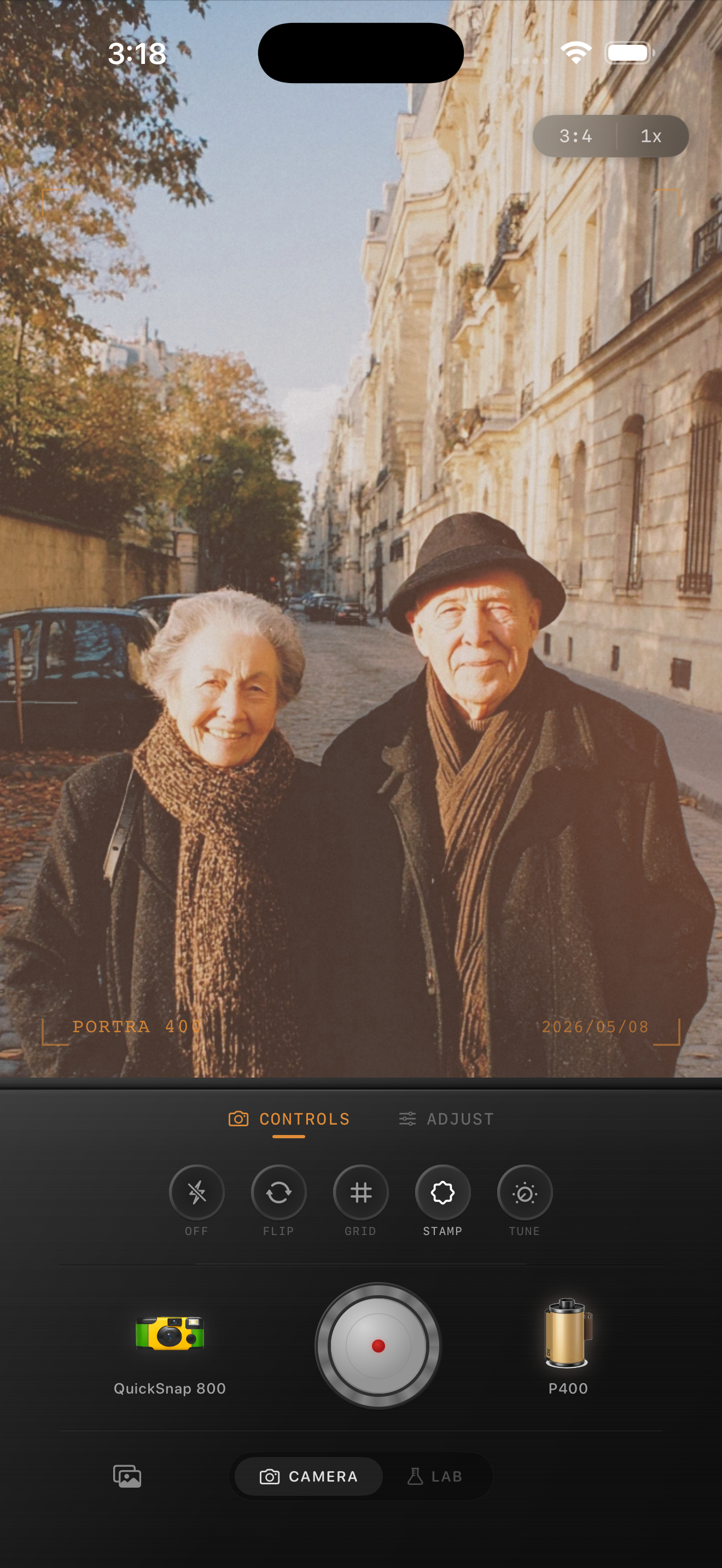
Soft daylight is easier to overflatten than people expect
Sidewalk portraits in soft daylight already carry a lot of what people want from film: gentler highlights, calmer shadows, layered backgrounds, and natural skin. The risk is overcorrecting that softness until the frame loses shape.
If you add too much fade or push warmth across the whole image, sidewalks, coats, skin, and stone can all land in the same middle tone. A good film edit keeps the softness without erasing separation.
A reliable sidewalk portrait settings range
Start around film intensity 72-84%, grain 20-32%, warmth +3 to +8, fade 3-7%, and vignette 4-8%. That usually gives the portrait a printed feel while keeping faces, jackets, and the street background readable.
Use the lower end of warmth if the frame already has warm stone, brick, or reflected storefront light. Use the higher end only when the original capture feels noticeably cool or gray.
- Keep grain fine and restrained for faces.
- Let skin guide the color more than the pavement does.
- Use contrast to keep coats and buildings separated.
- Avoid heavy vignette unless the background is distracting.
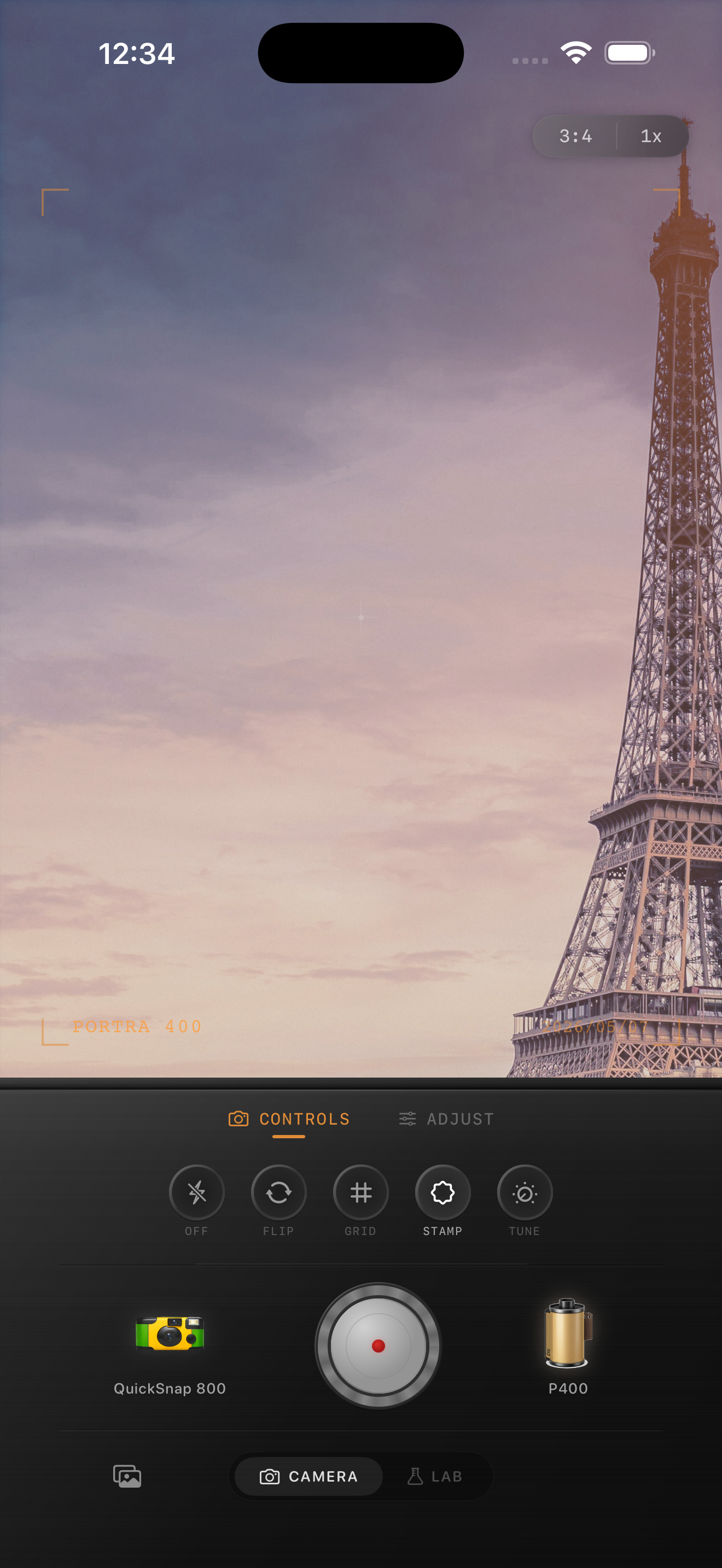
Skin should warm up before the whole street does
One of the most common mistakes is warming the entire image to chase nostalgia. Film-inspired daylight portraits usually feel warm because skin and highlights land gently, not because the pavement, sky, and buildings all turn beige.
If the portrait still feels too digital after skin looks right, add a touch more grain or soften the camera-body choice before reaching for more warmth.
Match the camera body to the pace of the portrait
A cleaner compact-film or 35mm-inspired body usually works best for sidewalk portraits because you want character without chaos. Rough disposable styling can work for flash-heavy candids, but soft-daylight portraits usually gain more from restraint.
In Nostalgia Cam, choose the cleaner body first, then adjust grain, warmth, fade, and vignette until the portrait feels collected and natural at feed size.
Keep daylight portraits calm in Nostalgia Cam
Use Nostalgia Cam to combine a cleaner camera body with film-style color, restrained grain, fade, and vignette so sidewalk portraits keep natural skin and a printed 35mm mood.
FAQ
Should soft-daylight portraits use a lot of grain to look like film?
Usually no. Fine grain around 20-32% is often enough to break the digital smoothness without making faces and coats look gritty.
Why do sidewalk portraits look washed out after a film edit?
They usually get washed out when fade and warmth are pushed too far on a scene that was already low contrast. Keep the softness, but preserve tonal separation in skin, clothing, and the street.