
Disposable camera effect
Best Film Settings for Direct Flash Group Photos on iPhone
A practical direct-flash group-photo recipe for iPhone: keep faces bright, backgrounds moody, grain believable, and the whole frame closer to a real point-and-shoot print than a harsh digital blast.
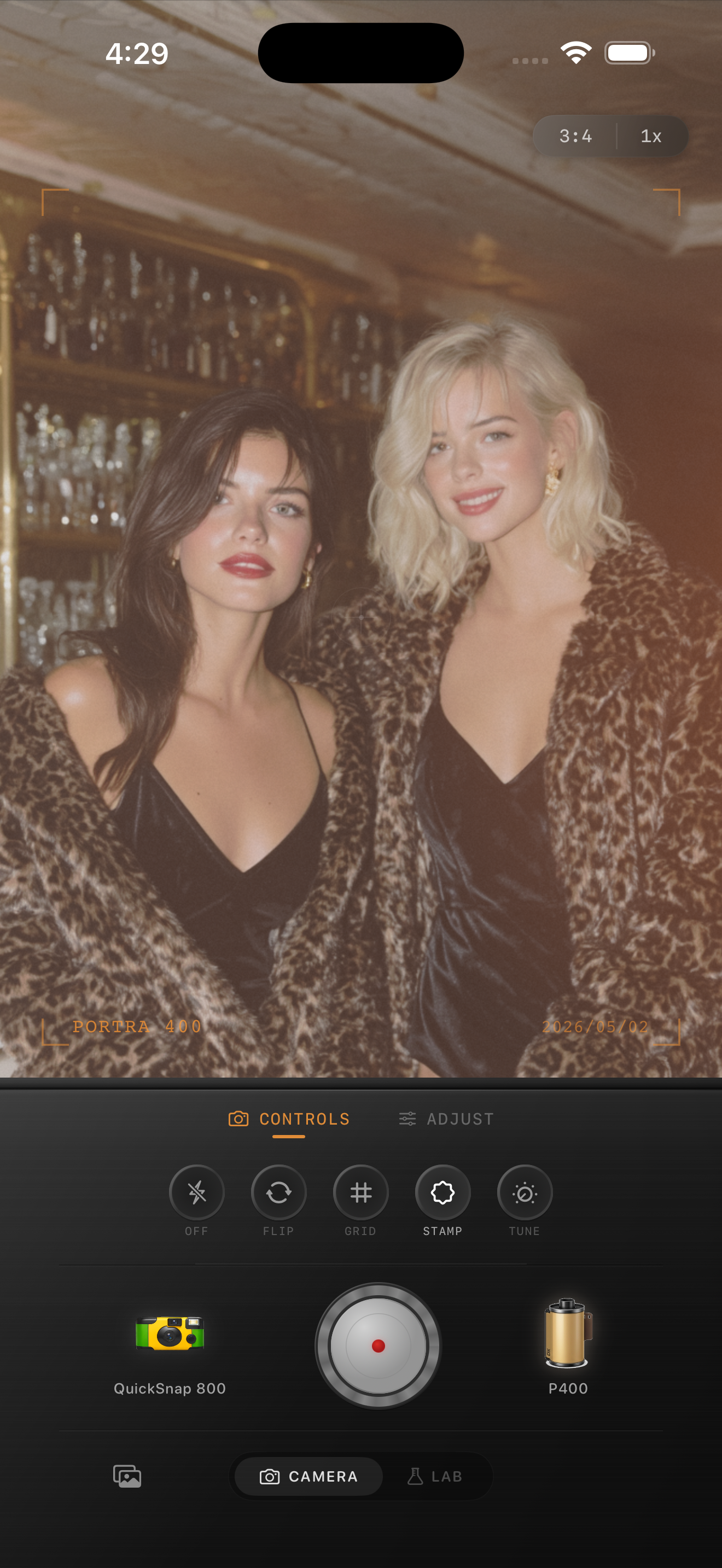
Group flash photos should keep their punch
Direct flash group photos already have the bones of a nostalgic point-and-shoot frame: bright faces, quick expressions, darker corners, and a slightly chaotic social mood. A film edit should keep that energy instead of smoothing it into a polished portrait.
What usually goes wrong is either too much fade, which makes faces look tired, or too much grain, which turns every shadow and skin tone gritty. The sweet spot is punchy first and textured second.
- Keep the faces bright and readable.
- Let the background fall off instead of lifting every shadow.
- Use moderate-to-strong grain, not crunchy grain.
- Add only a small warmth boost so skin stays believable.
- Choose a rougher camera mood only if the moment is casual enough to carry it.
A reliable direct-flash group recipe
Start around film intensity 78-90%, grain 34-48%, warmth +2 to +8, fade 2-6%, and vignette 8-14%. That keeps the flash snap intact while adding enough texture and softness to move the photo away from the default iPhone finish.
If the people in front look too orange, reduce warmth before reducing flash contrast. If the background looks lifeless, add a touch more grain or choose a camera body with rougher edge behavior rather than washing the whole image out with fade.
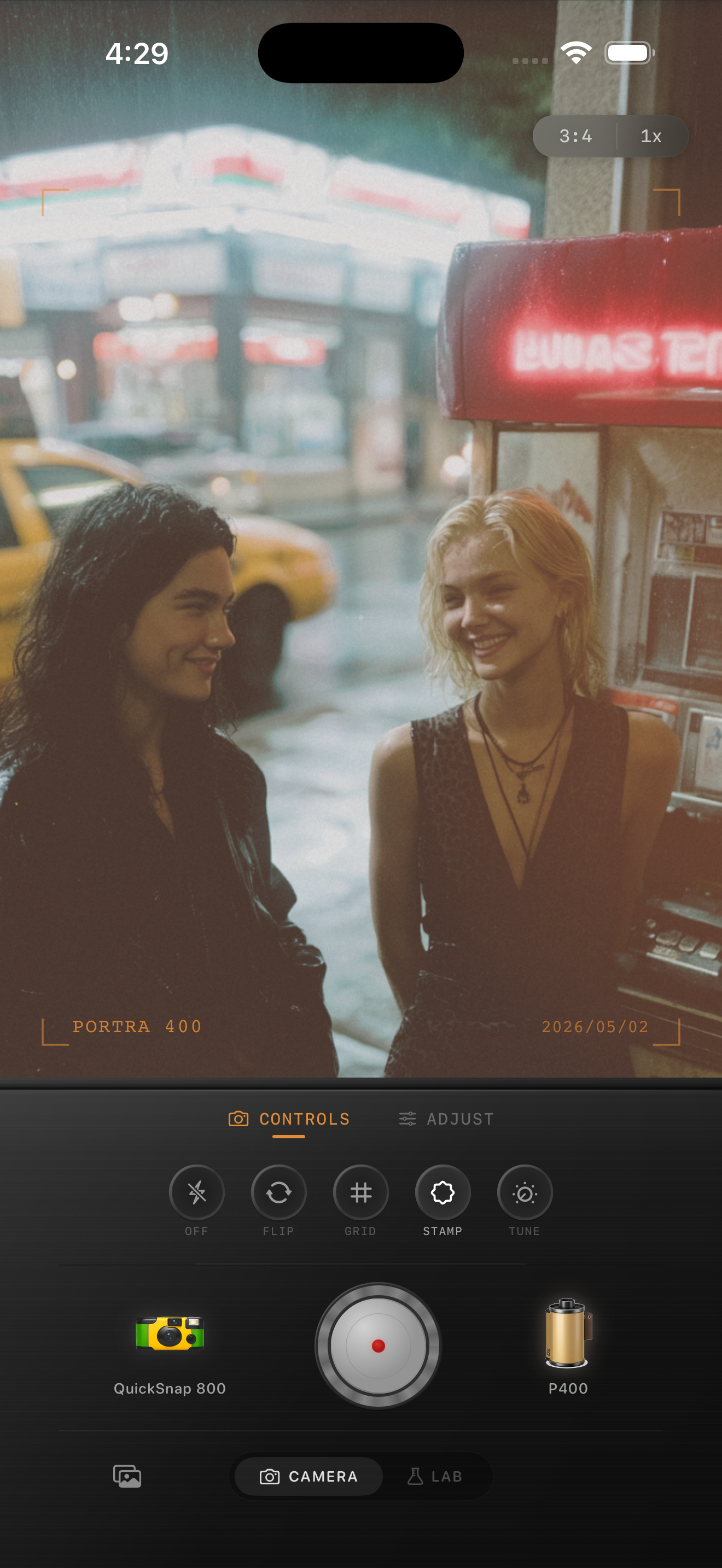
Composition matters as much as the settings
Flash group photos usually look more photographic when the framing stays a little loose. Let hands, drinks, jackets, table edges, and background lights stay in the frame. That clutter is part of why disposable-camera memories feel real.
A film-style app can support the mood, but it works best when the original capture already feels spontaneous instead of carefully staged.
Use cleaner or rougher camera bodies on purpose
For birthday dinners, bars, house parties, and snapshots with motion, a disposable-inspired body usually makes sense because the rougher grain and softer edges match the moment. For a tighter group portrait where you still want flash energy but less chaos, start with a cleaner compact-film body and keep the grain more controlled.
Nostalgia Cam lets you make that choice before you fine-tune the sliders, which is why the flash result can feel more like a camera personality and less like a preset sitting on top of the photo.
Make flash group shots feel like real prints
Use Nostalgia Cam to pair a point-and-shoot or disposable-style camera body with grain, warmth, fade, and vignette so direct-flash group photos feel lively, nostalgic, and natural at the same time.
FAQ
How much grain should direct-flash group photos use?
Usually a bit more than clean daylight portraits. Start around 34-48% so the image feels tactile, but stop before skin and dark backgrounds turn gritty.
Why do direct-flash group edits look flat when I add fade?
Because flash photos depend on contrast and quick falloff. Too much fade weakens the flash pop that makes the group shot feel like a real point-and-shoot memory.