
Editing guide
How to Edit iPhone Road Trip Photos to Look Like Film
A practical road-trip film recipe for iPhone photos, with cleaner daylight color, tactile grain, and enough camera character to make cars, gas stops, and roadside scenes feel like real prints.
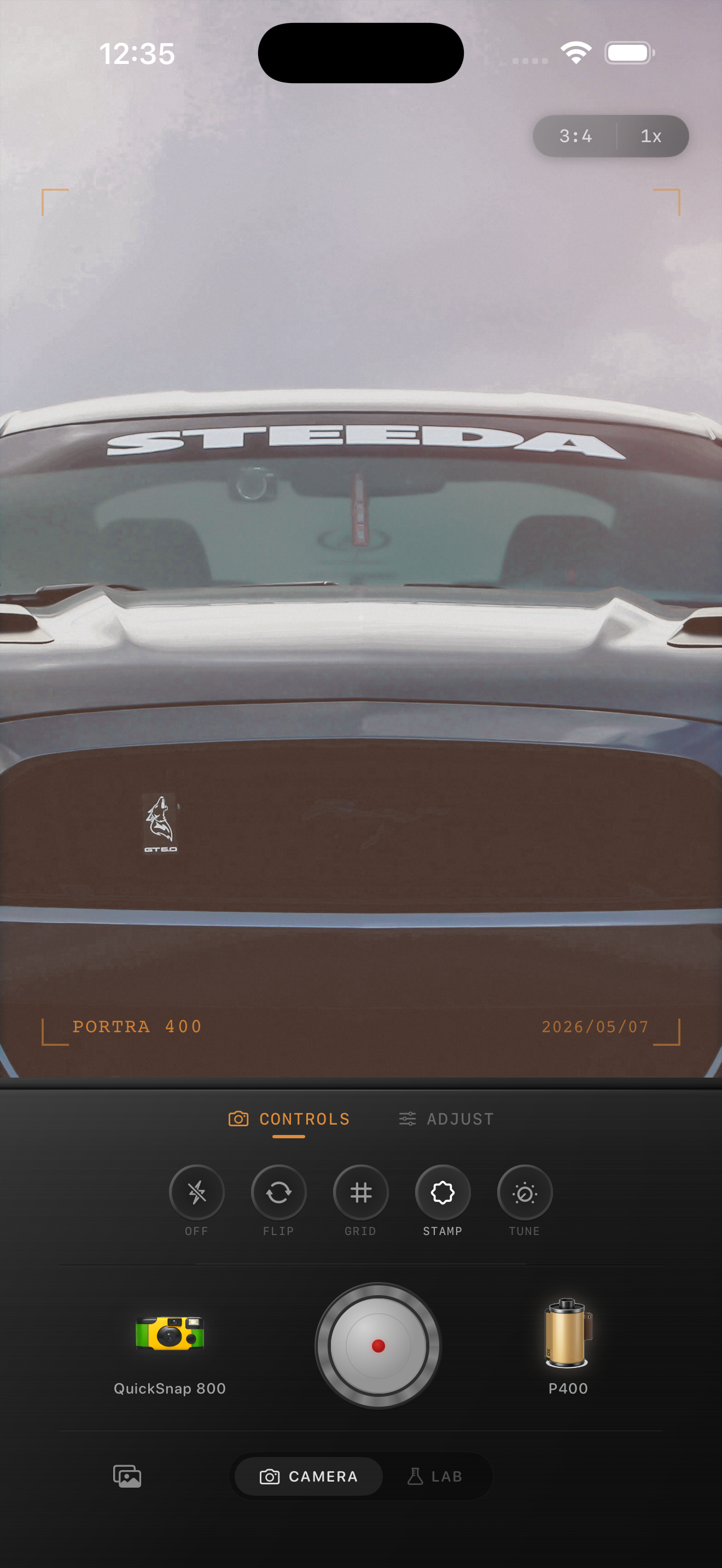
Road trip photos need mood, not just nostalgia
The best road-trip photos already have story built into them: dashboard light, gas stations, roadside diners, motels, back seats, maps, trunks, and weather changing through the windshield. The edit should make those details feel tactile and remembered, not just old-looking.
A common mistake is pushing every road-trip shot toward heavy sepia or rough disposable grain. That works for some snapshots, but a believable film look usually comes from cleaner color, moderate texture, and the right amount of warmth for the light.
A practical baseline for roadside scenes
Start around film intensity 72-86%, grain 24-38%, warmth +4 to +10, fade 4-9%, and vignette 5-10%. This gives cars, pavement, windows, and sky enough analog softness without making chrome, glass, or paint look muddy.
If the shot was taken in hard midday sun, lower grain and warmth slightly. If it was captured at dusk, in a motel lot, or under gas-station lights, you can push warmth and grain a little further.
- Use moderate grain for daytime road scenes.
- Keep colors sun-faded, not orange.
- Protect reflections in windows and paint.
- Let the camera body add character before you force extra damage.
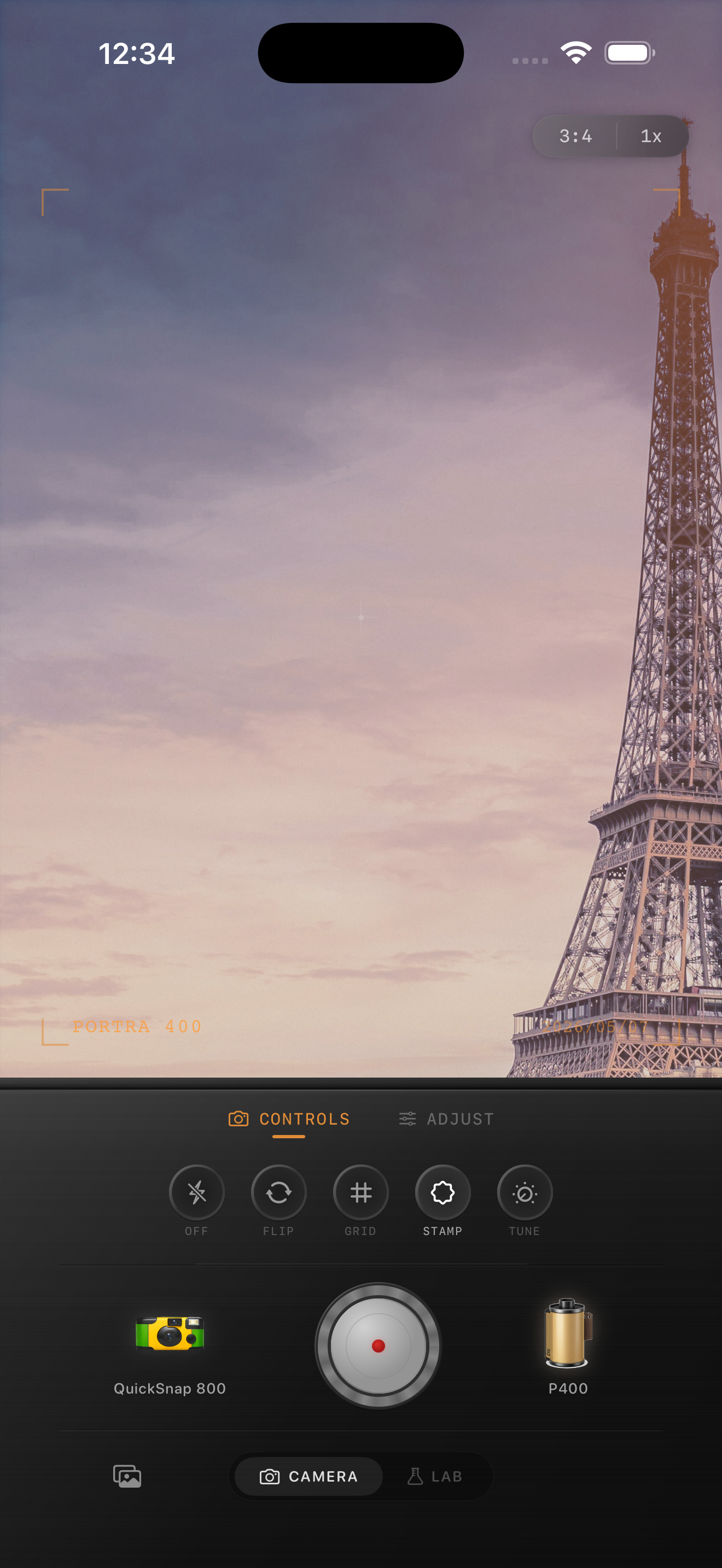
Pick the look by stop, not by trip
A quiet highway overlook can handle a cleaner 35mm-inspired edit. A gas stop at blue hour or a cramped back-seat snapshot can handle a rougher disposable mood. Treat each frame according to the stop, not according to one preset for the whole trip.
That approach keeps the album coherent without flattening every memory into the same texture and color response.
Use Nostalgia Cam like a travel camera bag
In Nostalgia Cam, start by choosing the camera body that fits the moment. Cleaner bodies work for scenic pull-offs and travel portraits. Rougher bodies fit flash snapshots, diner stops, and quick roadside memories.
Then tune the film look until the photo feels like something you would keep in a glove-box stack of prints rather than in a polished phone album.
Give road-trip photos real print texture
Use Nostalgia Cam to pair road-trip scenes with a film-style camera body, controlled grain, warmth, fade, and vignette so the album feels tactile, sun-worn, and naturally analog.
FAQ
What makes a road-trip iPhone photo look like film?
Usually it is a mix of restrained grain, softer contrast, slightly warmer color, and a camera mood that matches the light and setting instead of one heavy preset for the entire trip.
Should every road-trip photo use a disposable camera effect?
No. Disposable styling works well for quick flash snapshots and messy social moments, but many scenic or daylight road-trip photos look better with a cleaner film-inspired edit.