
Editing guide
Best Film Settings for Overcast iPhone Photos
A practical guide to making overcast iPhone photos look like film with calmer contrast, cleaner color, moderate grain, and enough warmth to keep gray light from feeling flat.
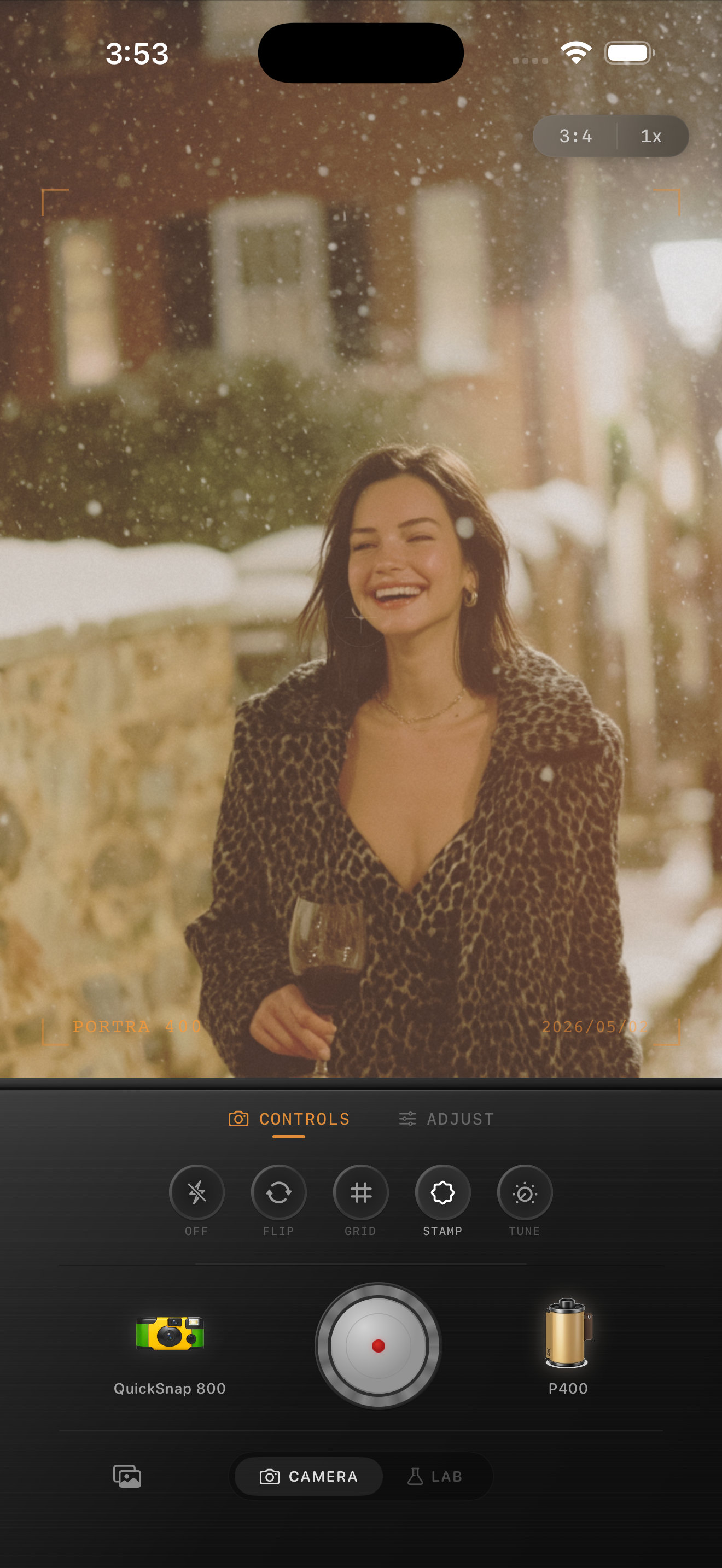
Overcast light already does part of the work
Cloudy weather usually softens shadows, lowers contrast, and gives skin and buildings a quieter mood before you edit anything. That makes overcast scenes a strong match for a film look, but they still need help avoiding the flat gray feeling that iPhone processing can exaggerate.
The mistake is treating overcast photos like sunny ones. If you leave the file too cold and too crisp, it feels lifeless. If you overcorrect with heavy warmth and grain, the image turns muddy fast.
A reliable settings baseline for cloudy scenes
Start around film intensity 72-86%, grain 24-36%, warmth +5 to +11, fade 4-8%, and vignette 4-9%. That usually adds enough analog softness and color shape without making sidewalks, coats, or sky look dirty.
If the scene has snow, pale stone, or white walls, stay lower on warmth and grain. If it is a darker rainy-gray afternoon, a slightly warmer stock can keep the frame from feeling drained.
- Use moderate grain, not rough disposable texture.
- Keep highlights soft so the sky stays creamy instead of chalky.
- Let skin and coats carry the warmth before the whole frame does.
- Use fade carefully because overcast scenes are already low contrast.

Judge color from neutral surfaces first
Gray skies, sidewalks, and jackets will tell you quickly whether the edit is balanced. If neutral areas go yellow or brown, pull warmth back. If everything still feels metallic and clinical, add a little warmth before you add more grain.
Overcast photos often benefit more from subtle color shaping than from dramatic texture. Once the scene feels calmer and more human, the film look usually lands.
Match the camera mood to the scene
A cleaner 35mm-inspired body usually works best for overcast streets, travel walks, cafés, portraits, and quiet outdoor scenes. A rougher disposable-style body only makes sense if the photo is already playful or flash-heavy.
In Nostalgia Cam, start with the cleaner body, then tune the film look until the photo feels like a scanned cloudy-day print instead of a sharp HDR frame under gray light.
Make cloudy photos feel calm instead of flat
Use Nostalgia Cam to soften overcast iPhone photos with controlled grain, a little warmth, restrained fade, and a film-style camera body that keeps gray weather atmospheric rather than dull.
FAQ
Do overcast iPhone photos need more warmth to look like film?
Usually a little, yes, but not a huge shift. A small warmth boost can keep cloudy scenes from feeling cold without turning neutral surfaces yellow.
Should cloudy-day photos use heavy grain?
Usually no. Moderate grain works better because overcast scenes already have soft contrast and can turn muddy quickly if the texture gets too rough.