
iPhone film look
How to Make iPhone Photos Look Like 35mm Film at Night
Night iPhone photos can look beautifully cinematic with warmer color, controlled highlights, visible grain, softer blacks, and a little halation around bright lights.
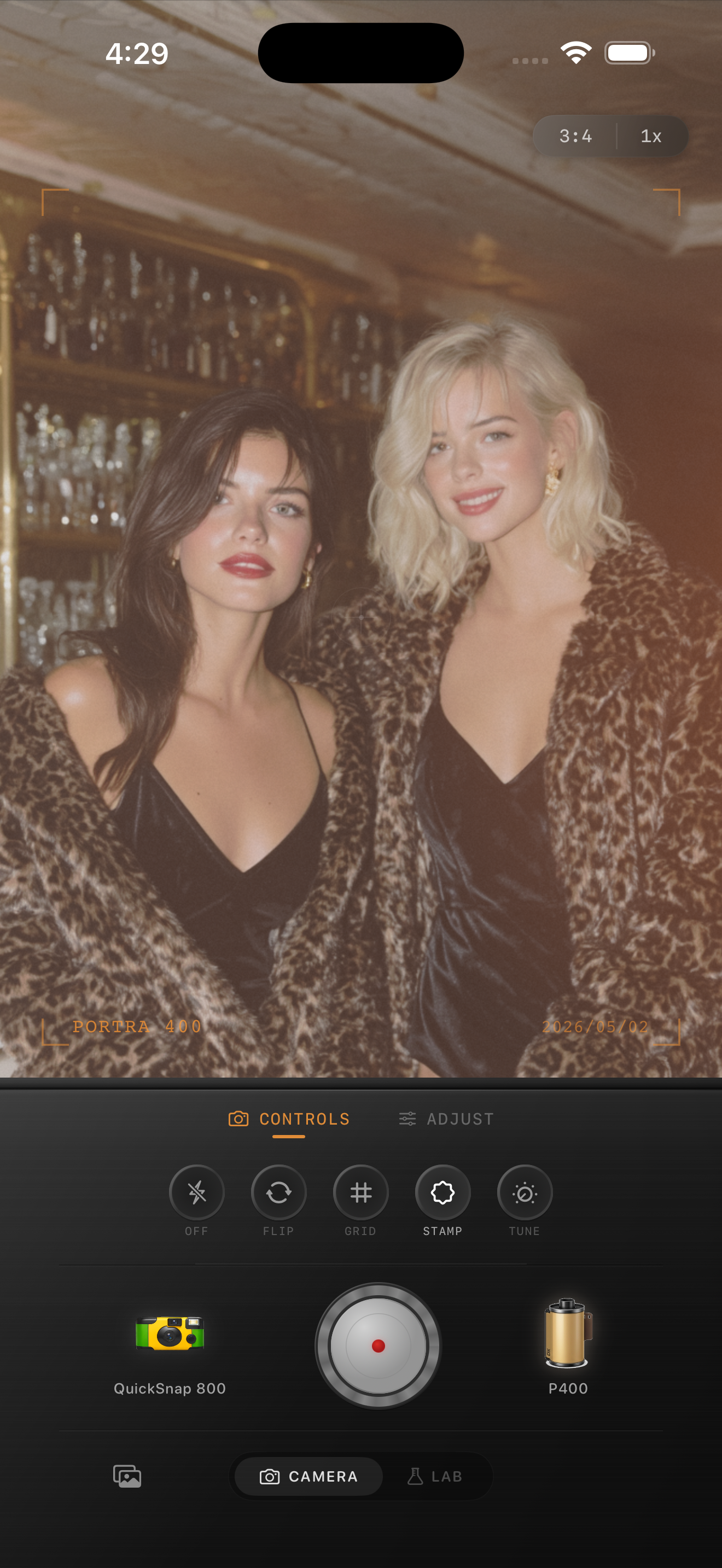
Night photos need restraint
Night is where iPhone photos can look the most digital: sharp lights, aggressive noise reduction, and very clean shadows. A film-style night edit should soften that precision without turning the image muddy.
Start by protecting the highlights. Neon signs, street lamps, and window light should glow a little, but they should not become flat white blobs.
A night film settings recipe
Use film intensity around 75-90%, grain around 35-50%, warmth around +5 to +14, fade around 5-10%, and vignette around 8-15%. If the scene has neon or headlights, add subtle halation or glow.
For very dark scenes, avoid pushing fade too high. Lifted shadows can look nostalgic, but too much fade makes night photos look washed out.
- Warm neon scenes: use moderate warmth and visible grain.
- Street lights: add slight glow or halation.
- Dark restaurants: use less vignette so the subject stays readable.
- Flash portraits: keep fade lower and let the flash pop.
Use grain to fight plastic shadows
Night Mode and computational photography often smooth shadows until they feel plastic. Grain helps put texture back into those areas. Keep it uneven and organic rather than perfectly uniform.
If the photo has a lot of empty sky or black background, use a little less grain and lean more on warmth, softness, and halation.
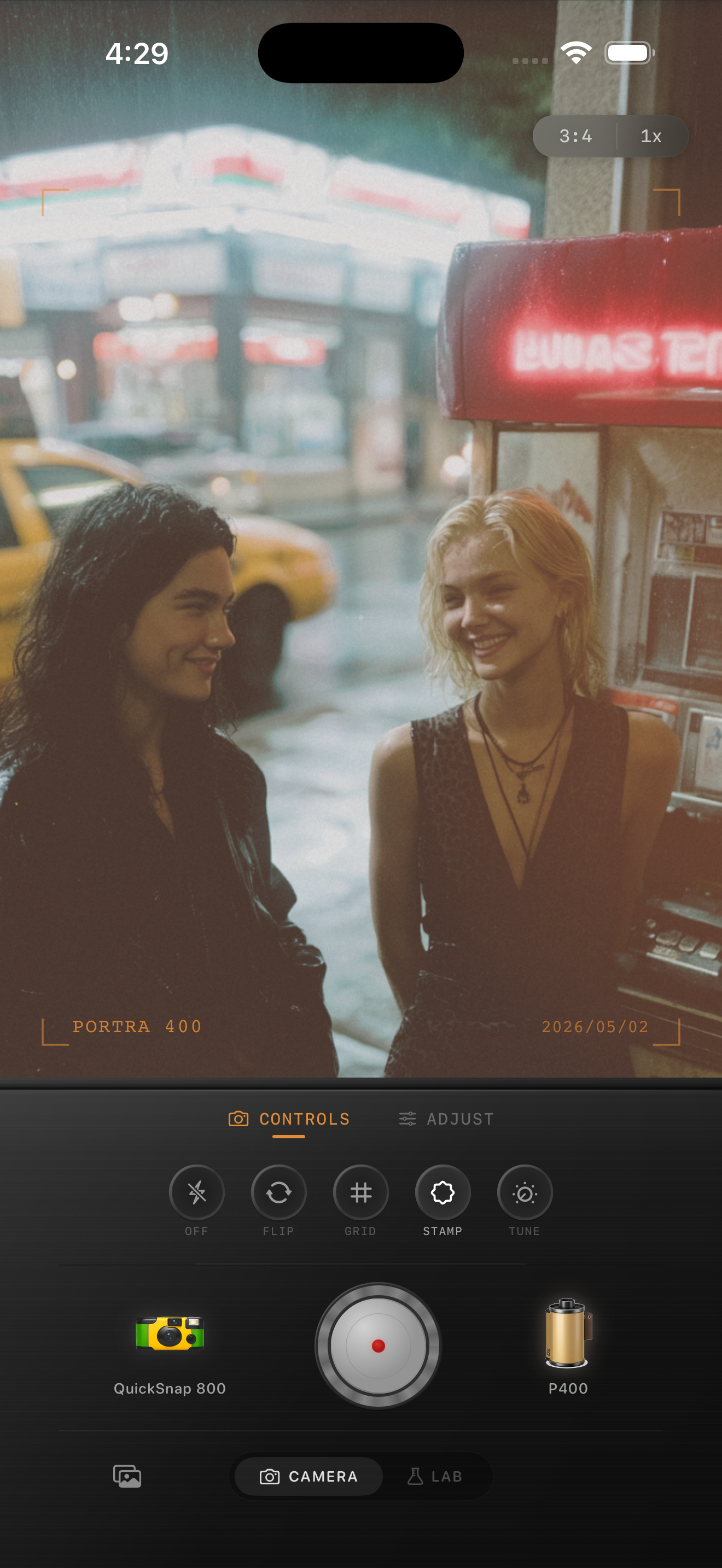
Shoot for the edit
If you know you want a film look, shoot with a simple composition and one strong light source. Film-style night photos work best when there is a clear glow: a lamp, neon sign, candle, window, or streetlight.
Then use the app to make the iPhone shot feel less clinical and more like a small print from a night out.
Try a night film camera body
Open Nostalgia Cam at night, choose a 35mm or disposable-style camera body, and use grain plus warmth to make neon, snow, and candlelight feel cinematic.
FAQ
Why do iPhone night photos look digital?
They often use heavy sharpening, noise reduction, and HDR. A film edit softens those edges and adds texture back into shadows.
Should night film photos be warm?
Often, yes. A small warmth boost helps lamps, restaurants, and street scenes feel more like film, but neon scenes may need less warmth.