
Editing guide
How to Edit iPhone Photos to Look Like Film in Flat Apartment Light
A practical iPhone film guide for flat apartment light: cleaner skin tones, softer contrast, restrained grain, and enough warmth to make quiet indoor photos feel printed instead of lifeless.
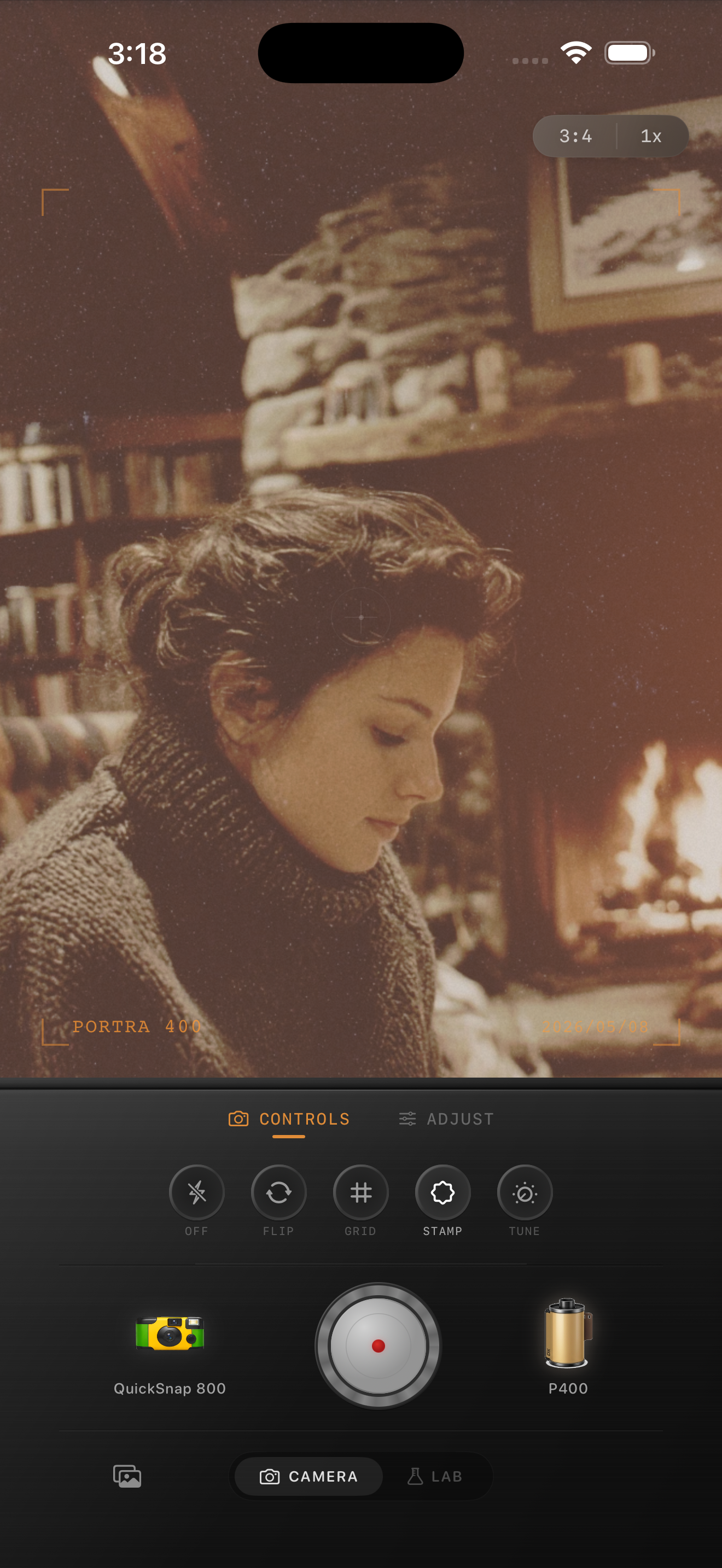
Flat apartment light needs shape before it needs style
Flat apartment light usually comes from one soft window, pale walls, and a room without strong highlight contrast. That can look calm in person but lifeless on an iPhone because the processing makes every surface equally clean and equally visible.
A good film-inspired edit adds gentle separation back into the room. The goal is not to make the scene dramatic. The goal is to make skin, fabric, books, plants, and corners feel like part of a real print instead of one evenly bright digital file.
- Keep the light soft instead of chasing heavy contrast.
- Use finer grain than you would for a flash or nightlife photo.
- Warm skin and wood slightly, not the whole frame equally.
- Use only a little fade so the room keeps depth.
- Judge the edit from faces and neutral walls before adding more mood.
A dependable apartment-light baseline
Start around film intensity 68-82%, grain 18-28%, warmth +4 to +9, fade 3-6%, and vignette 2-6%. That range usually gives low-contrast apartment photos a printed softness without making them muddy or sleepy.
If the frame still feels dull, resist the urge to pile on grain. Flat indoor photos usually improve more from subtle tonal separation than from heavier texture.
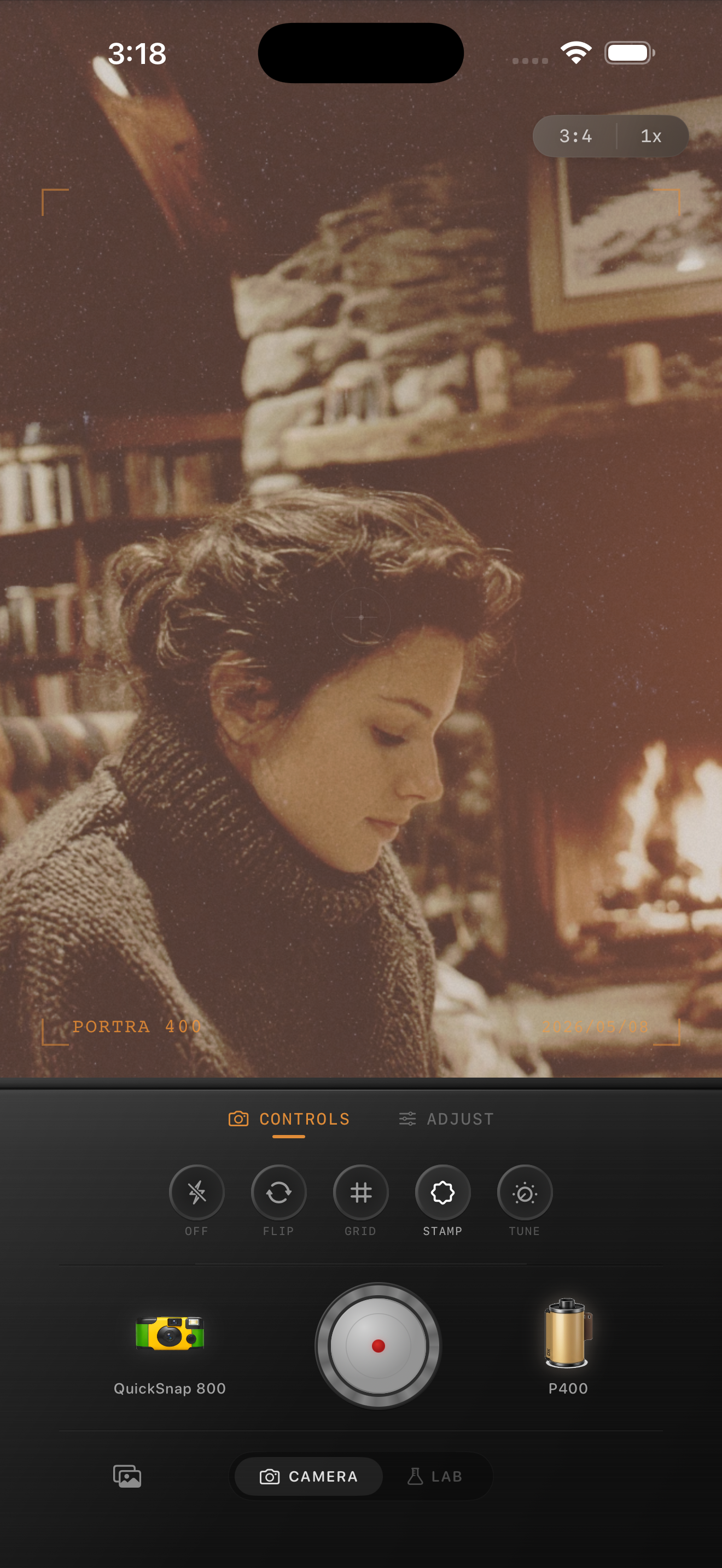
Use warmth selectively
The fastest way to ruin flat apartment light is to warm the entire frame until walls, paper, skin, and shadows all land in the same beige zone. Film-inspired color should feel like a light touch, not a blanket cast.
If the room already has warm wood, lamp spill, or cream-colored walls, let those elements carry the warmth. Keep cooler corners and shadows slightly cleaner so the frame still breathes.
Choose a calm camera body
Most apartment-light photos work better with a cleaner 35mm-inspired or compact-film body than with a rough disposable look. The room already has a quiet mood. You usually need softness and print texture, not extra chaos.
In Nostalgia Cam, start with the calmer body first, then fine-tune grain, warmth, fade, and vignette until the image feels like a small indoor print you would keep on a shelf.
Make quiet indoor photos feel more alive
Use Nostalgia Cam to soften flat apartment light with cleaner film color, restrained grain, and camera-body character so indoor photos feel natural, tactile, and less digitally flat.
FAQ
Why do flat apartment photos look lifeless on iPhone?
Because the light already starts low-contrast, and iPhone processing can make every surface feel equally sharp and evenly exposed. A film-style edit helps by restoring softness, tonal separation, and restrained texture.
Should flat indoor photos use heavy grain to look more like film?
Usually no. Lighter grain works better. Flat apartment photos tend to improve faster from subtle contrast control and selective warmth than from loud texture.