
iPhone film look
Best Film Settings for Snowy Friend Photos on iPhone at Dusk
A practical dusk-in-snow film recipe for iPhone with cleaner skin, controlled blue shadows, restrained grain, and enough warmth to keep group photos nostalgic without turning slushy.
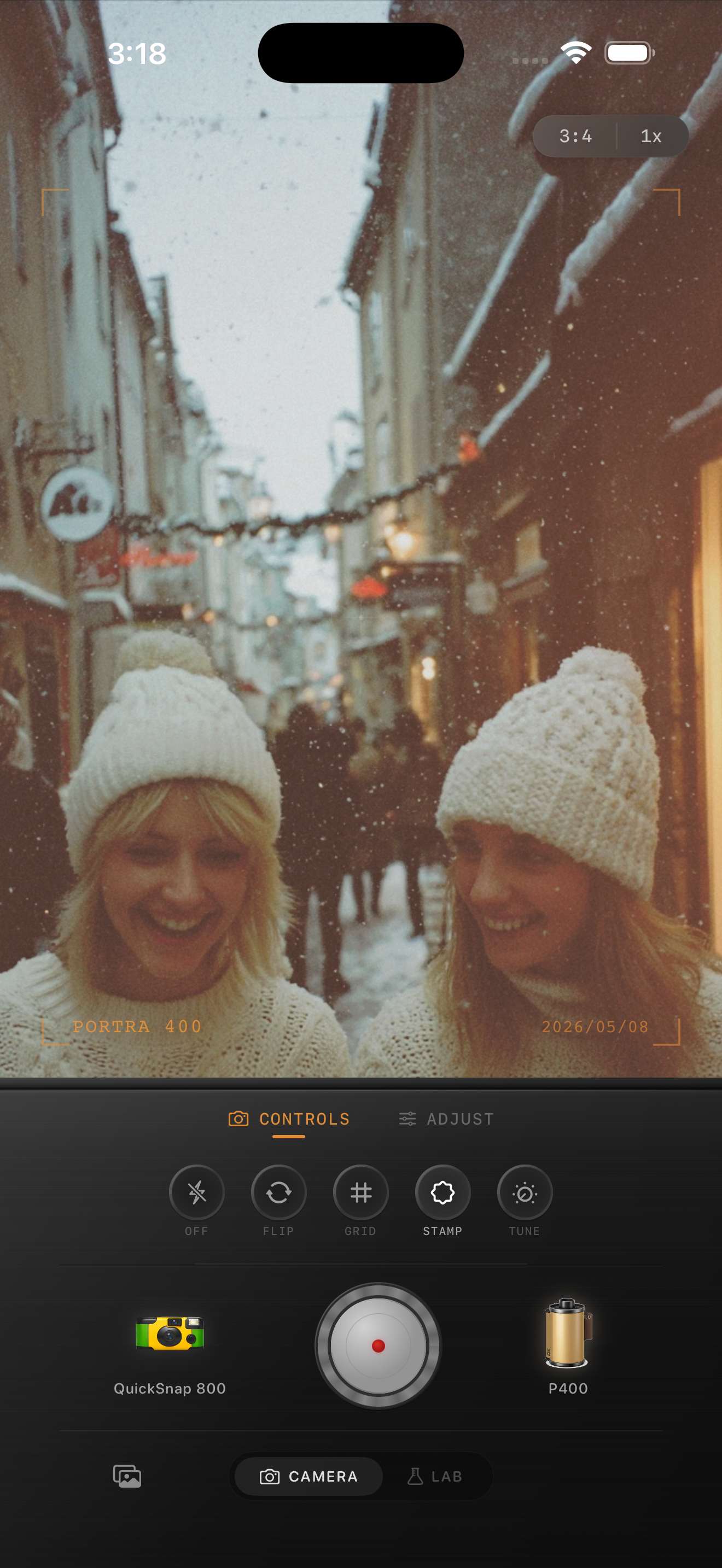
Dusk snow photos need warmth without losing the evening mood
Snowy friend photos at dusk already feel cinematic because the light is soft, the palette is limited, and people naturally huddle closer together. The usual problem is overcorrecting the blue cast until the whole frame turns beige and the dusk atmosphere disappears.
A believable film edit should warm faces just enough while keeping the snow and sky cool enough to still feel like evening.
A dependable starting recipe for snowy dusk group shots
Start around film intensity 74-86%, grain 22-34%, warmth +4 to +9, fade 3-7%, and vignette 5-9%. That range usually softens the default iPhone finish while keeping jackets, hair, and snow readable.
If the original scene is very blue, correct skin first and stop there before trying to warm the snow. If the image already has nearby storefront or streetlight warmth, use less global warmth so the mixed light still feels real.
- Keep grain moderate so faces and knit textures stay clear.
- Protect bright snow before adding extra fade.
- Let the background stay cooler than the people.
- Use vignette lightly so the group does not feel boxed in.
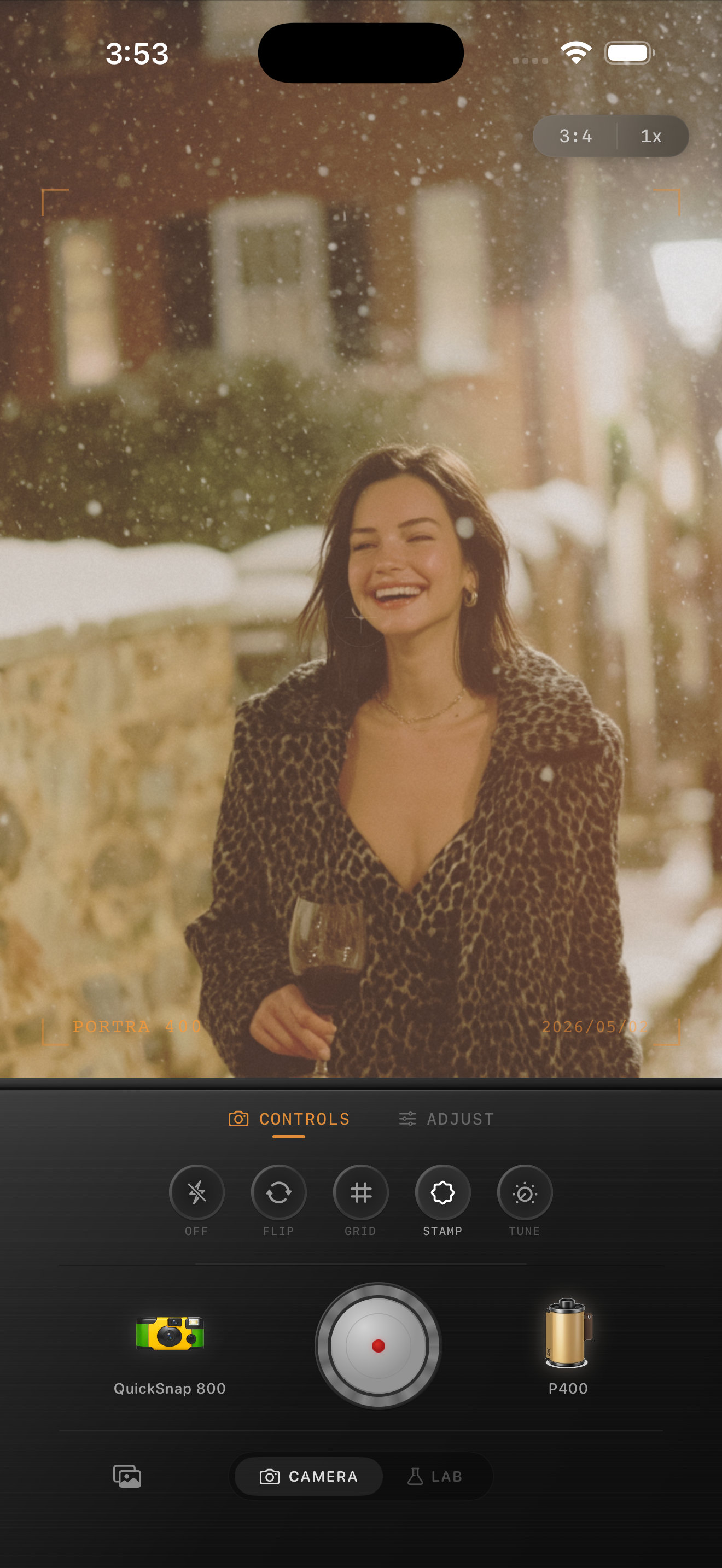
Group photos fall apart when every face warms differently
Friend photos are harder than solo portraits because each face catches a slightly different mix of sky light, reflected snow, and street color. If you push the grade too far, one person can look healthy while the next one looks gray or orange.
Check the whole group before calling the edit done. The best film-inspired group shot feels consistent even if the light across the frame is not perfectly even.
Choose control over chaos for winter dusk scenes
Most snowy dusk friend photos work better with a cleaner 35mm-inspired or compact-film body than with the roughest disposable look. The atmosphere is already strong, so you usually need tonal control more than extra damage.
In Nostalgia Cam, start with the cleaner body and then fine-tune grain, warmth, fade, and vignette until the group feels natural, nostalgic, and readable at feed size.
Keep winter groups balanced in Nostalgia Cam
Use Nostalgia Cam to combine a cleaner camera body with film-style color, restrained grain, fade, and vignette so snowy friend photos at dusk keep natural skin, cool evening mood, and a believable analog texture.
FAQ
Should snowy dusk group photos use a lot of warmth to look like film?
Usually no. Warm faces help, but too much global warmth makes the snow look dirty and removes the evening atmosphere that makes the photo work.
Why do snowy friend photos at dusk look muddy after editing?
They usually get muddy when blue shadows are overcorrected and extra fade is added before the faces are balanced. Keep the group natural first, then add the film texture.