
Editing guide
Best Film Settings for Snowy Sidewalk Friend Photos on iPhone
A practical iPhone film recipe for snowy sidewalk friend photos: natural skin, clean snow, restrained grain, and enough city texture to keep winter group shots nostalgic without turning gray.
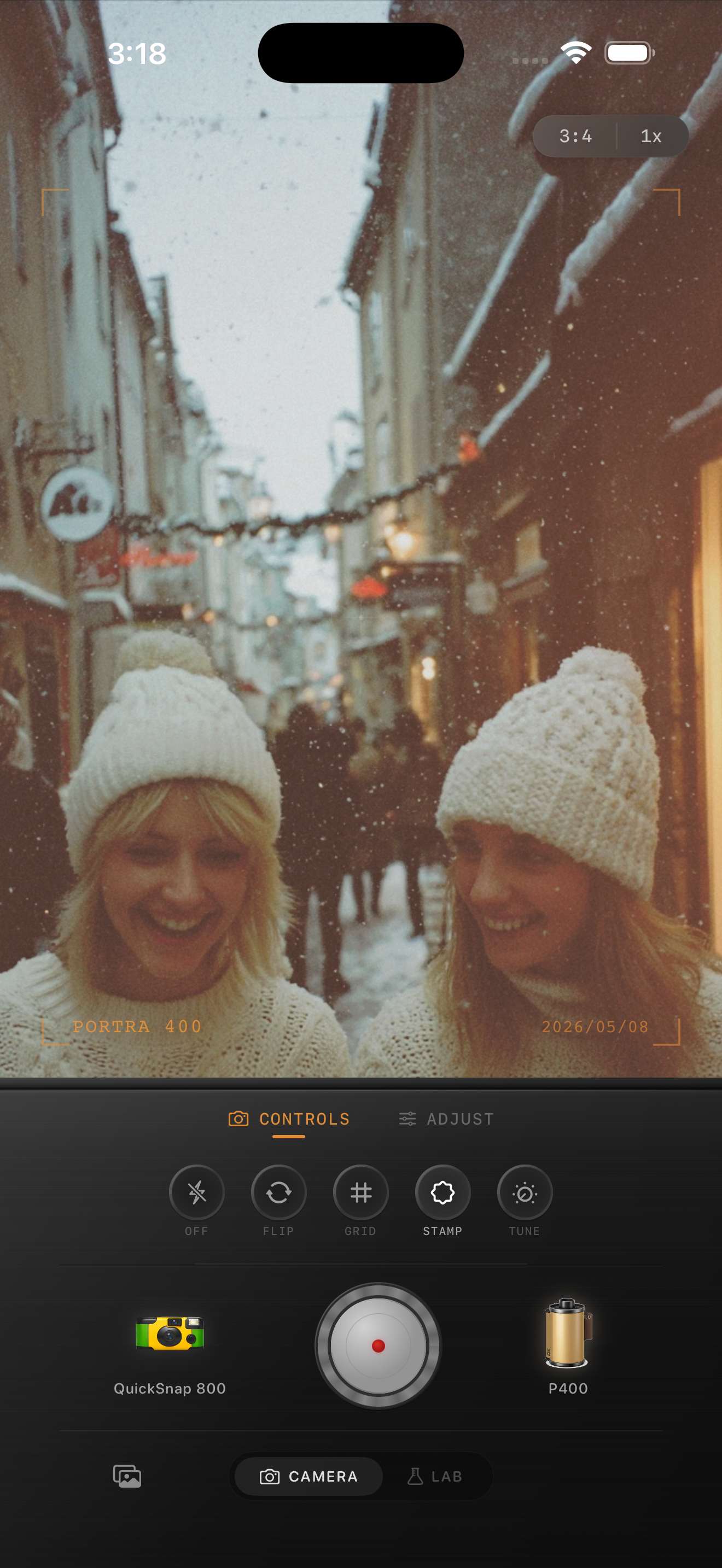
Winter friend photos need people first and snow second
Snowy sidewalk photos already have strong texture from coats, hats, pavement, parked cars, and bright snow. That is helpful, but it also means bad edits fail quickly. Skin turns cold, snow turns gray, and the whole group starts looking flatter than the real moment felt.
A believable film-inspired winter group photo keeps the people lively first. The snow should support the memory, not become a muddy white blanket that steals all the attention.
- Keep skin slightly warmer than the snow around it.
- Use moderate grain, not rough night-photo texture.
- Protect detail in scarves, coats, and bright snowbanks.
- Let the sidewalk and background stay a little cool.
- Use fade carefully so winter shadows do not collapse into gray.
A reliable snowy sidewalk settings range
Start around film intensity 72-84%, grain 22-34%, warmth +4 to +8, fade 3-6%, and vignette 3-7%. That range usually gives friend photos enough analog softness without making snow look dirty or faces look overly pink.
If the frame already has warm storefront spill or streetlight color, use less global warmth and let the environment do some of the work. Winter city photos usually go wrong from stacked color casts before they fail from too little grain.
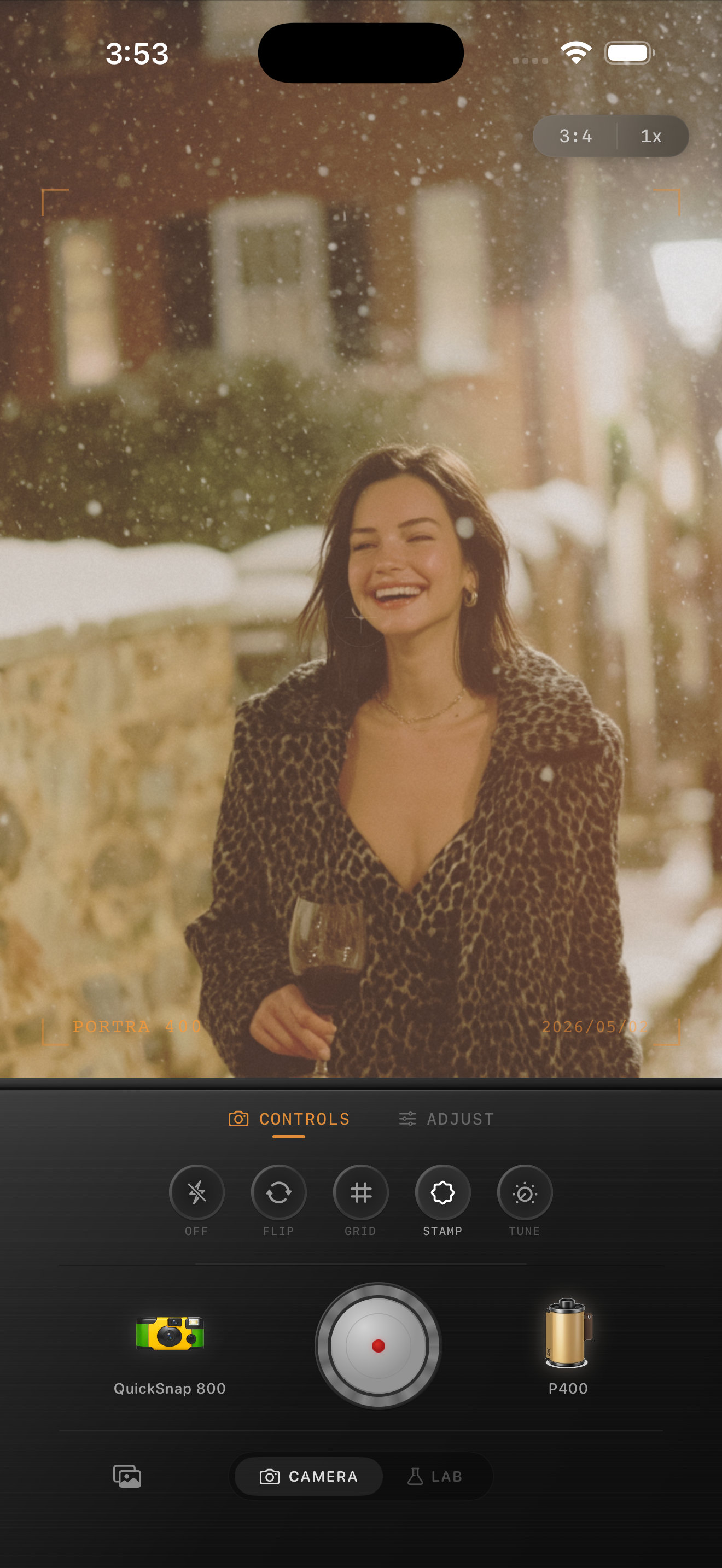
Pick the right camera mood for the group
A cleaner compact or 35mm-inspired body usually fits snowy sidewalk friend photos best because it preserves faces and winter detail. A rougher disposable-inspired body can still work if the shot is flashier, more casual, or intentionally messy.
That choice matters because group photos already have enough visual activity. If the base camera personality is too rough, hats, hair, and snow texture all start competing at once.
Know when the winter edit is finished
The photo is close when the friends feel warm enough to look alive, the snow still reads as snow instead of beige slush, and the sidewalk scene keeps some depth behind them. If the first thing you notice is gray snow or heavy grain, pull back.
In Nostalgia Cam, start with the camera body, then fine-tune grain, warmth, fade, and vignette until the group shot feels like a winter print instead of a cold HDR phone file.
Keep winter group shots soft in Nostalgia Cam
Use Nostalgia Cam to balance camera body, grain, warmth, fade, and vignette so snowy sidewalk friend photos keep their winter mood while faces, coats, and snow stay naturally film-inspired.
FAQ
Why do snowy friend photos turn gray when I add a film look?
They usually turn gray because fade, grain, and warmth were all pushed together. Snowy group shots work better with moderate texture and just enough warmth to protect faces.
Should snowy sidewalk group photos use a disposable camera look?
Sometimes, but not by default. A cleaner film body usually keeps faces and snow more believable, while a rougher disposable feel works better for flashier or more casual winter snapshots.