
Editing guide
How to Edit iPhone Party Photos to Look Like Film Without Chalky Flash Skin
A practical party-photo film recipe for iPhone: brighter flash energy, cleaner skin, controlled highlights, and enough grain to feel analog without turning late-night faces flat and chalky.
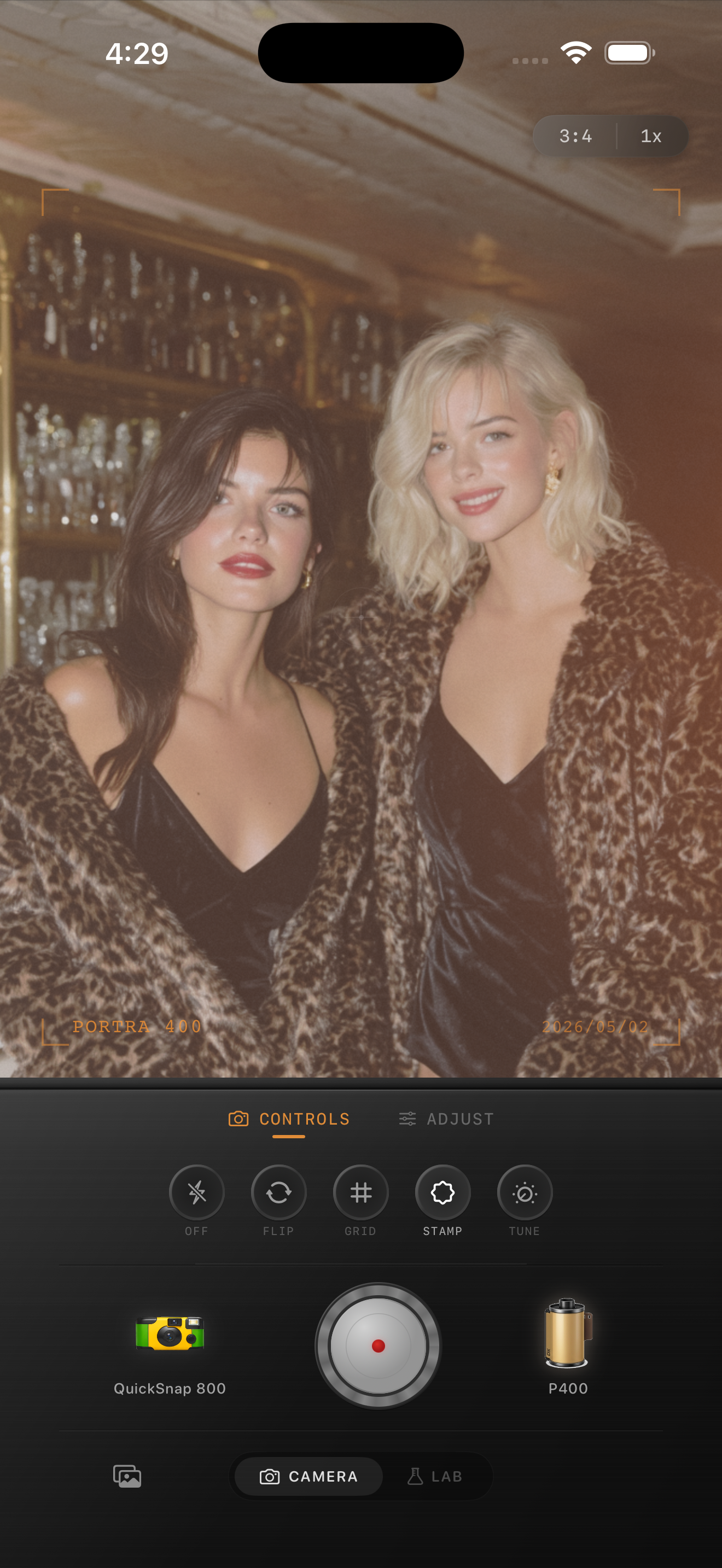
Why flash party skin turns chalky
Party photos usually depend on one bright flash hit against a much darker room. That contrast is part of the charm, but it also makes faces easy to flatten. When the edit stacks too much fade, too much warmth, or too much grain on top of a bright flash frame, skin can lose depth and start to look powdery.
A believable film-inspired party edit should keep the loud late-night energy while letting faces stay rounded and alive. Flash can stay obvious without turning everyone into the palest object in the room.
- Judge cheeks, forehead highlights, and the darkest background area together.
- Keep grain moderate so the face stays readable at feed size.
- Use fade lightly because flash already opens the subject.
- Let glasses, jewelry, and light reflections stay bright without bleaching the skin.
A dependable flash-party baseline
Start around film intensity 76-88%, grain 28-40%, warmth +2 to +7, fade 2-5%, and vignette 5-9%. That range usually keeps the snapshot energy of the flash while softening the digital finish enough to feel closer to a real film print.
If the skin still looks chalky, lower fade or overall intensity before adding more warmth. Chalkiness is usually a tonal problem first, not a color problem. Once the face regains shape, the rest of the analog mood is easier to fine-tune.
Protect the face before you polish the atmosphere
It is easy to get distracted by the mood of the room, especially if there are colored lights, dark walls, or reflective drinks. But if the faces stop feeling dimensional, the whole image reads as an effect instead of a photograph.
Check the skin against the brightest glass reflection and the darkest corner in the frame. If the subject looks flatter than both of those, pull back the heaviest edit move before you add anything else.
Use a rougher camera mood only when the scene can carry it
Some party photos want a disposable-style body because the whole point is chaos, direct flash, and imperfect social energy. Others work better with a cleaner compact-film body so faces stay stronger while the grain and color still feel analog.
In Nostalgia Cam, start with the camera body first, then tune warmth, grain, fade, and vignette until the image feels like a real flash snapshot from a night out. If you want Portra-style softness or Fuji-style cooler balance, treat that only as inspiration and keep the language non-affiliative.
Keep party flash bright without washing people out
Use Nostalgia Cam to balance camera body, grain, warmth, fade, and vignette so party photos keep their late-night flash energy while faces stay natural and film-inspired.
FAQ
Why do flash party photos make skin look chalky?
Because the flash already pushes the subject much brighter than the room, and extra fade, grain, or aggressive intensity can flatten the remaining shape in the face.
Should party photos use more grain than portraits?
Usually a little more, but not so much that the face becomes noisy. The best party edits keep the flash moment lively while preserving clear skin and highlight shape.