
Editing guide
How to Edit iPhone Dinner Table Photos to Look Like Film Without Muddy Shadows
A practical dinner-table film workflow for iPhone that keeps candlelight and restaurant warmth, but protects plates, hands, and dark corners from turning muddy.
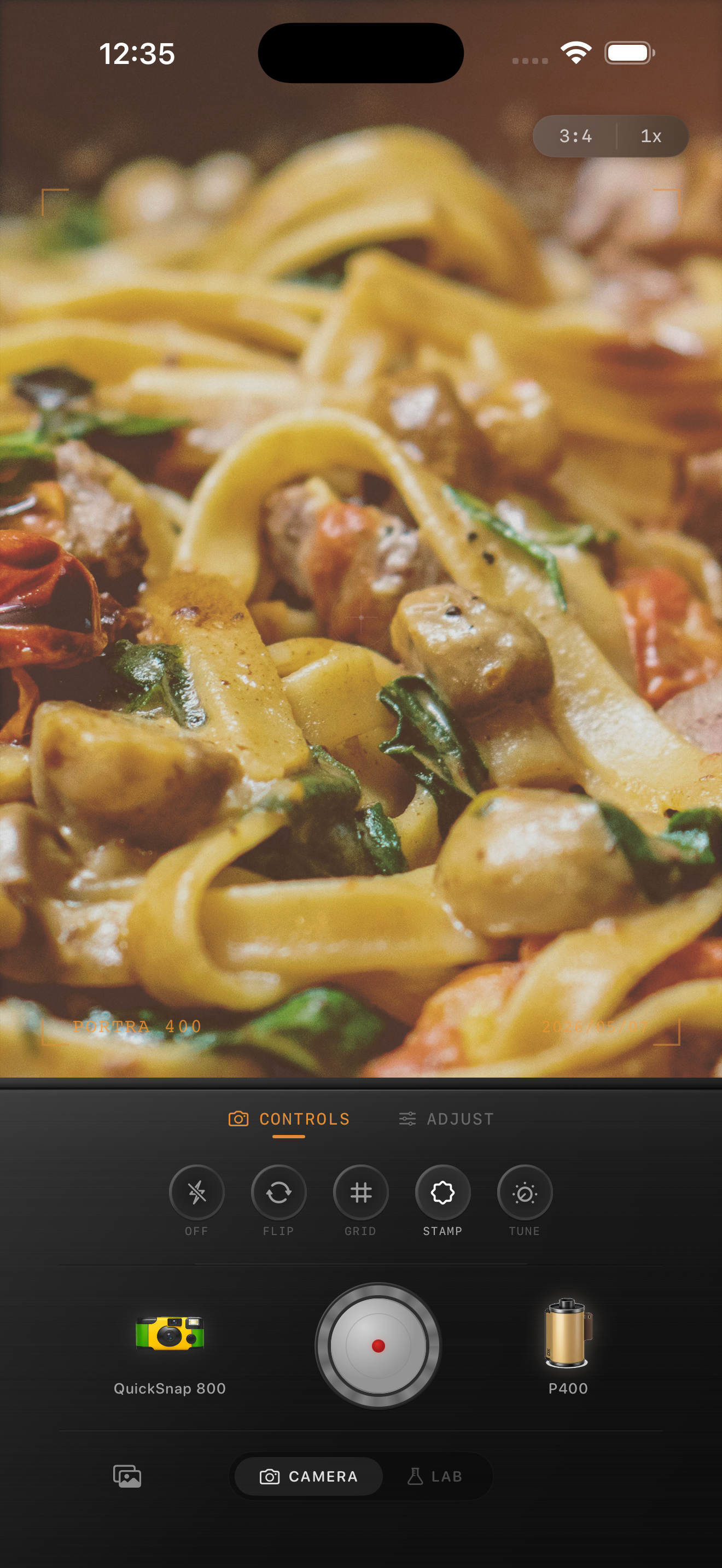
Dinner photos fail when warmth and fade pile up together
Dinner table photos already lean warm because of lamps, candles, sconces, and reflected tabletop light. When you add too much extra warmth and too much fade, the shadows lose depth and the whole image collapses into one orange-brown layer.
A believable film-style dinner edit should still separate the plate, hands, table surface, glasses, and background. The warmth should feel atmospheric, not smeared across everything.
- Keep the warm light, but preserve darker table detail.
- Use moderate grain so food texture stays readable.
- Lower fade before you raise contrast.
- Protect white plates and napkins from going yellow.
- Let one bright light source carry the mood.
A clean dinner table recipe
Start around film intensity 72-84%, grain 26-38%, warmth +5 to +11, fade 3-7%, and vignette 5-10%. That usually softens the default iPhone look while keeping the table scene dimensional.
If the shadows turn muddy, reduce fade first. If skin or pasta highlights get too orange, lower warmth before you touch saturation. Most restaurant edits improve when the darkest corners stay deep enough to frame the table light.
Use the plate and the hands as reality checks
Two fast checks catch most bad dinner edits. First, look at the lightest plate or napkin. It should stay warm, but not yellow. Second, look at the hands or faces in frame. They should keep depth instead of turning chalky or orange.
If both checks pass, the photo usually still feels like a real restaurant memory instead of a heavy preset.
Match the camera body to the mood
A cleaner compact-film or 35mm-inspired body works well for dinners because the mood already comes from low light, glass reflections, steam, and table texture. A rough disposable body can work for louder party dinners, but it often adds more mess than the scene needs.
In Nostalgia Cam, start clean, then add a little grain and warmth until the photo feels printed. If you describe the look with Portra-style or Fuji-style language, keep it clearly framed as inspiration and not as any affiliation claim.
Keep the glow, not the mud
Use Nostalgia Cam to combine camera body, film-inspired color, grain, fade, and vignette so dinner table photos stay warm and nostalgic while shadows remain readable.
FAQ
Why do dinner table photos get muddy with film edits?
Usually because warmth and fade are both pushed too hard, which removes the contrast that keeps plates, hands, and table details separate.
How much grain should dinner table photos use?
Usually moderate grain works best. Enough to soften the digital finish, but not so much that pasta, glassware, or skin starts to look dirty.