
Editing guide
Best Film Settings for Cabin Window Photos on iPhone
A practical cabin-window film recipe for iPhone that keeps snowy views bright, preserves warm interior light, and avoids muddy wood tones or dirty-looking grain.
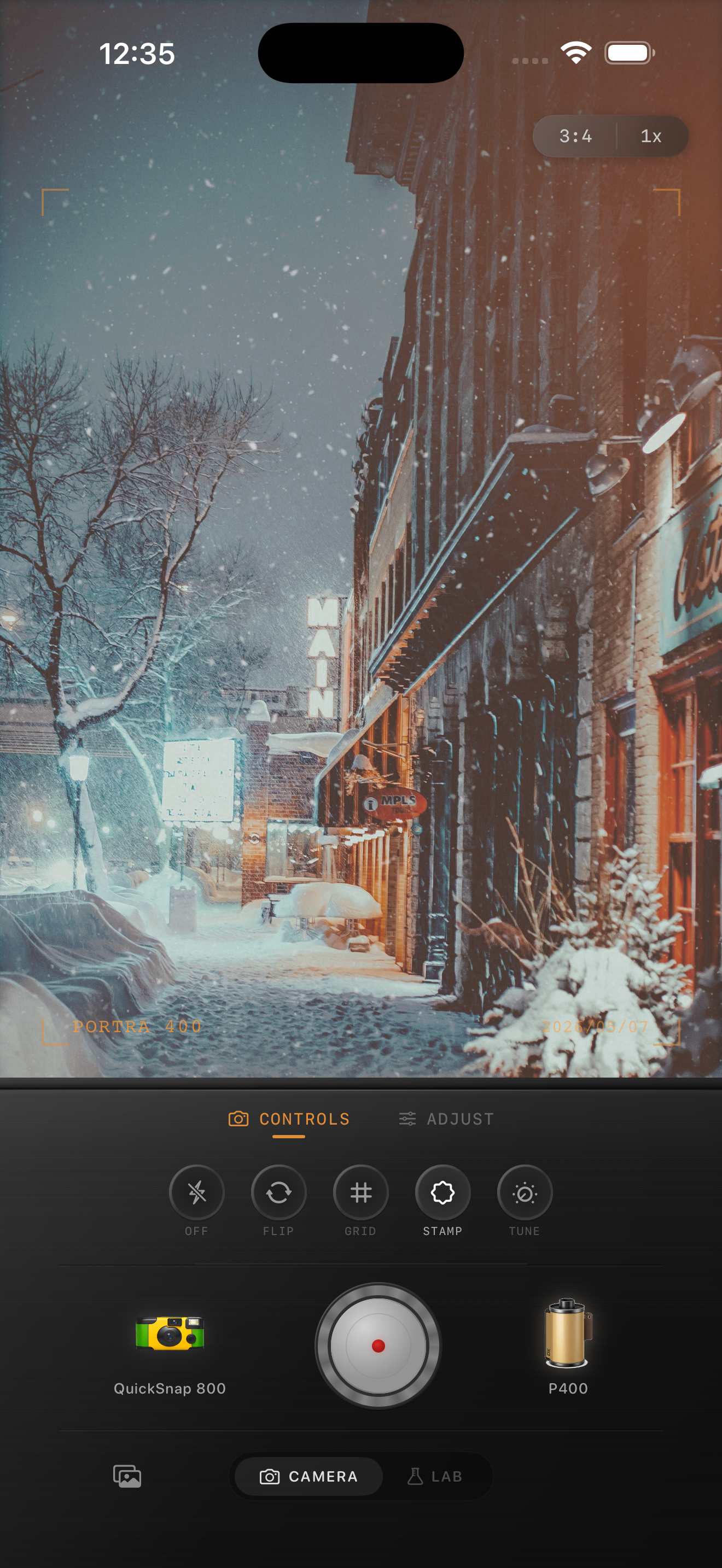
Cabin window photos have two color temperatures
Cabin window photos are tricky because the frame usually mixes warm lamp light inside with cold snow or overcast light outside. When the edit treats both areas the same way, the room can turn muddy and the snow can go yellow or gray.
A good film-style cabin edit keeps that separation. Let the lamp-lit wood stay warm and nostalgic while the window light stays cleaner and a little cooler.
- Warm the interior before warming the whole frame.
- Keep the snow or sky believable, not cream-colored.
- Use moderate grain so window highlights stay clean.
- Keep fade low enough that wood still has shape.
- Use vignette only if the room edges feel too clinical.
A reliable cabin window recipe
Start around film intensity 70-82%, grain 24-34%, warmth +4 to +9, fade 3-7%, and vignette 5-10%. That usually softens the digital finish without flattening the contrast between the room and the outdoor view.
If the snow outside the window starts to look dirty, lower grain first. If the wood paneling loses separation, lower fade before adding more contrast. Cabin scenes usually respond better to small corrections than big preset swings.
Judge the window and the room separately
Before you export, check the brightest part of the window and the darkest corner of the room as separate tests. The window should still feel airy. The room should still hold texture in wood, blankets, books, or furniture.
If both areas start to share the same brown cast, the film look has gone too far. Believable warmth usually lives around the lamp glow, not everywhere at once.
Choose a cleaner camera body
Cabin interiors already have enough texture from wood grain, fabric, firelight, and snow outside. A cleaner 35mm-inspired body usually works better than the roughest disposable look because the scene does not need extra chaos.
In Nostalgia Cam, start with a cleaner body, then add only enough grain and warmth to make the image feel printed. If you use Kodak-style or Fuji-style language, keep it framed as style inspiration and not as any affiliation claim.
Balance warm rooms and bright windows
Use Nostalgia Cam to pair a cleaner camera body with film-inspired color, grain, fade, and vignette so cabin window photos stay cozy without turning muddy.
FAQ
Why do cabin window photos get muddy with film filters?
Usually because warmth, fade, and grain are pushed across the whole frame, which removes the natural separation between warm indoor light and cooler window light.
Should cabin window photos use heavy grain?
Usually no. Moderate grain works better so snowy windows and pale curtains stay clean while the room still feels less digital.