
Editing guide
How to Edit iPhone Dinner Photos to Look Like Film
A practical guide to making iPhone dinner photos feel like film, with settings for warm indoor light, flash spill, grain, and color that still keeps food and skin natural.
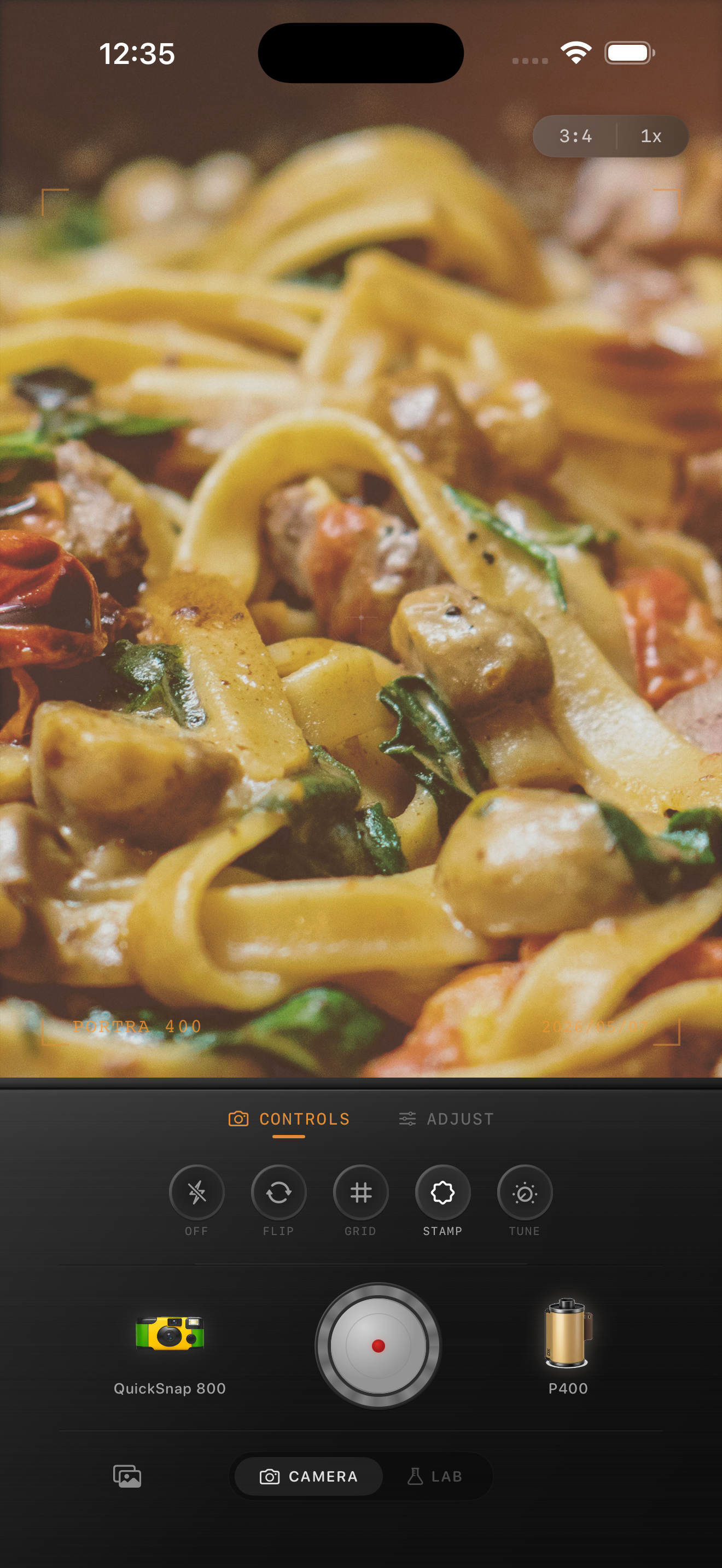
Dinner photos fail when they get too clean
Restaurant and dinner photos often start with the right ingredients for a film look: warm bulbs, mixed color, reflective glasses, candles, flash spill, and a little darkness around the table. What makes them feel too digital is usually the default iPhone sharpness and the way bright highlights can look clinical.
A good film-style dinner edit softens that polished finish without making the food gray or the people around the table look muddy. The goal is warmth, texture, and a little intimacy.
A dinner-photo recipe that usually works
Start around film intensity 75-88%, grain 30-45%, warmth +8 to +16, fade 4-8%, and vignette 6-12%. If there is flash in the scene, keep contrast slightly stronger so plates, faces, and glasses still pop.
Mixed indoor light can be tricky, so adjust from the skin tones first. If skin looks healthy and the table still feels warm, the edit is usually in the right place. If everything turns orange or brown, back off warmth and let the grain and softer contrast do more of the work.
- Use moderate grain so shadows feel textured, not dirty.
- Keep whites on plates and napkins from going yellow.
- Let highlights bloom a little instead of sharpening them.
- Use vignette carefully so table edges stay natural.
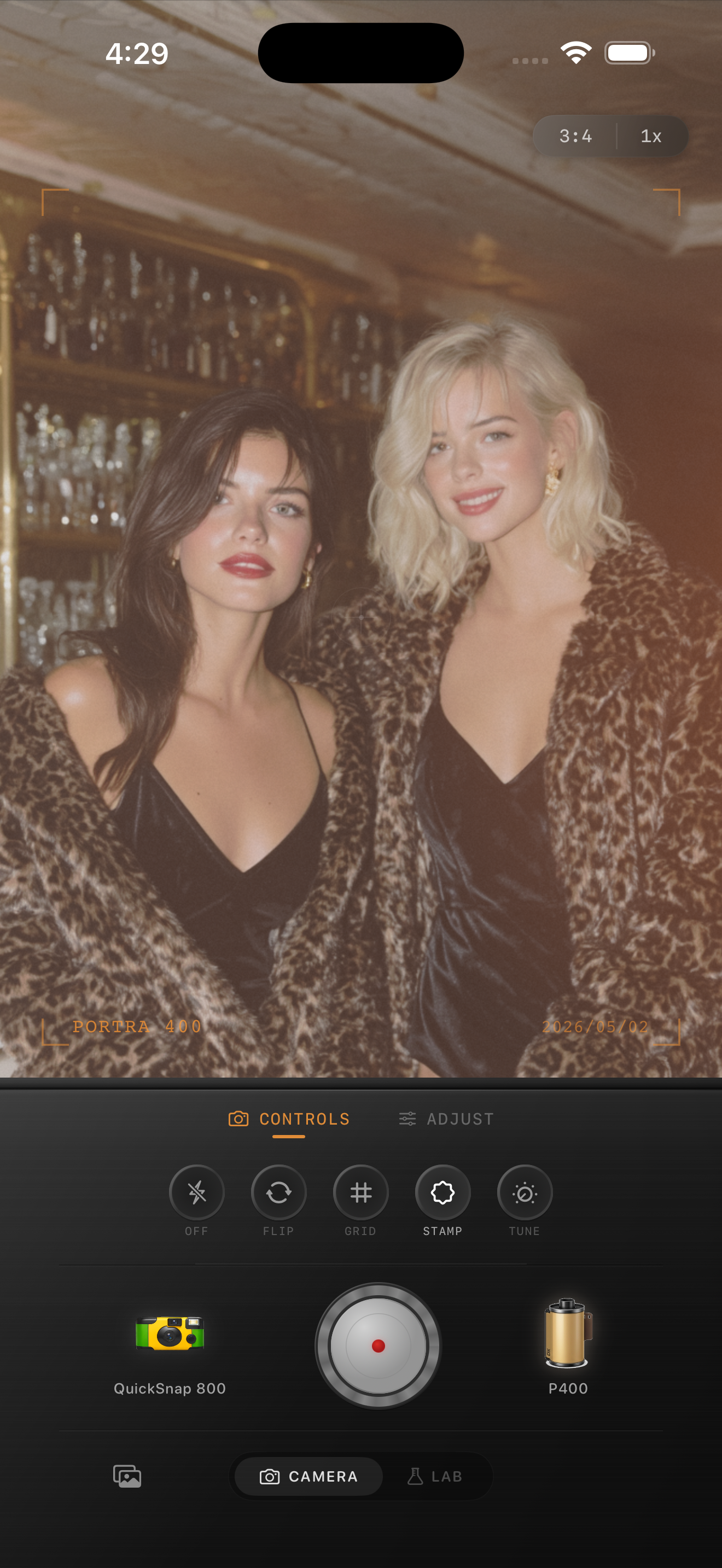
Food and people need slightly different treatment
A close-up pasta shot can handle a little more warmth and a little less grain than a group dinner photo. The food should stay appetizing and dimensional, not hazy. Group shots usually benefit from slightly more grain and snapshot energy because the mood matters as much as the details.
This is where a film camera app works better than a one-tap filter. You want enough control to keep the sauce, candlelight, table texture, and skin tones working together instead of flattening into one color.
When a disposable touch helps
If the dinner photo includes direct flash, quick movement, or a late-night party feeling, borrow a little from the disposable-camera playbook: rougher grain, slightly softer edges, and a bit more snapshot personality.
For quieter date-night or cafe photos, stay closer to a cleaner 35mm-inspired look. The easiest rule is simple: the more chaotic the moment, the more roughness the image can carry.
Give dinner photos a softer camera feel
Use Nostalgia Cam to shoot or import dinner photos, then tune camera body, grain, warmth, fade, and vignette so indoor meals feel like memories instead of polished phone captures.
FAQ
How do I keep dinner photos warm without turning them orange?
Use a moderate warmth boost, then balance it with softer contrast and grain instead of raising warmth alone. Checking skin tones and white plates is the quickest way to keep the color believable.
Should food photos use the same film settings as portraits?
Not exactly. Food close-ups usually need a little less grain and a little more color clarity, while group dinner shots can carry more texture and snapshot character.