
iPhone film look
How to Make Car Photos Look Like Film on iPhone
A practical iPhone guide for editing car photos with cleaner 35mm-style color, subtle grain, reflective highlight control, and just enough nostalgia to keep paint and chrome believable.
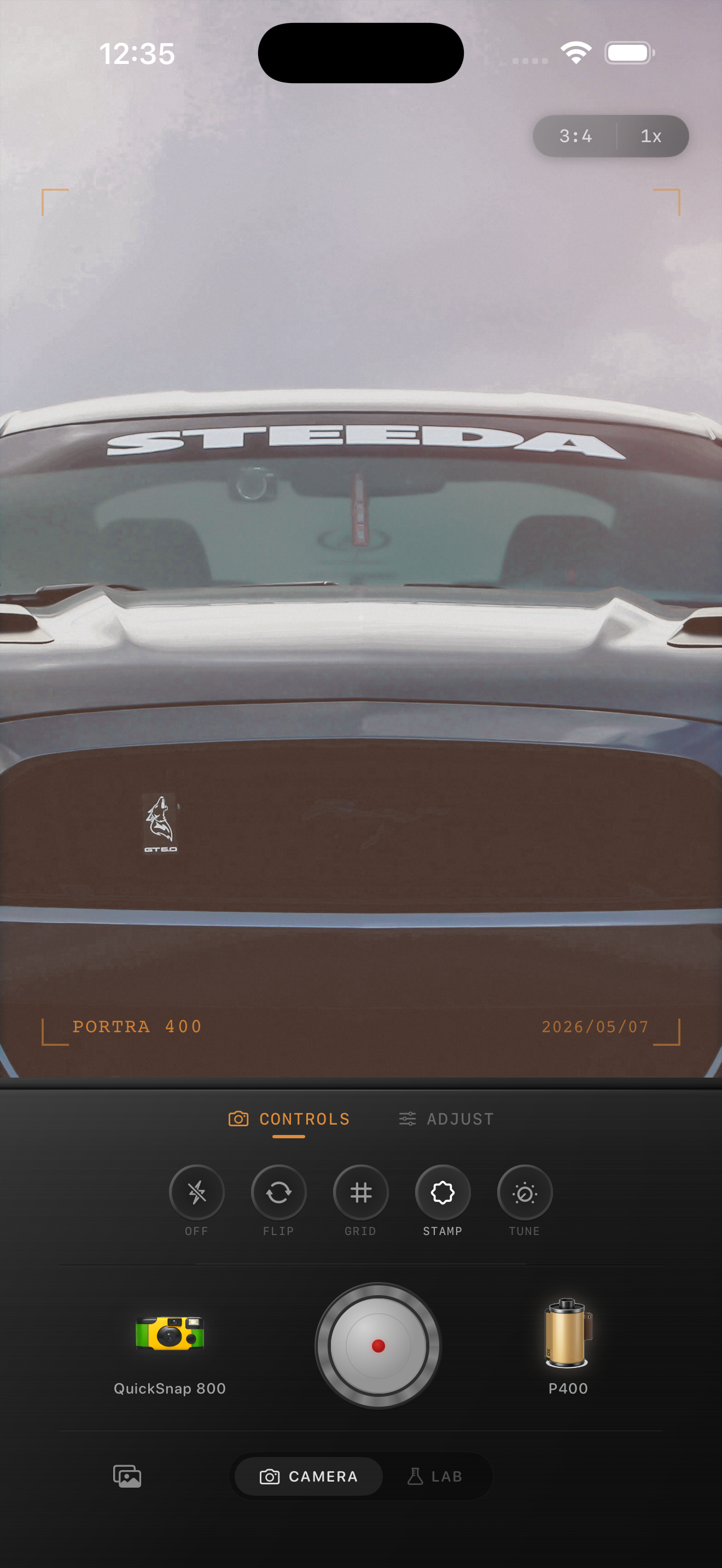
Car photos need mood without muddy paint
Car photos already have strong shapes, reflections, chrome, and color, so they can take on a film look quickly. The challenge is keeping the paint, glass, and metal believable while removing the slick digital finish that iPhone processing often adds.
A good edit should make the photo feel like it came from a 35mm roll or a stack of old prints, not like a heavy preset was dropped on top. That usually means softer contrast, restrained grain, and color that supports the scene instead of overwhelming it.
A reliable film recipe for car photos
Start around film intensity 70-85%, grain 22-35%, warmth +4 to +10, fade 3-7%, and vignette 4-9%. Cars usually look better with slightly cleaner grain than bar, dinner, or flash photos because glossy surfaces and skies make fake texture obvious fast.
If the car is red, yellow, or bright blue, protect the color before adding more warmth. If it is silver, black, or cream, you can lean a little more on softer contrast and highlight rolloff to create the nostalgic feel.
- Keep grain fine so paint and chrome stay clean.
- Let reflections stay luminous instead of crushed.
- Use warmth sparingly on bright cars and midday scenes.
- Add vignette only if the frame edges feel distracting.

Choose the camera mood based on the car
A vintage car, roadside stop, gas station, or overcast city street can carry a more nostalgic treatment right away. A modern sports car in hard daylight usually needs a cleaner film body and less fade so the image still feels intentional instead of washed out.
If the scene has neon, dusk, rain, or a parking-garage glow, you can add a little more grain and warmth. If it is bright midday sun, stay more restrained and let the composition and reflections do most of the work.
When to borrow from the disposable look
Disposable-camera energy works for quick handheld snapshots, flash photos through a windshield, late-night gas-station stops, and road-trip moments with friends. In those cases, rougher grain and softer edges can help the image feel like a memory instead of a polished car listing.
For showcase photos of the car itself, stay closer to a cleaner 35mm-inspired look. The easiest rule is simple: if the photo is about the machine, keep it cleaner; if it is about the moment around the car, you can get rougher.
Give car photos a cleaner analog finish
Use Nostalgia Cam to pair the right camera body with film-style color, restrained grain, warmth, fade, and vignette so car photos feel nostalgic without losing their paint, chrome, or street atmosphere.
FAQ
Should car photos use heavy grain to look like film?
Usually no. Car photos tend to look better with finer grain because glossy paint, chrome, and sky reflections can make heavy texture feel fake very quickly.
Is a disposable camera look good for car photos?
It can work for flash snapshots, gas-station scenes, and road-trip moments. Cleaner car portraits usually look better with a softer 35mm-inspired edit and less roughness.