
Editing guide
How to Edit iPhone Dinner Party Photos to Look Like Film Without Shiny Glass Highlights
A practical film edit for iPhone dinner party photos: calmer reflections, warm candlelit color, readable faces, and enough grain to feel analog without making plates or glasses look greasy.
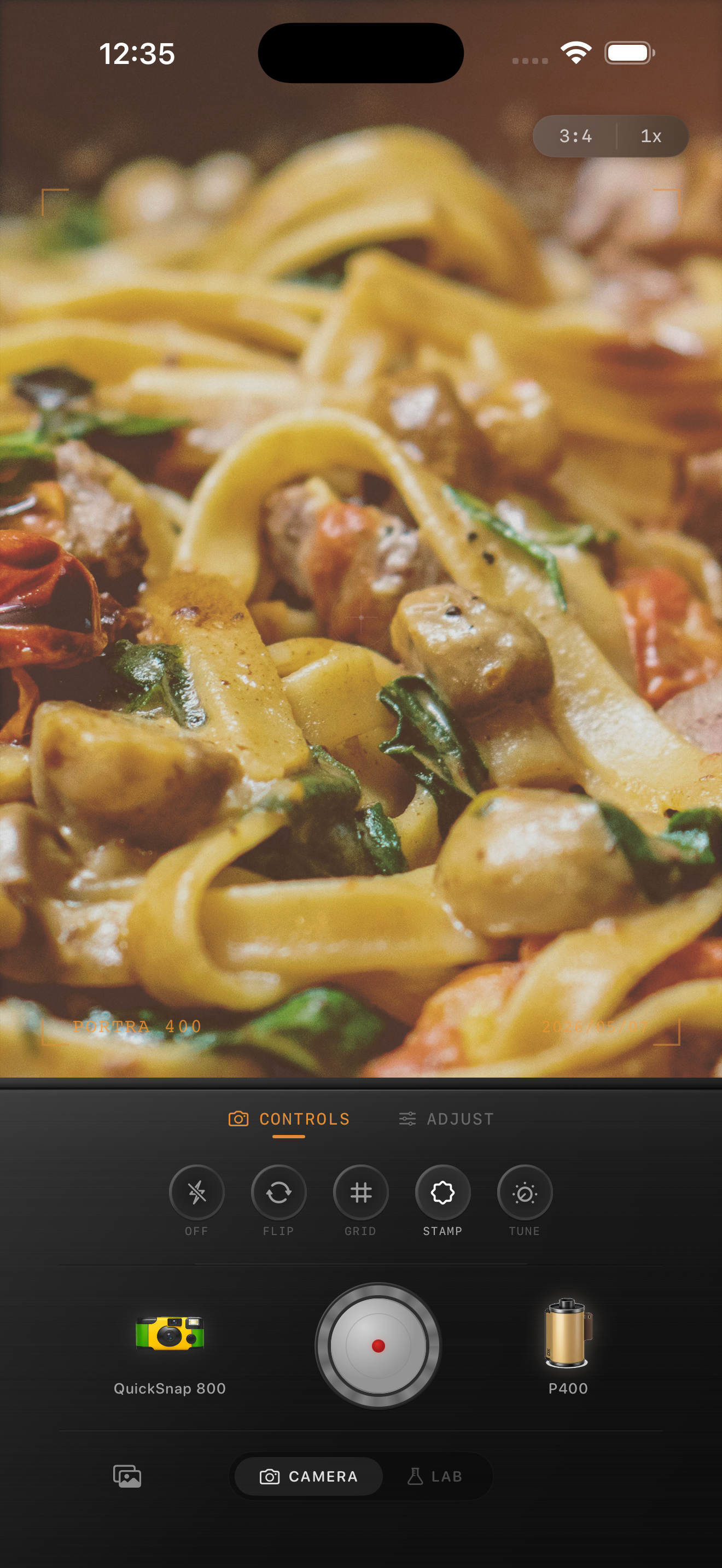
Dinner party photos break when the reflections get louder than the mood
A good dinner party photo should feel warm, social, and a little imperfect. The usual iPhone problem is that glasses, silverware, and glossy plates grab too much attention, which makes the image feel hard and digital even when the lighting itself is beautiful.
A film-style edit should calm those shiny highlights without killing the liveliness of the table. You still want sparkle. You just do not want every reflection to look like polished phone HDR.
- Keep the brightest reflections visible but softer.
- Protect skin before warming the whole frame.
- Use moderate grain so plates and tablecloths stay clean.
- Let shadows stay present so the table still has depth.
A strong dinner-party baseline
Start around film intensity 72-86%, grain 24-36%, warmth +7 to +14, fade 3-7%, and vignette 5-10%. That usually gives you printed warmth while keeping glasses and cutlery from looking harsh.
If the scene is mostly candlelight, stay careful with warmth. Candlelit photos can get orange fast. Often the cleaner fix is softer contrast and a small amount of grain, not more yellow.
Faces, food, and glass need different restraint
One reason dinner photos are hard is that three parts of the frame want different treatment. Faces need natural warmth, food needs appetizing color, and glass needs less intensity. If you push the same vintage effect over all three, one of them usually falls apart.
Use the overall film look to set the mood, then judge the result by whether skin still feels alive, food still looks edible, and the glassware no longer steals the frame.
Aim for a printed dinner-memory look, not a dramatic filter
Dinner party photos usually look better with a softer print-like finish than with a loud retro effect. Too much vignette, too much fade, or too much dust quickly turns a warm social image into an obvious app treatment.
In Nostalgia Cam, a cleaner camera body plus restrained grain usually gets you closer to the feeling of a scanned family dinner print than a rough disposable preset does.
Keep dinner photos warm without the glare
Use Nostalgia Cam to pair a calmer camera body with warm film color, restrained grain, fade, and vignette so dinner party photos feel intimate and printed instead of glossy and overprocessed.
FAQ
Why do glasses and plates look too harsh in iPhone dinner photos?
Phone processing often makes small reflections very crisp and bright. A film-style edit softens that edge so the scene feels warmer and less clinical.
How much grain should dinner party photos use?
Usually moderate grain works best. Enough to break up the digital smoothness, but not so much that food, napkins, or glass highlights start looking dirty.