
Editing guide
How to Edit iPhone Coffee Shop Photos to Look Like Film Without Orange Skin Tones
A practical coffee-shop film edit for iPhone: keep the warm cafe mood, protect skin tones, control tabletop highlights, and add grain without making faces or walls look dirty.
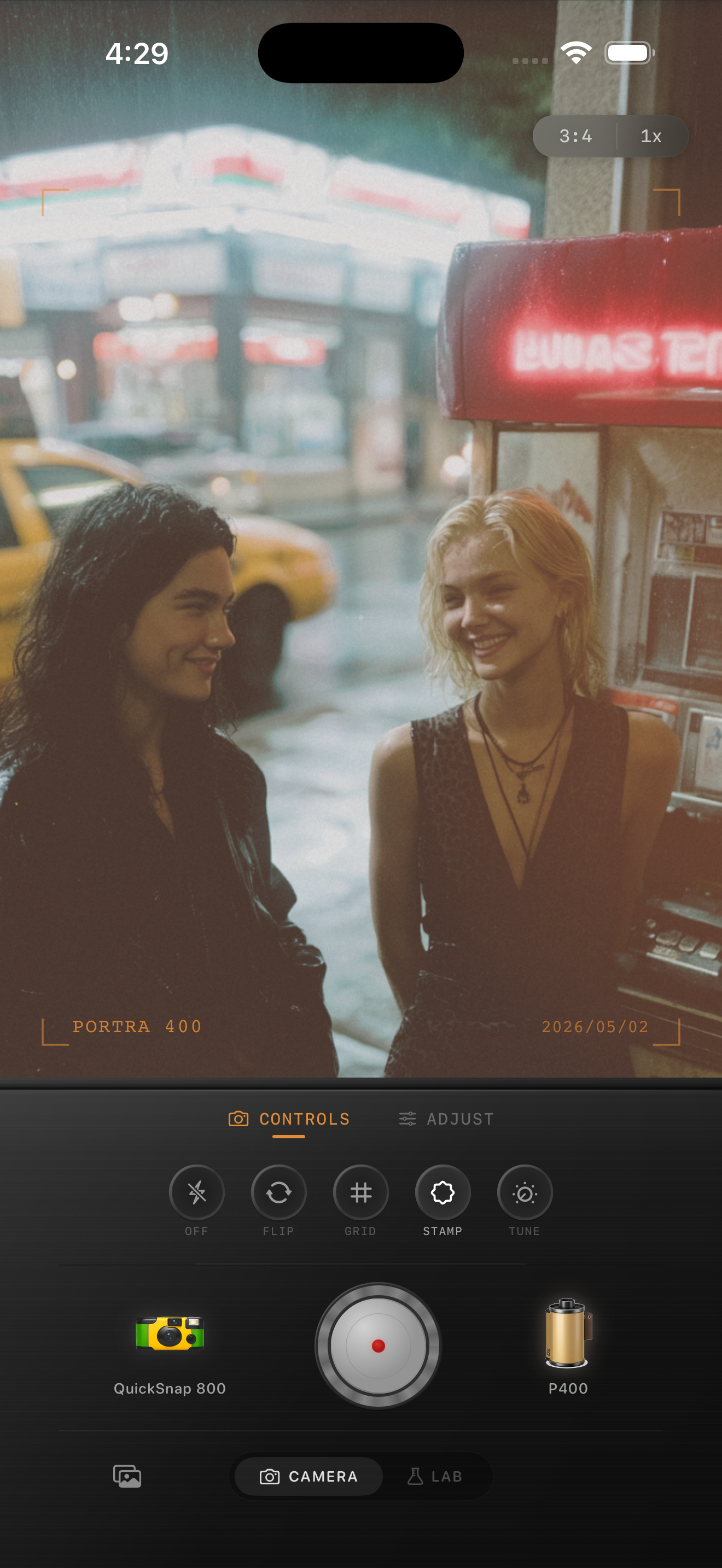
Coffee shop light turns fake fast
Coffee shops often mix warm bulbs, window light, wood tones, and reflective tables. That combination is already close to the nostalgic mood people want, but it also makes iPhone edits drift into orange skin, muddy shadows, and shiny highlights if the effect is pushed too hard.
The goal is not to remove the warmth. The goal is to keep the room feeling cozy while faces still look alive and neutral enough to feel believable.
A reliable cafe film recipe
Start with film intensity around 70-85%, grain around 28-40%, warmth around +5 to +11, fade around 5-10%, and vignette around 6-12%. Coffee-shop photos usually need less warmth than people expect because the room already supplies it.
If skin starts looking orange, pull warmth back before lowering grain. Grain can still help the image feel less digital, but too much color temperature shift is what usually breaks cafe portraits first.
- Let bulbs stay warm without turning skin copper.
- Use moderate grain, not crunchy grain.
- Keep tabletops and cups from becoming the brightest part of the frame.
- Use a light vignette only if the corners feel too polished.
- Protect whites on mugs, menus, and window frames.
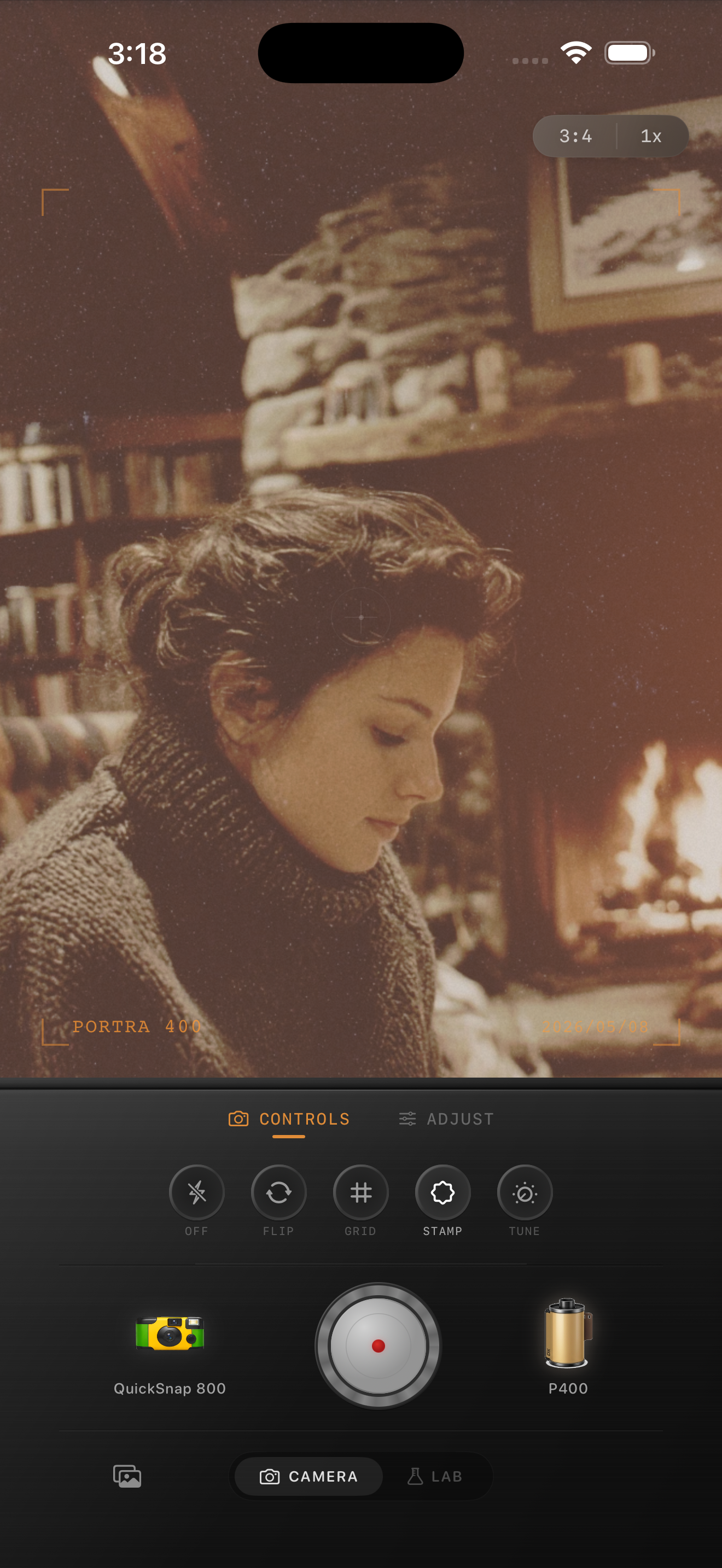
Skin should be the quality check
Cafe walls, wood tabletops, pastries, and lamps can handle more warmth than people can. Judge the edit by the face first. If the subject looks believable, the room can stay a little richer and the whole photo will still feel natural.
This is where a cleaner 35mm-style camera body usually works better than a rough disposable one. Coffee-shop photos need softness and print texture more than heavy damage or loud vignette.
Use texture to calm digital smoothness
Modern iPhone processing can make indoor walls, skin, and dark corners feel too polished. Moderate film grain helps break that surface up, especially in the midtones. It should feel like atmosphere, not like dust pasted over the whole frame.
Before finishing, view the photo at phone-feed size. The mood should read as warm and printed before the grain becomes obvious.
Keep the cafe warmth without wrecking skin tones
Use Nostalgia Cam to pair a softer camera body with restrained grain, warmth, fade, and vignette so coffee-shop photos feel cozy and film-like without sliding into orange skin.
FAQ
Why do coffee shop film edits make skin look orange?
Cafe scenes already contain warm bulbs and wood tones, so extra warmth stacks too quickly. Pull warmth back first and let grain and softer contrast create the film feeling.
Should coffee shop photos use a disposable camera look?
Usually a cleaner film body works better. Disposable styling can be fun for flash snapshots, but most cafe photos look stronger with softer contrast and moderate grain.