
Editing guide
How to Edit iPhone Cabin Window Photos to Look Like Film Without Blown Snow Highlights
A practical cabin-window film edit for iPhone: protect bright snow, keep indoor wood warm, soften digital contrast, and add grain without turning the scene muddy.
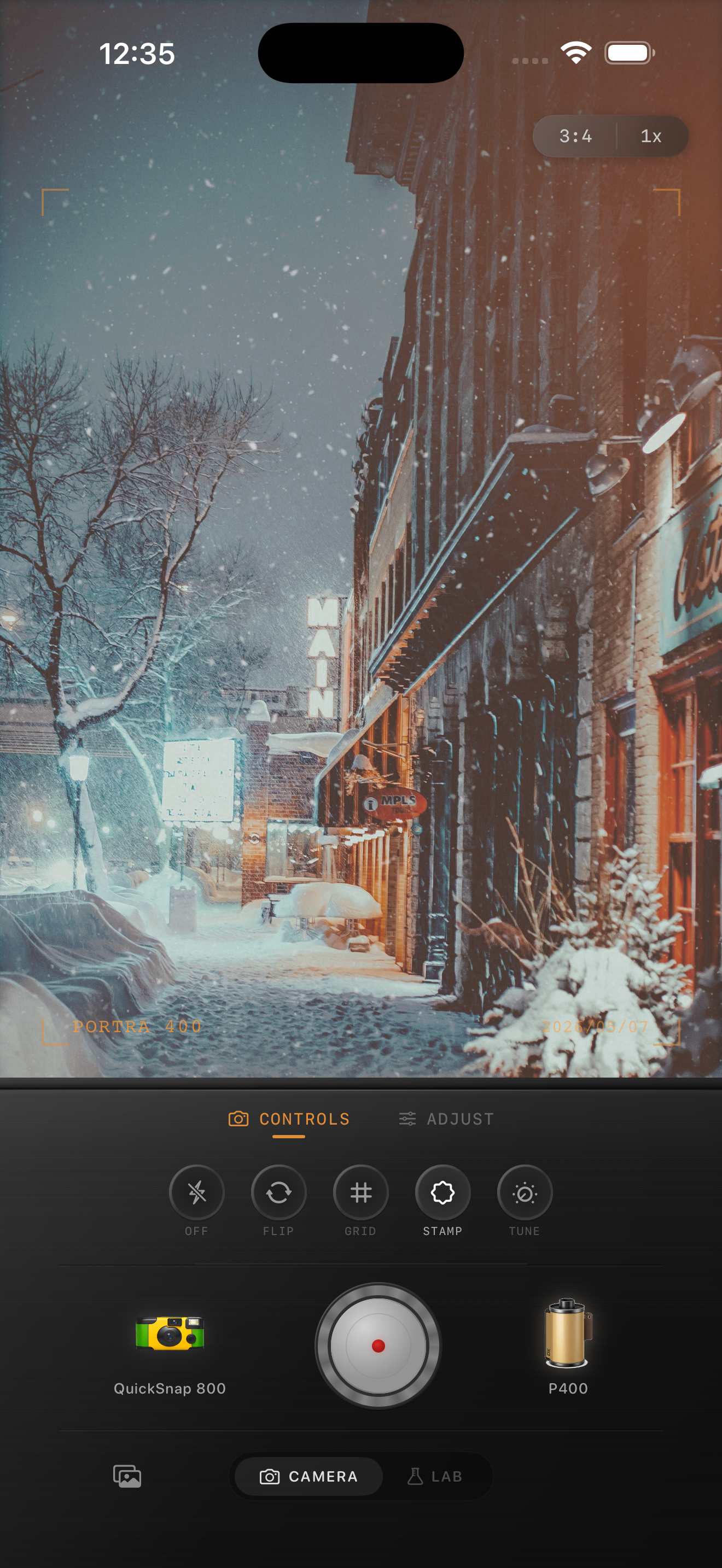
Cabin window photos fail at the bright-dark balance
Cabin window scenes are one of the easiest ways for an iPhone photo to feel too digital. The camera often tries to hold detail everywhere, which can leave the snow outside flat and the interior wood heavy or muddy.
A good film edit keeps the contrast relationship believable. The window should still feel bright, the room should still feel warm, and the whole image should look calmer and more tactile than the default phone rendering.
- Protect the snow first so it keeps shape.
- Warm the room without pushing yellow into the window light.
- Use softer contrast instead of heavy fade.
- Keep grain supportive so bright snow stays clean.
A reliable cabin-window starting point
Start around film intensity 70-84%, grain 20-32%, warmth +6 to +12, fade 3-7%, and vignette 4-9%. That range usually softens the HDR feel without making the window glow turn chalky or the indoor shadows collapse.
If the snow already looks bright in the original photo, stay lighter on fade and grain. Let the wood, blankets, and darker corners carry most of the texture while the window area stays cleaner.
Separate the warmth of the room from the cold outside
The strongest version of this edit keeps two temperatures alive at once: warm indoor wood and cooler winter light outside. If the whole frame gets warmed evenly, the snow turns beige and the scene loses the feeling of stepping in from the cold.
Think of the edit as a print made in a warm room, not a blanket orange filter. The mood should come from the contrast between cozy interior color and crisp exterior brightness.
Choose a cleaner film body than a rough disposable one
Cabin window photos usually work better with a calmer 35mm-inspired or compact-film body than with a gritty disposable look. Disposable texture can be nice in low light, but too much roughness makes snow highlights look dirty fast.
In Nostalgia Cam, start with the cleaner body, then add just enough grain and fade to make the room feel printed instead of computational.
Keep winter windows bright and believable
Use Nostalgia Cam to balance camera body, grain, warmth, fade, and vignette so cabin window photos keep their snowy brightness and cozy interior mood without looking flat or overprocessed.
FAQ
Why do cabin window photos lose detail in the snow on iPhone?
The contrast between a dark room and bright snow is hard for phone processing. A lighter grain and fade pass, plus careful warmth, helps the window stay bright without turning into a white block.
Should cabin window photos use heavy grain to look like film?
Usually no. Let the darker room areas carry more texture and keep the bright snow cleaner so the film look stays believable.