
iPhone film look
Best Film Settings for iPhone Foggy Mountain Photos
A practical iPhone film recipe for foggy mountain scenes: protect mist detail, keep greens calm, add soft grain, and avoid turning atmospheric landscapes into flat gray files.
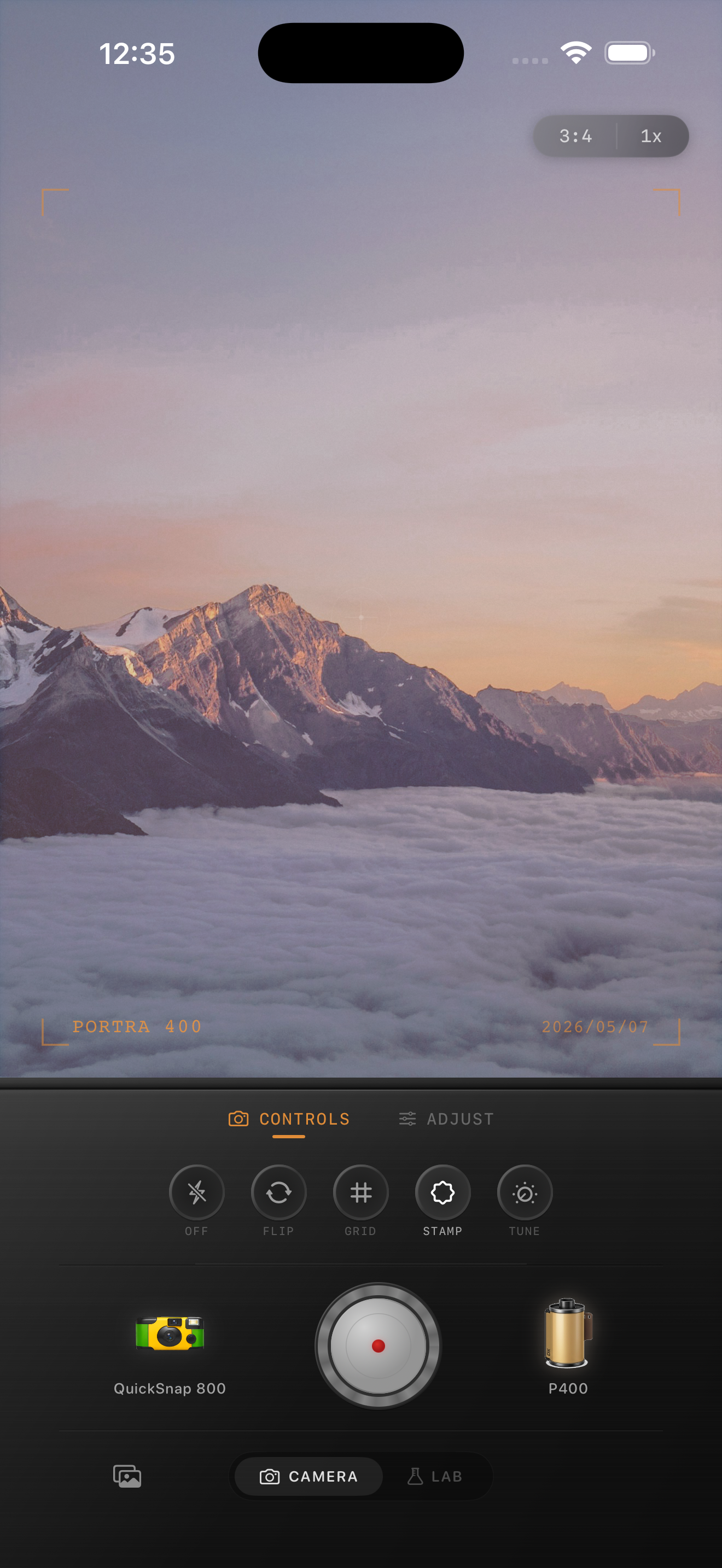
Fog already gives you the film mood
Foggy mountain photos naturally carry the softness people usually try to fake with presets. The mist lowers contrast, simplifies color, and creates depth between ridgelines. That is why these scenes can look beautiful with a film treatment and terrible with the wrong one.
Most mistakes come from overcompensating. People push contrast to get detail back, or they add too much warmth and grain, which turns quiet fog into a dirty gray blanket.
A good starting range
Start with film intensity around 68-82%, grain around 22-34%, warmth around +2 to +8, fade around 4-9%, and vignette around 4-8%. Foggy landscapes usually need less grain and less warmth than indoor or nightlife photos.
If the mountains are disappearing into mist, let them disappear a little. Atmospheric depth is part of the appeal. The edit should preserve separation between layers, not force every ridge into equal contrast.
- Keep greens and blues calm instead of hyper-saturated.
- Use fine grain so the mist stays clean.
- Avoid heavy clarity on clouds and fog banks.
- Warm the scene gently, not enough to make it yellow.
- Let the far background stay soft.
Use grain to support the ridgelines
A small amount of grain can help midtone trees, trails, and foreground rocks feel less clinically digital. It should live mostly in the land, not in the open fog. If the mist becomes speckled, the setting is too high.
A cleaner 35mm-style camera body usually fits these scenes better than a disposable body. Foggy mountains want printed calm, not party-camera chaos.
Check the image for depth, not drama
When the edit is working, the nearest layer feels present, the middle layers separate softly, and the far layers fade away without collapsing into one flat tone. That is more important than making the scene look punchy.
A useful test is to zoom out. If the photo still feels atmospheric and dimensional at small size, the film settings are doing their job.
Keep mountain fog soft and dimensional
Use Nostalgia Cam to match misty landscapes with a cleaner film body, then tune grain, warmth, fade, and vignette until the ridgelines stay layered and the fog still feels natural.
FAQ
How much grain should foggy mountain photos use?
Usually less than nightlife or disposable-style photos. Start around 22-34% so the texture supports the land without making the mist look dirty.
Should foggy mountain photos be warmed up a lot?
No. A small warmth shift can help, but too much makes the fog look yellow and removes the quiet atmospheric feeling that makes the scene work.