
Editing guide
How to Edit iPhone Car Photos to Look Like Film in Parking Lot Light
A practical guide for parking-lot car photos on iPhone: calmer reflections, softer overhead light, cleaner paint color, and a film look that does not turn chrome harsh.
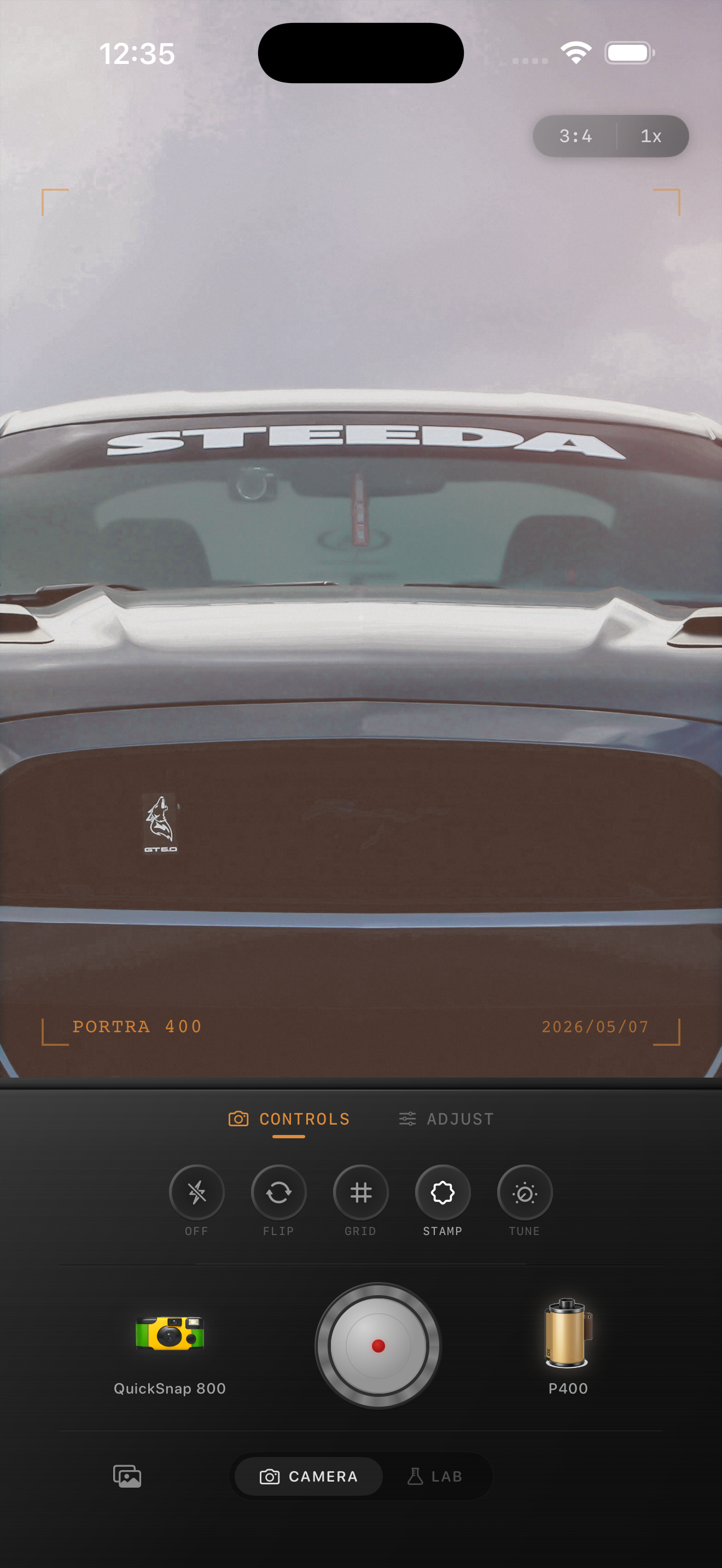
Parking lot light creates a specific problem
Parking lots often combine hard overhead lamps, black pavement, bright reflections, and paint that can swing too cool or too orange. That makes car photos feel clinical fast, even when the subject itself has great character.
A film-style edit should not try to hide the parking lot. It should make the scene feel calmer, softer, and more photographic while keeping the shape of the car clear.
- Preserve detail in chrome, headlights, and glossy paint.
- Use moderate grain so reflections stay clean.
- Keep warmth low to moderate under sodium or amber lights.
- Avoid heavy fade that makes the pavement look flat.
- Let the car stay the brightest, clearest subject in the frame.
A settings baseline that usually works
Start around film intensity 70-84%, grain 18-32%, warmth +3 to +9, fade 2-6%, and vignette 4-9%. That range usually softens the digital edge without making the car look muddy.
If the chrome starts blowing out, lower contrast or intensity before you add more grain. If the paint loses its depth, reduce fade first. Parking-lot car photos usually look best when the film mood comes from tone and color, not damage.
Choose a cleaner film body first
A balanced compact-film or 35mm-inspired body usually fits parked car photos better than a rough disposable look. It keeps edges softer than the default iPhone file while still respecting paint, chrome, and body lines.
If you want a grittier mood, add just a little more grain or vignette after the base color is working. Going rough too early usually makes the metal feel cheap instead of nostalgic.
Check reflections before you finish
Reflections are the fastest way to tell whether the edit works. If the lamps in the hood or windows turn into hard white patches, the photo loses its film feel. If the reflections get too dull, the car loses shape.
A good parking-lot edit keeps the reflected light soft enough to feel analog while still letting the car read as polished and dimensional.
Make parked car photos feel less clinical
Use Nostalgia Cam to tune camera body, grain, warmth, fade, and vignette so parking-lot car photos keep their reflections and shape while picking up a softer film mood.
FAQ
Why do parking-lot car photos look harsh on iPhone?
Overhead lights create bright reflections, deep pavement shadows, and hard color casts that make paint and chrome feel more digital than they did in person.
Should car photos in parking lot light use a disposable-camera effect?
Usually no. A cleaner film body tends to suit parked cars better because it preserves paint, chrome, and body lines while still softening the digital finish.