
Editing guide
Best Film Settings for Train Platform Photos on iPhone
A practical train-platform film guide for iPhone: cleaner night color, readable shadows, restrained grain, and settings that keep station light from looking harsh or muddy.
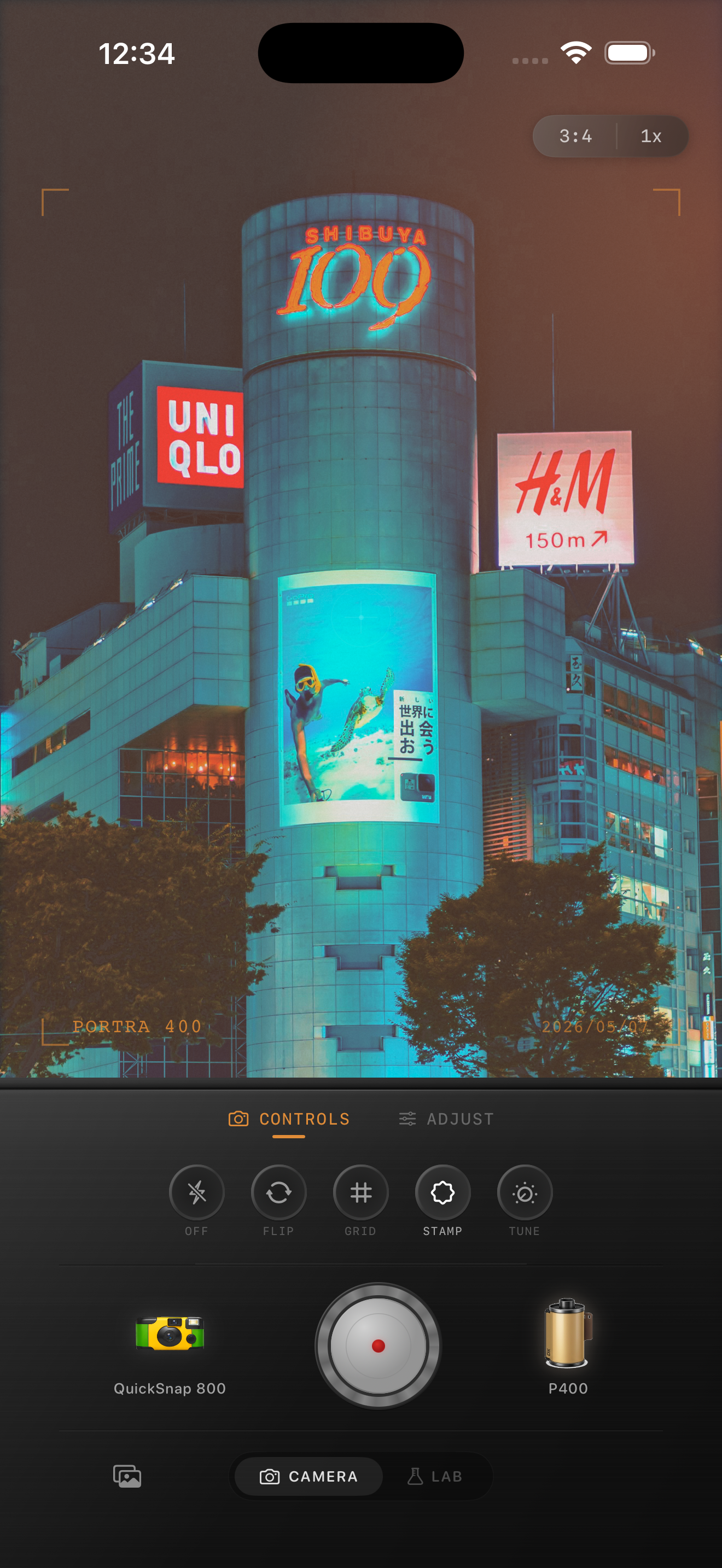
Why platform photos go wrong so easily
Train platforms mix some of the hardest ingredients for an iPhone file: bright signs, dark tracks, reflective floors, overhead LEDs, and skin tones that can turn gray or green in a second. A film-style edit should calm that digital harshness without erasing the atmosphere.
The usual mistake is treating a platform like a generic night photo. Station light is flatter and less flattering than neon, so too much grain or fade makes the scene feel dirty instead of cinematic.
- Keep grain lower than you would for a bar or flash snapshot.
- Protect signage and platform lights from clipping white.
- Use warmth carefully so concrete and skin do not go yellow.
- Favor a cleaner 35mm-inspired body over a rough disposable look.
- Let the empty space and geometry carry the mood.
A reliable settings baseline for station light
Start around film intensity 68-82%, grain 18-30%, warmth +2 to +8, fade 3-7%, and vignette 4-8%. That range usually softens the default iPhone sharpness while keeping the platform readable.
If the floor reflections start looking crunchy, lower grain first. If faces or coats go flat, lower fade next. Platform photos usually need tonal separation more than heavy texture.
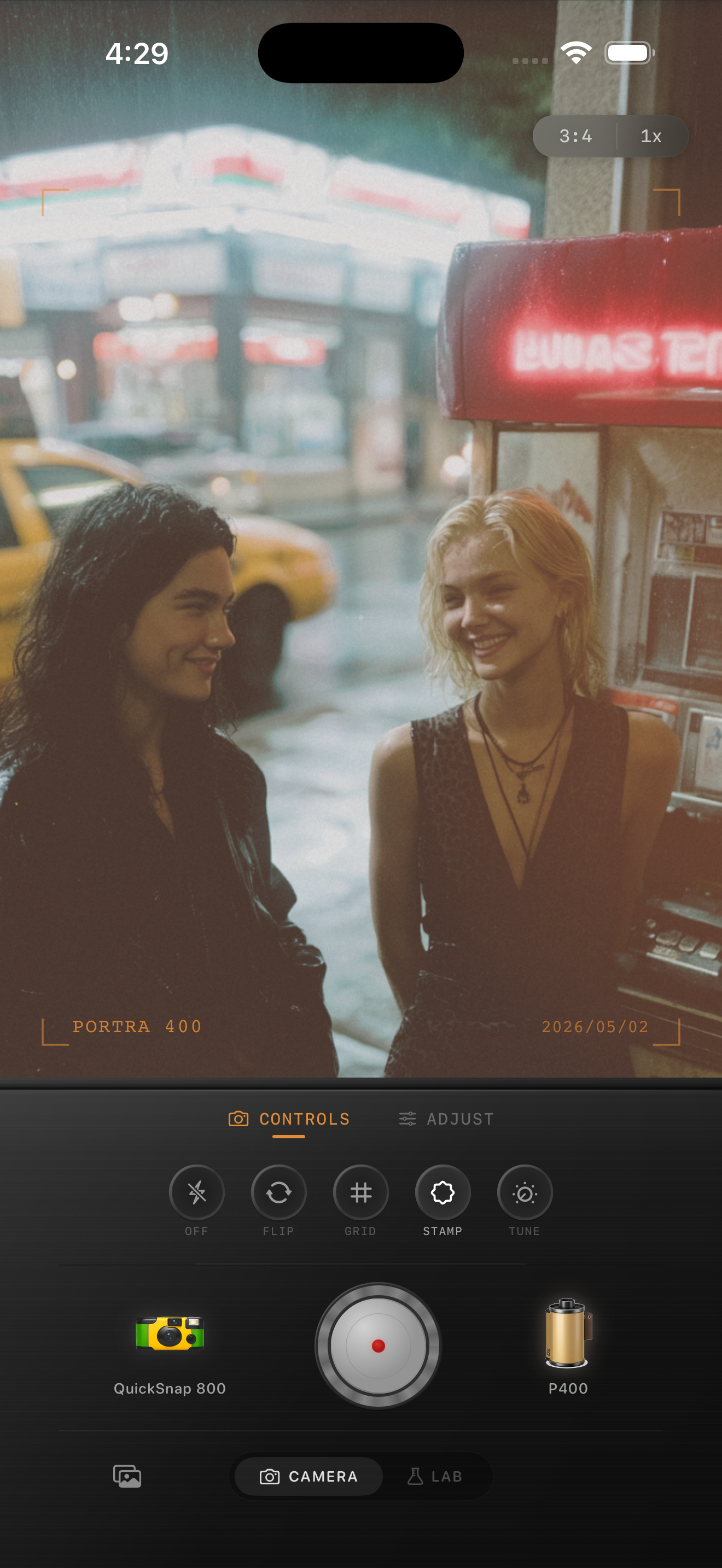
Choose the camera body by mood
A clean compact-film or balanced 35mm-inspired body usually works best for solo commuters, quiet platforms, and wide station scenes. It keeps the structure elegant and lets the lines of the platform do the work.
A rougher point-and-shoot body can work for late-night friend shots or handheld motion, but it should still be restrained. Too much damage makes station light feel messy instead of nostalgic.
Judge the edit from shadows and skin
Platform photos succeed when the shadows still feel open and people still look alive. If jackets, hair, or track areas collapse into one dark block, the film edit has gone too far.
Check skin separately from the rest of the scene. If the platform looks good but faces look gray, cool, or overly yellow, reduce the color move before touching grain again.
Keep station photos soft instead of sterile
Use Nostalgia Cam to balance camera body, grain, warmth, fade, and vignette so train-platform photos feel like a real memory instead of a harsh overhead-light phone shot.
FAQ
Should train platform photos use heavy grain to look like film?
Usually no. Platform light is already busy, so lighter grain often looks more natural and keeps reflections, signs, and faces readable.
Why do station photos turn muddy after a film edit?
Because grain, fade, and warmth get stacked too far under flat overhead light. Start cleaner, then add only enough texture to break the digital finish.