
Editing guide
Best Film Settings for Mountain Sunrise Photos on iPhone
A practical iPhone film recipe for mountain sunrise photos: soft highlight color, clean sky gradients, restrained grain, and enough warmth to feel analog without flattening the landscape.
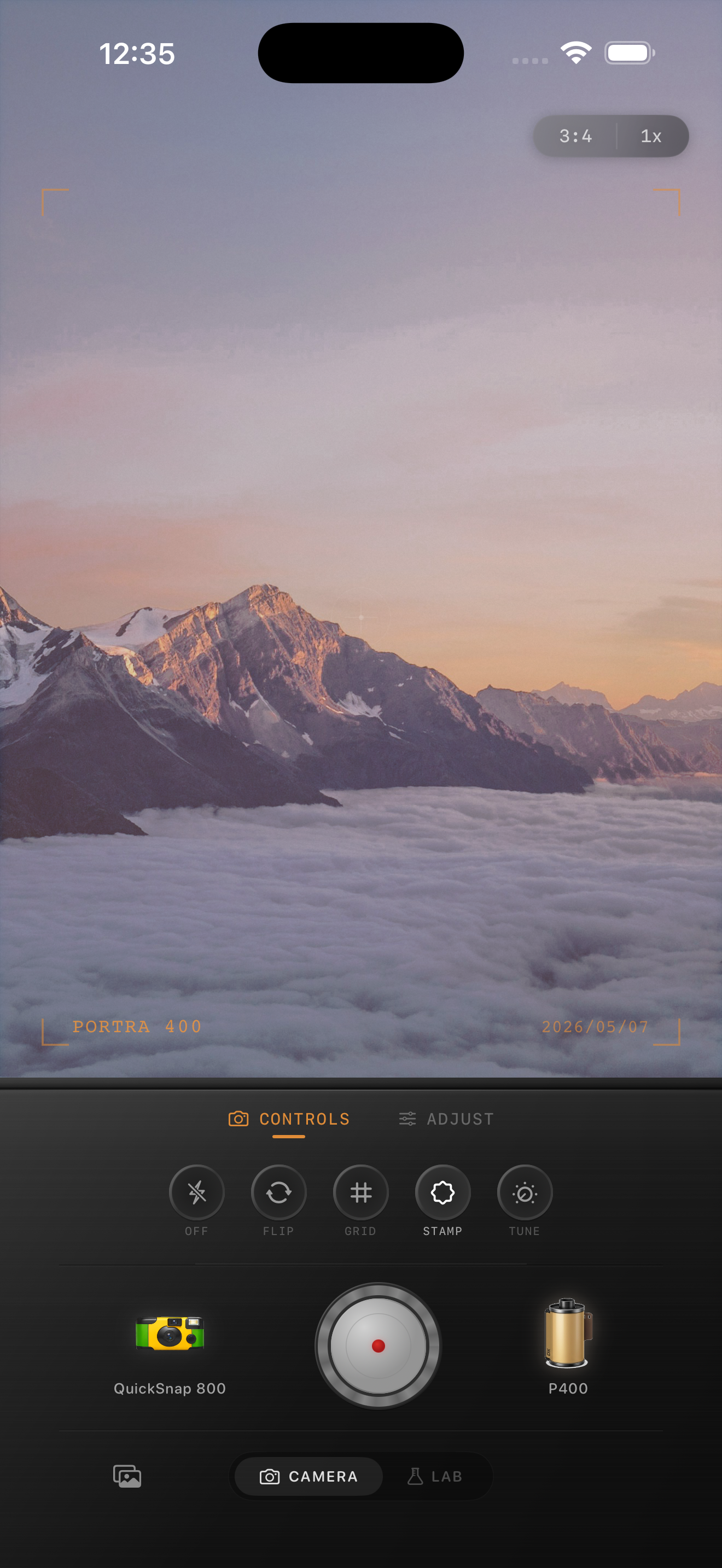
Sunrise landscapes need highlight control before texture
Mountain sunrise photos already carry color, atmosphere, and scale. The edit does not need to force nostalgia. It needs to protect the glowing sky while softening the crisp digital edge that iPhone processing can add to clouds, ridgelines, and bright haze.
Most bad sunrise edits fail because grain, fade, and warmth all get pushed at once. That makes the sky chalky, the mountains flat, and the color less luminous than the real scene felt.
- Keep grain lighter in big sky areas.
- Let the brightest clouds stay colored, not flat white.
- Use warmth gently so the sunrise still has tonal separation.
- Keep the mountains deep enough to anchor the frame.
A reliable mountain-sunrise baseline
Start around film intensity 68-82%, grain 16-26%, warmth +3 to +8, fade 2-5%, and vignette 2-6%. That range usually removes the overly digital smoothness without dirtying the sky or making distant detail disappear.
If the sunrise is very pastel, stay lighter on grain and fade. If the foreground is darker and the sky is already bright, rely more on softer contrast than on extra warmth.
Judge the edit from sky, ridgeline, and foreground together
Landscape edits break when the whole frame is treated as one tone. The sky needs openness, the ridgeline needs definition, and the foreground needs enough texture to stop the image from feeling sterile.
Check all three areas before you finish. If the ridgeline still reads clearly, the sky still glows, and the shadows do not collapse into pure black, the photo is usually in a believable film range.
Choose a calm film mood, not a loud vintage effect
Mountain sunrise photos usually work better with a cleaner 35mm-inspired or compact-film body than with a rough disposable look. The atmosphere is already subtle, so a loud overlay tends to compete with the scene instead of supporting it.
In Nostalgia Cam, start with the calmer camera body, then add just enough grain, warmth, fade, and vignette to make the image feel printed and tactile at first glance.
Keep sunrise color soft and tactile
Use Nostalgia Cam to balance camera body, grain, warmth, fade, and vignette so mountain sunrise photos keep their glow, depth, and printed-memory feel without turning crunchy or flat.
FAQ
Should mountain sunrise photos use much grain on iPhone?
Usually no. Sunrise scenes tend to look better with lighter grain so sky gradients stay smooth and the texture sits more in the darker land areas.
Why do sunrise film edits turn chalky or flat?
They usually get flattened when warmth, fade, and grain are all pushed too far together. A lighter combination preserves the glow and depth of the original scene better.