
Editing guide
How to Edit Hotel Room Photos to Look Like Film on iPhone
A practical hotel-room film recipe for iPhone photos, with warm lamp light, controlled window highlights, believable grain, and enough softness to make travel interiors feel remembered instead of overprocessed.
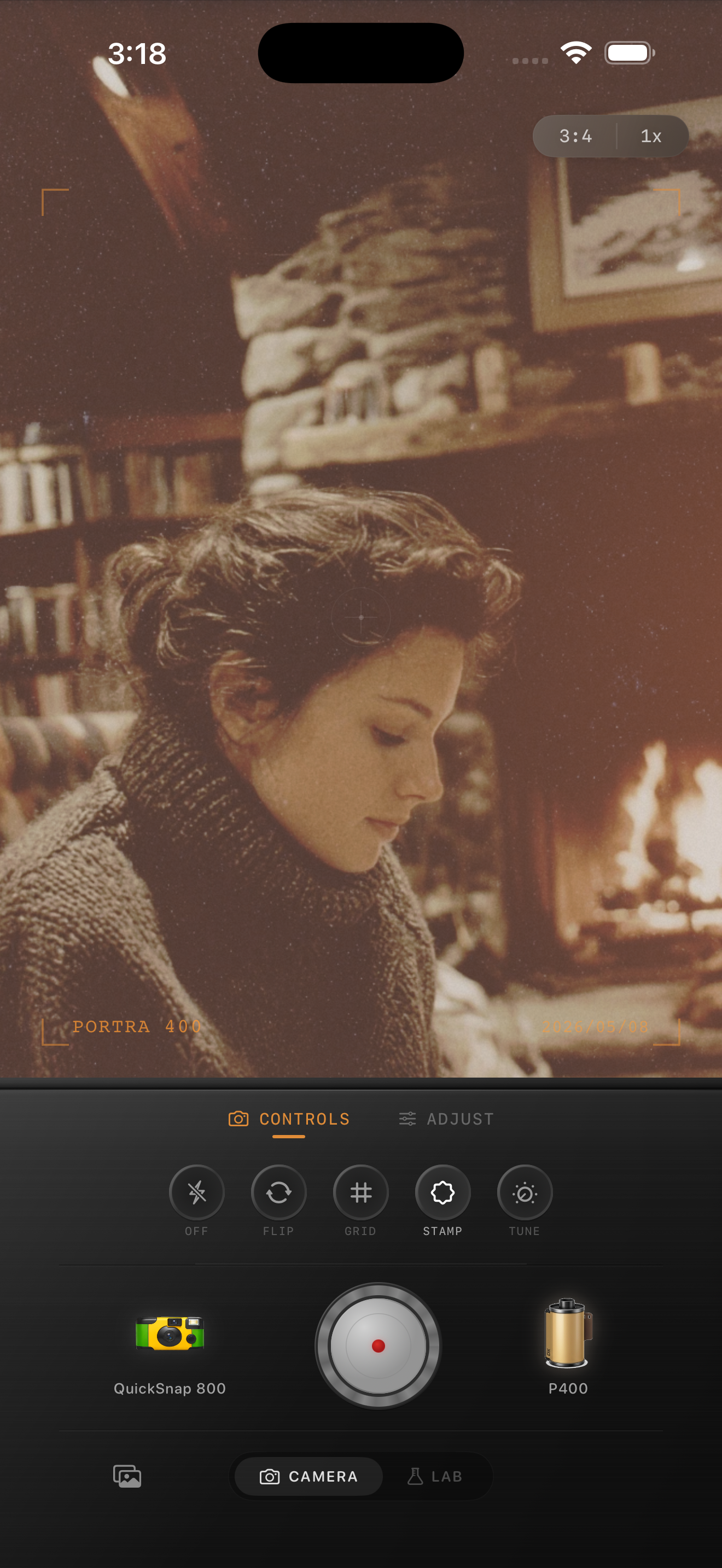
Hotel rooms already have the right kind of imperfection
Hotel-room photos usually come with mixed light, reflective mirrors, heavy curtains, bedside lamps, wrinkles in bedding, and a little visual clutter. That is useful. A film-style edit should make those details feel tactile and calm instead of trying to clean everything into a showroom image.
The biggest mistake is editing hotel photos like bright daylight interiors. Travel rooms often look better with softer contrast, warmer pockets of light, and controlled grain that makes the scene feel printed rather than aggressively sharpened.
A reliable hotel-room settings baseline
Start around film intensity 74-88%, grain 26-40%, warmth +7 to +15, fade 4-9%, and vignette 5-11%. If the room has a bright window, lower highlights first so curtains and sheets keep shape before you add more grain.
If the room is already very warm, do not solve the whole look with more warmth. A better move is slightly softer contrast and a little grain so lamp light feels natural instead of orange.
- Protect bright windows, lampshades, and white bedding.
- Use moderate grain so shadows feel textured, not dirty.
- Keep warmth local in the feeling of the room, not as a global orange cast.
- Add only a little vignette unless the frame edges feel distracting.
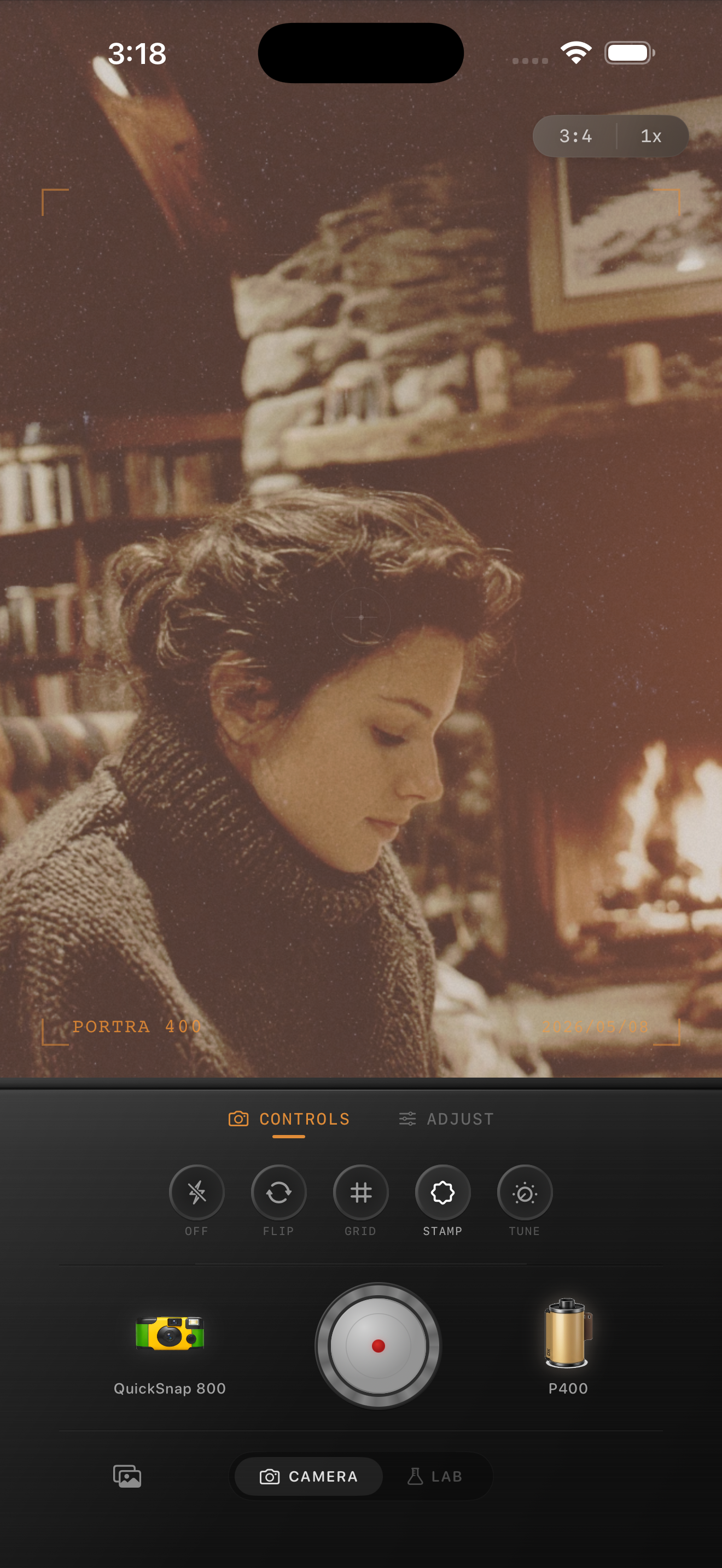
Treat windows, mirrors, and lamps differently
Most hotel rooms contain two lighting stories at once: cooler daylight from the window and warmer practical light from lamps or bathrooms. The film look gets better when you let those zones stay slightly different.
If you flatten them into one color, the room starts to feel fake. Let the window side stay a little cleaner and cooler, then let lamp light, wood, bedding, and skin carry the warmth.
Choose the camera mood based on the trip
A cleaner 35mm-inspired camera body works best for quiet morning rooms, travel portraits on the bed, coffee by the window, and architectural interiors. A rougher disposable-style touch makes more sense for messy checkout mornings, mirror selfies before going out, or late-night snapshots with luggage, takeout, and flash.
The easiest rule is simple: if the room photo is about atmosphere, keep it cleaner; if it is about the moment and the chaos of travel, you can add more snapshot roughness.
Make travel rooms feel like memories
Use Nostalgia Cam to shoot or import hotel-room photos, then tune camera body, grain, warmth, fade, and vignette so travel interiors feel soft, tactile, and film-inspired without turning muddy.
FAQ
How do I keep hotel-room photos warm without turning them orange?
Use a moderate warmth boost, then rely on softer contrast and a little grain for the rest. Checking white bedding and skin tones is the fastest way to keep the edit believable.
Should hotel-room photos use a clean film look or a disposable look?
Usually start with a cleaner film look for quiet interiors and travel portraits. Add more disposable-style roughness only when the scene is flash-heavy, messy, or intentionally snapshot-driven.