
iPhone film look
How to Make Gas Station Photos Look Like Film on iPhone
A practical iPhone guide for gas-station and roadside photos, with cleaner nighttime highlights, tactile grain, and a film-style color recipe that keeps pumps, chrome, and asphalt nostalgic instead of noisy.
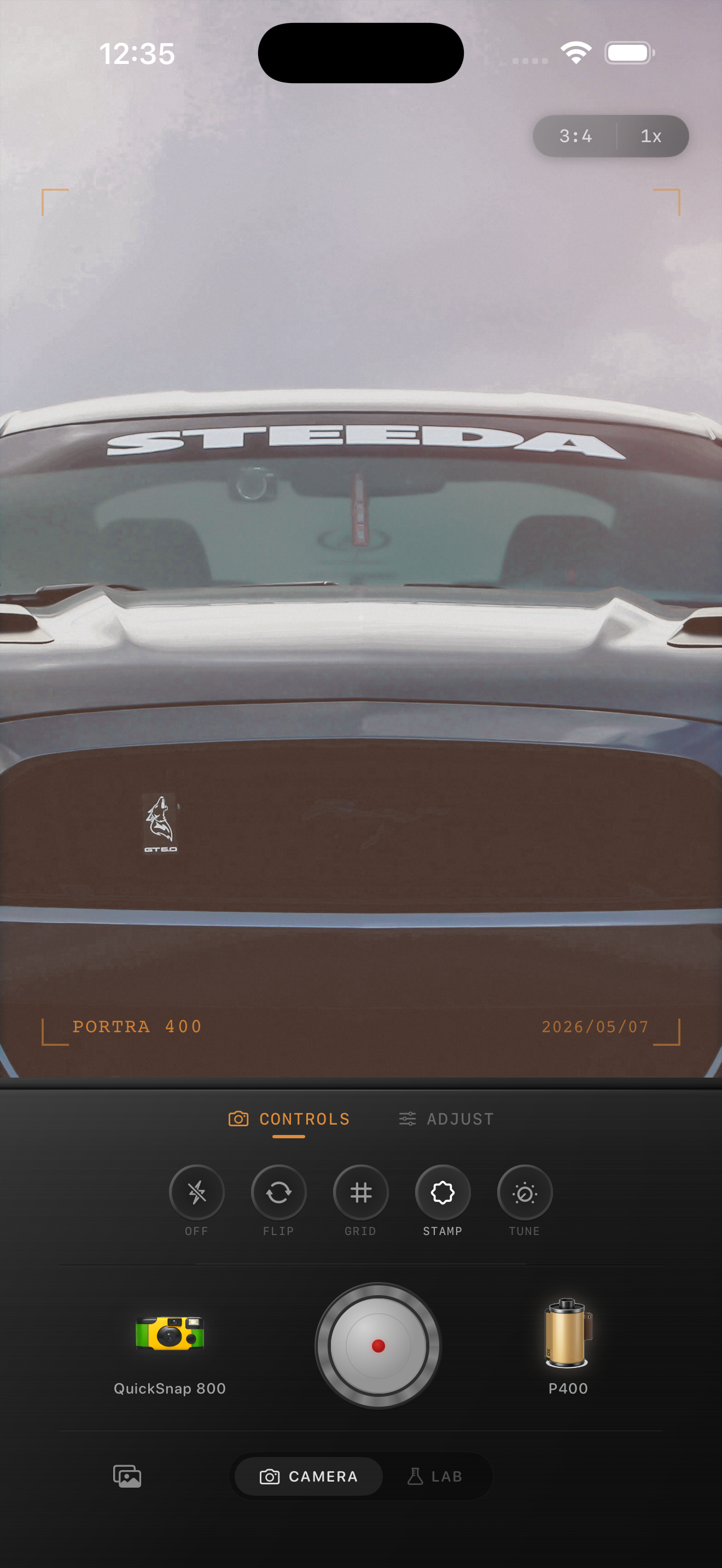
Gas stations already feel cinematic
Gas stations have the ingredients that make iPhone photos feel like film quickly: hard pools of fluorescent light, reflective paint, dark pavement, signage, convenience-store glow, and empty space around the subject. The edit does not need to invent atmosphere. It needs to stop the scene from looking too clinically digital.
That usually means softer highlights, visible but controlled grain, and color that keeps the night believable. If every light turns into a white smear or the asphalt gets noisy, the mood falls apart fast.
A reliable roadside film settings baseline
Start around film intensity 76-90%, grain 30-44%, warmth +3 to +10, fade 3-8%, and vignette 6-12%. If the station lighting is very green or very white, correct only enough to make skin, cars, and concrete feel natural before you add more character.
For late-night stops, keep the grain moderate and let the light do the dramatic work. For overcast daytime roadside stops, lower the grain slightly and lean more on softness and faded color.
- Protect pump lights, store signs, and headlights from clipping flat white.
- Keep grain visible in asphalt and shadows, but not crunchy in the sky.
- Use warmth sparingly so white canopies and silver cars stay believable.
- A little vignette helps if the frame edges feel too empty.
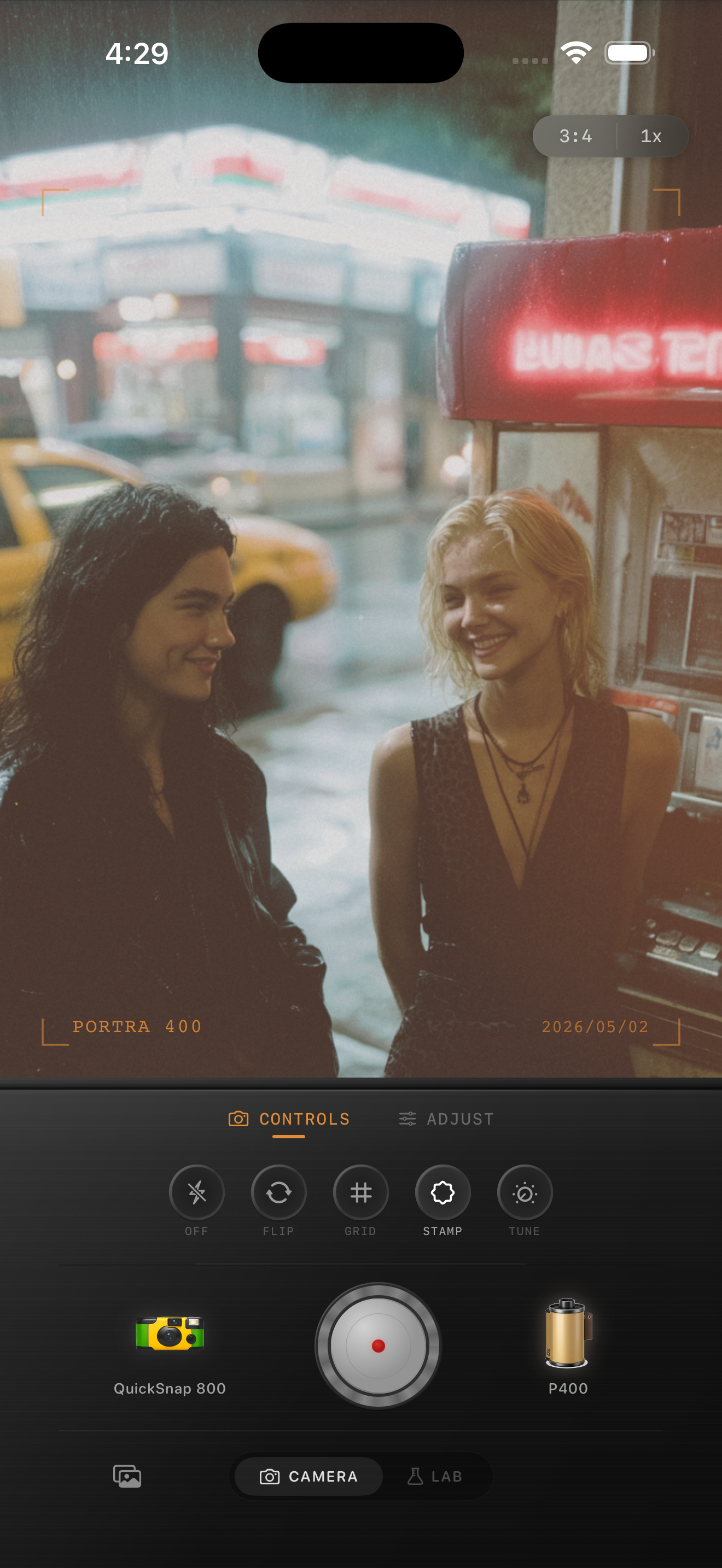
Cars, people, and pumps need different emphasis
If the photo is about the car, stay a little cleaner so paint, chrome, and reflections keep shape. If the photo is about the people on the trip, you can push more snapshot energy with rougher grain and a touch more vignette.
If the pump, sign, or storefront is the main subject, judge the edit from the brightest lettering first. Once those highlights keep their detail, the rest of the frame usually falls into place more easily.
When to borrow from the disposable look
A disposable-style touch works well for flash photos by the pump, backseat moments, soda runs, and quick road-trip snapshots where imperfection is part of the memory. A cleaner 35mm-inspired treatment works better for solitary roadside stops, parked-car photos, and moody wide frames with lots of empty pavement.
In Nostalgia Cam, pick the camera body based on the story first, then fine-tune grain, warmth, fade, and vignette until the stop feels remembered rather than staged.
Turn roadside stops into film memories
Use Nostalgia Cam to shoot or import gas-station photos, then match the camera body, grain, warmth, fade, and vignette to the kind of roadside memory you want: clean 35mm mood or rougher point-and-shoot energy.
FAQ
Should gas-station photos be warmed up a lot to look like film?
Usually no. Gas-station lights already have strong color, so a restrained warmth move works better than a heavy cast. Softer highlights and controlled grain usually do more for the film feeling.
Are gas-station photos better with a clean film look or a disposable look?
Both can work. Use a cleaner film look for moody wide shots and parked cars, and a disposable-style look for flash snapshots, friends, and quick late-night roadside moments.