
Editing guide
How to Edit Cozy Indoor Photos to Look Like Film on iPhone
A practical guide to editing cozy indoor iPhone photos with warm light, soft contrast, believable grain, and gentle fade so rooms feel intimate instead of overfiltered.
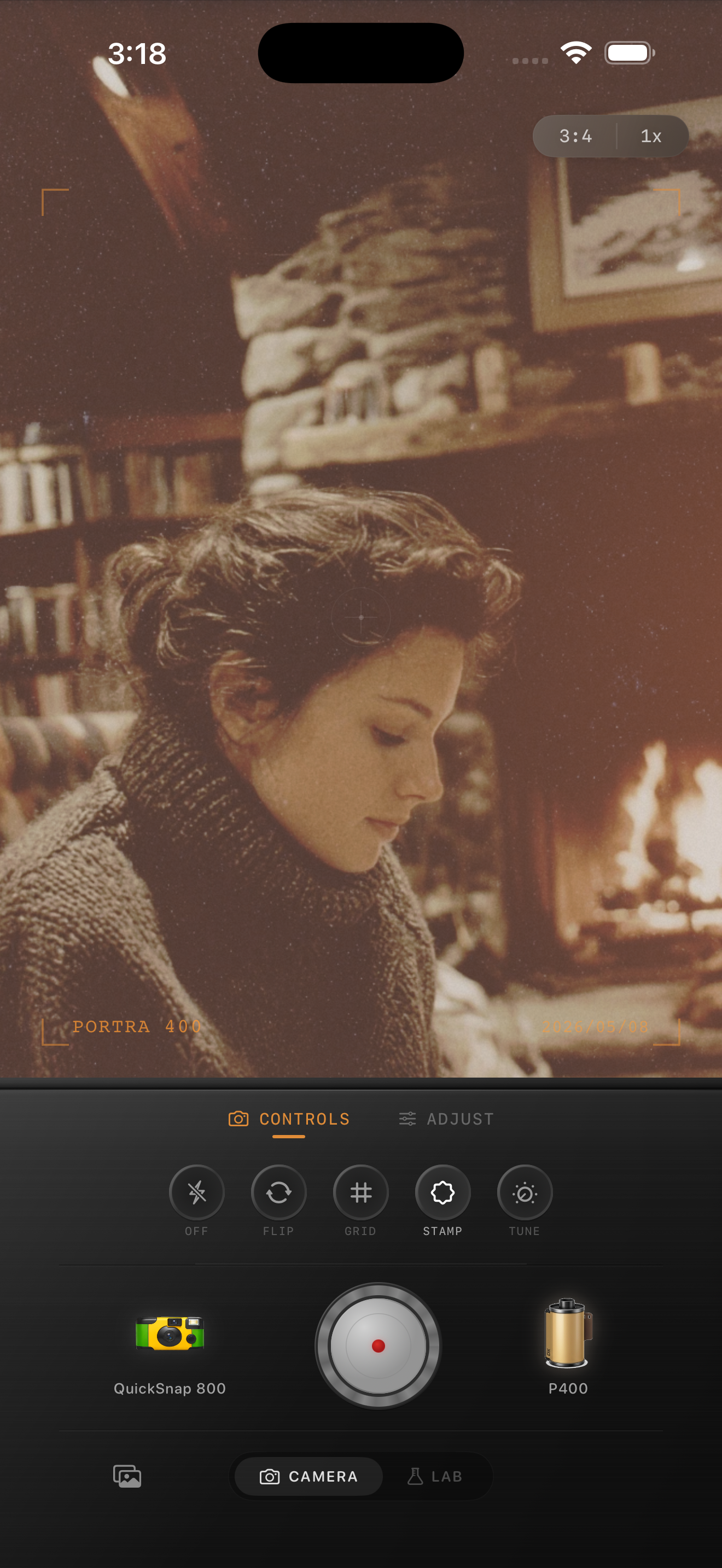
Cozy indoor photos already have half the look
Lamp light, fireplaces, candles, window glow, blankets, books, and darker corners already create the emotional part of a film photo. What usually breaks the mood is the default iPhone finish: brightened shadows, clinical sharpness, and color that feels too clean for the room.
A strong indoor film edit does not need to be loud. It needs to make the photo feel softer, warmer, and more lived-in while keeping skin, walls, and highlights believable.
A cozy indoor settings baseline
Start around film intensity 72-86%, grain 28-40%, warmth +8 to +16, fade 5-10%, and vignette 6-12%. Indoor photos usually want a little more warmth than daylight shots, but they do not need a global orange cast.
If the room already has amber bulbs or firelight, lean more on softness and grain than on extra warmth. If the space is cool-toned or rainy-day dim, a slightly stronger warmth boost can help the room feel inviting without flattening it.
- Keep the brightest lamp and window areas from clipping flat white.
- Use moderate grain so shadows feel textured, not dirty.
- Let dark corners stay dark enough to keep the room intimate.
- Use fade carefully so blankets, books, and wood keep depth.
Edit for objects and people differently
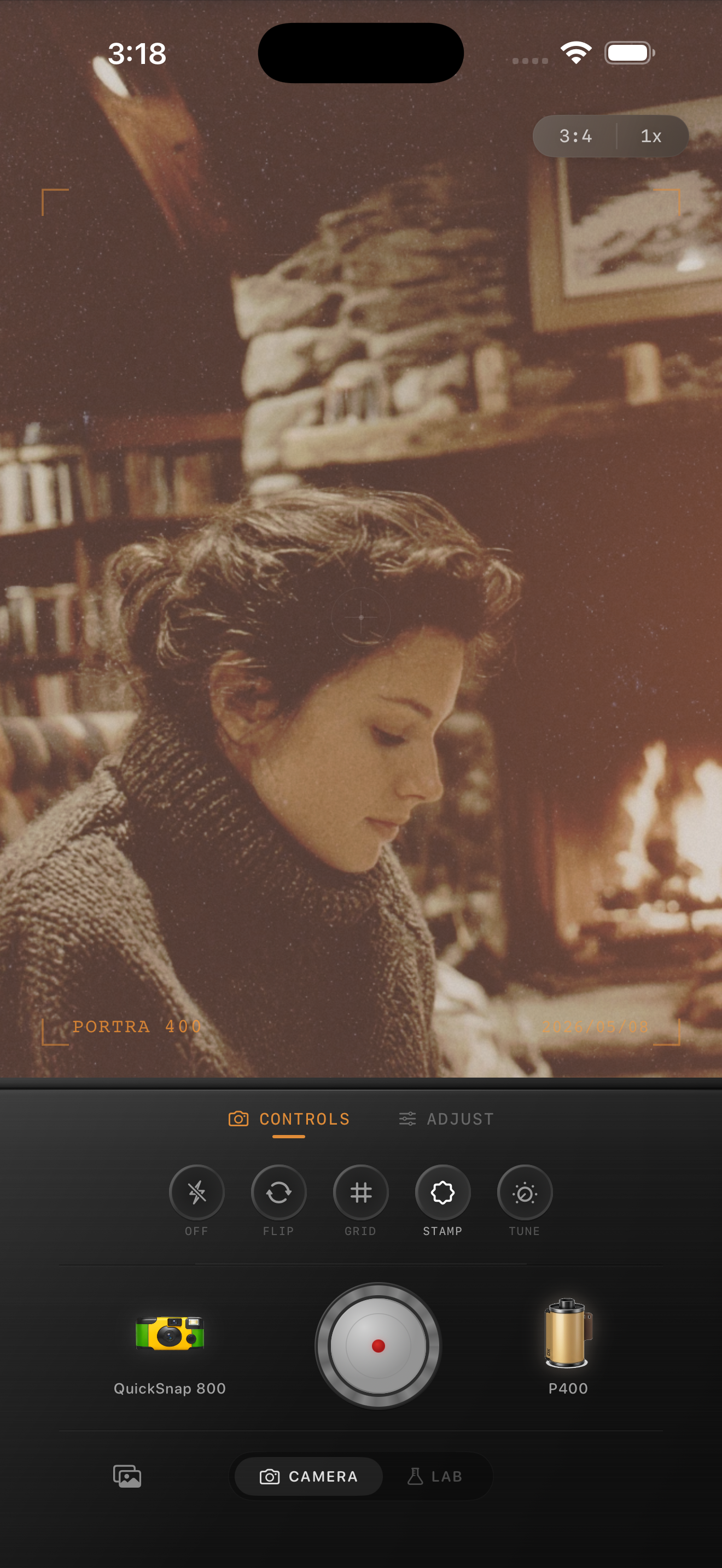
If the photo is mostly room details like books, mugs, chairs, curtains, or a fireplace, you can use slightly more grain and fade because the texture helps sell the mood. If the photo includes a face, keep the grain a little cleaner and judge the edit from skin first.
Indoor photos often fail when one setting tries to do everything. It is better to use moderate warmth, moderate grain, and moderate fade together than to push one control so hard that the whole room turns muddy.
When to keep it cleaner
A cleaner 35mm-inspired look works best for daylight apartments, calm portraits by a window, hotel rooms, and quiet weekend scenes. A rougher disposable touch makes more sense for birthday dinners, direct-flash house parties, and quick snapshots with movement.
In Nostalgia Cam, choose the camera body first, then adjust warmth and grain until the room feels like a memory. If the first thing you notice is the filter, the edit has gone too far.
Keep indoor photos warm and believable
Use Nostalgia Cam to shoot or import cozy indoor photos, then tune camera body, grain, warmth, fade, and vignette so quiet rooms feel soft and nostalgic without turning muddy.
FAQ
Why do cozy indoor edits turn orange so easily?
Indoor light is already warm, so adding too much global warmth can flatten the whole room. It usually looks better to add a little warmth, then rely on softness, grain, and gentle fade for the rest of the mood.
Should cozy indoor photos use more fade than daylight photos?
Usually a little more, but not too much. Some fade helps the room feel softer and printed, while too much makes wood, fabric, and skin lose depth.