
Editing guide
How to Edit Cozy Cabin Photos to Look Like Film on iPhone
A practical iPhone film recipe for cozy cabin photos: warm windows, clean snow, textured wood, restrained grain, and enough fade to feel nostalgic without turning the whole scene muddy.
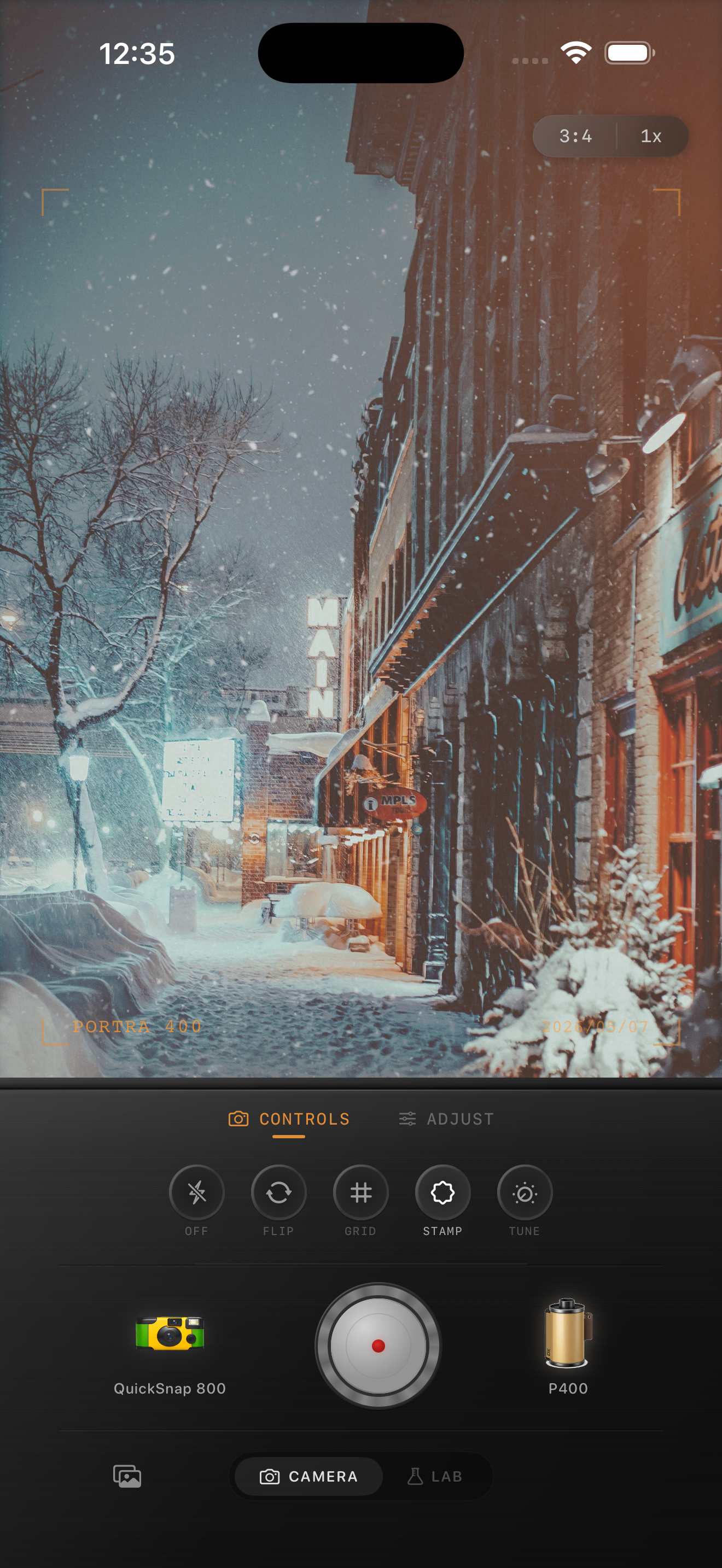
Cabin photos need warmth without losing the weather
Cozy cabin photos usually have the right mood already: snow, wood, dim sky, window light, smoke, blankets, lamps, and a little darkness around the edges. The problem is that iPhone processing can make the scene feel too clean, too sharp, or too evenly bright.
A film-inspired edit should keep the emotional contrast between the cold outdoors and the warm interior. If the snow turns beige or the cabin windows clip into flat yellow blocks, the photo stops feeling real.
- Keep the snow cooler than the window glow.
- Use grain lightly enough that white areas stay clean.
- Let wood keep texture instead of fading into brown mush.
- Use warmth for the cabin, not as a blanket over the whole frame.
A dependable cabin-film baseline
Start around film intensity 72-86%, grain 22-34%, warmth +6 to +12, fade 4-8%, and vignette 5-10%. That range usually softens the default iPhone finish while keeping enough separation between snow, sky, wood siding, and warm windows.
If the scene is blue-hour cold, a little extra warmth can help the cabin feel inviting. If the windows are already glowing strongly, keep warmth lower and rely more on softer contrast and moderate grain.
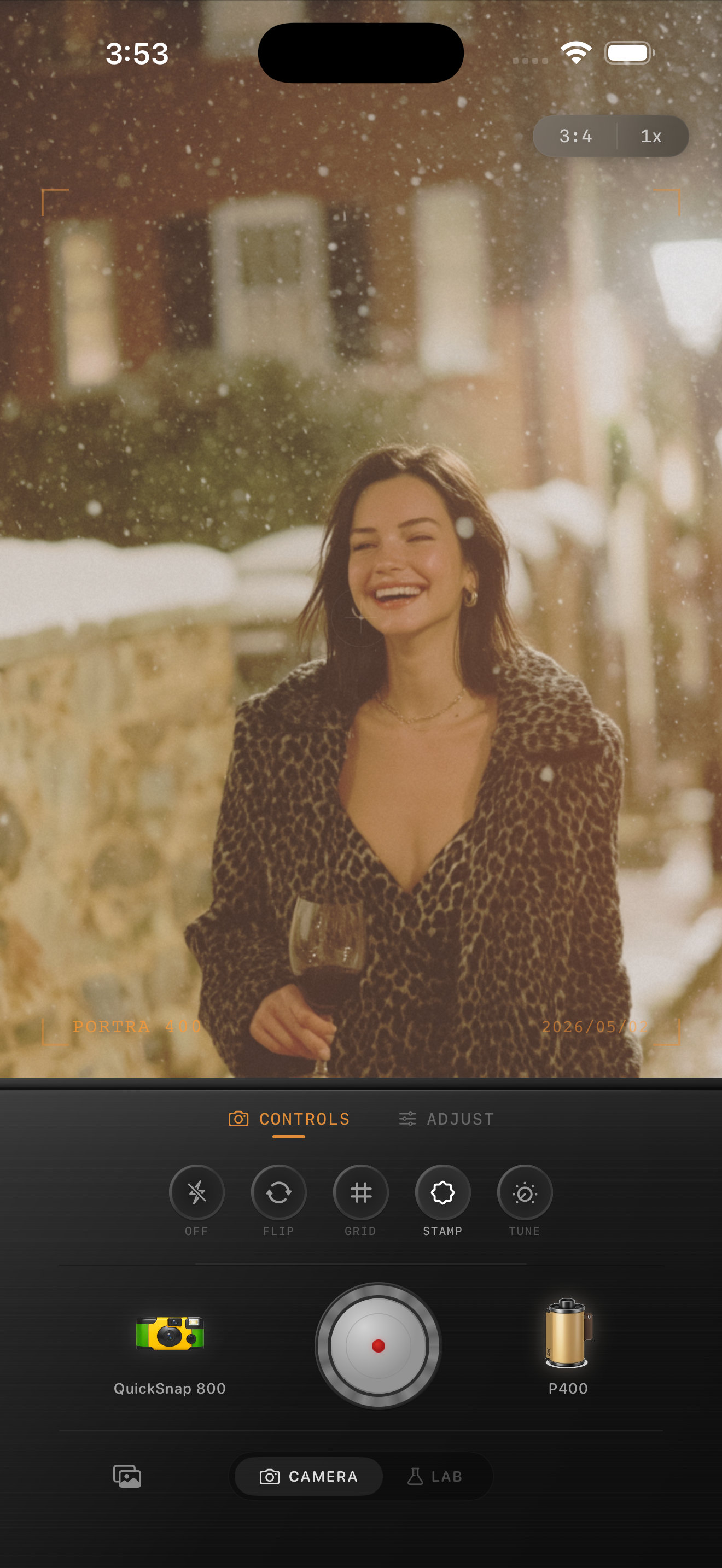
Judge the edit from snow, windows, and wood together
Cabin scenes usually contain three separate tone zones: cool snow, warm light, and darker wood or trees. If all three drift toward the same orange-gray middle, the edit will feel muddy fast.
Check those zones together before you finish. When the windows still glow, the snow still looks clean, and the wood still has shape, the image usually feels more like a print and less like a preset.
Choose a cleaner film body than a rough disposable look
Most cabin photos work better with a cleaner compact-film or 35mm-inspired body than with the roughest disposable effect. The scene already has atmosphere through weather, architecture, and light, so it usually needs control more than chaos.
In Nostalgia Cam, start with the cleaner body, then add grain, warmth, fade, and vignette until the scene feels like a winter memory instead of a polished real-estate shot.
Keep cabin photos warm and believable
Use Nostalgia Cam to balance camera body, grain, warmth, fade, and vignette so cozy cabin photos keep their snowy atmosphere, glowing windows, and printed-memory feel.
FAQ
Why do cozy cabin edits turn muddy so quickly on iPhone?
They usually combine snow, dim sky, warm windows, and dark wood, so too much global warmth or fade collapses the separation that makes the scene feel cozy and real.
Should cabin photos use heavy grain to look like film?
Usually no. Light-to-moderate grain works better because snow and pale sky can look dirty fast when the texture gets too strong.